“Its a great place !!!”
Cliente verificado

BUSINESS INTELLIGENCE
We move your Excel reports to Power BI preserving calculation logic while gaining a centralised, maintainable data model under your control.
Moving from Excel to Power BI matters when you need to migrate your spreadsheets to a solid Power BI data model, not simply create another dashboard. Before selecting tools, we define the sources, data and decisions that must remain under your company's control.
We work from Barcelona and Madrid and remotely with teams across Spain, Europe, LATAM and the United States. The process combines decision sessions, verifiable releases and documentation so progress stays visible.
We hand over models, datasets, repositories, configurations and documentation in accounts owned by your company. You can therefore audit, evolve or change supplier without relying on private access or licences.
We move your Excel reports to Power BI preserving calculation logic while gaining a centralised, maintainable data model under your control. That is why we prioritise a maintainable, measurable solution ready to evolve without rebuilding its foundations.
THE CHALLENGE
spreadsheets do not scale and are not the source of truth
Dozens of Excel files with fragile formulas and duplicated versions prevent having a single source of truth.
Moving from Excel to Power BI requires ordering and modeling data that lives in loose cells and inconsistent formats.
Teams used to Excel often show reluctance to adopt an automated reporting model.
APPROACH
We move forward with measurable decisions and releases that already add value.
We catalog the critical Excel files and their calculations to understand the business logic to transfer.
We build a Power BI model that normalizes sources and removes duplications and manual errors.
We redesign the usual Excel reports in Power BI with automatic refresh and clear visualization.
We train users on the new workflow and resolve doubts until the change is settled.
DELIVERABLES
We deliver an operational foundation your team can govern and keep improving.
Inventory of Excel files, their content and the relationships between them that will feed Power BI.
Semantic model in Power BI with documented, traceable transformations from each origin.
Dashboards equivalent to the Excel ones, with automatic refresh and no duplicates.
Manual for the new model and a training plan to progressively abandon loose sheets.
TRUST
We implement Power BI and data modelling from Barcelona and Madrid, with governance and delivery under the client's control.
FAQ
Tell us what you need around moving from Excel to Power BI. We will help you turn it into a clear, viable delivery plan.
Lo que dicen empresas que ya trabajan con nosotros
PROYECTOS DESTACADOS
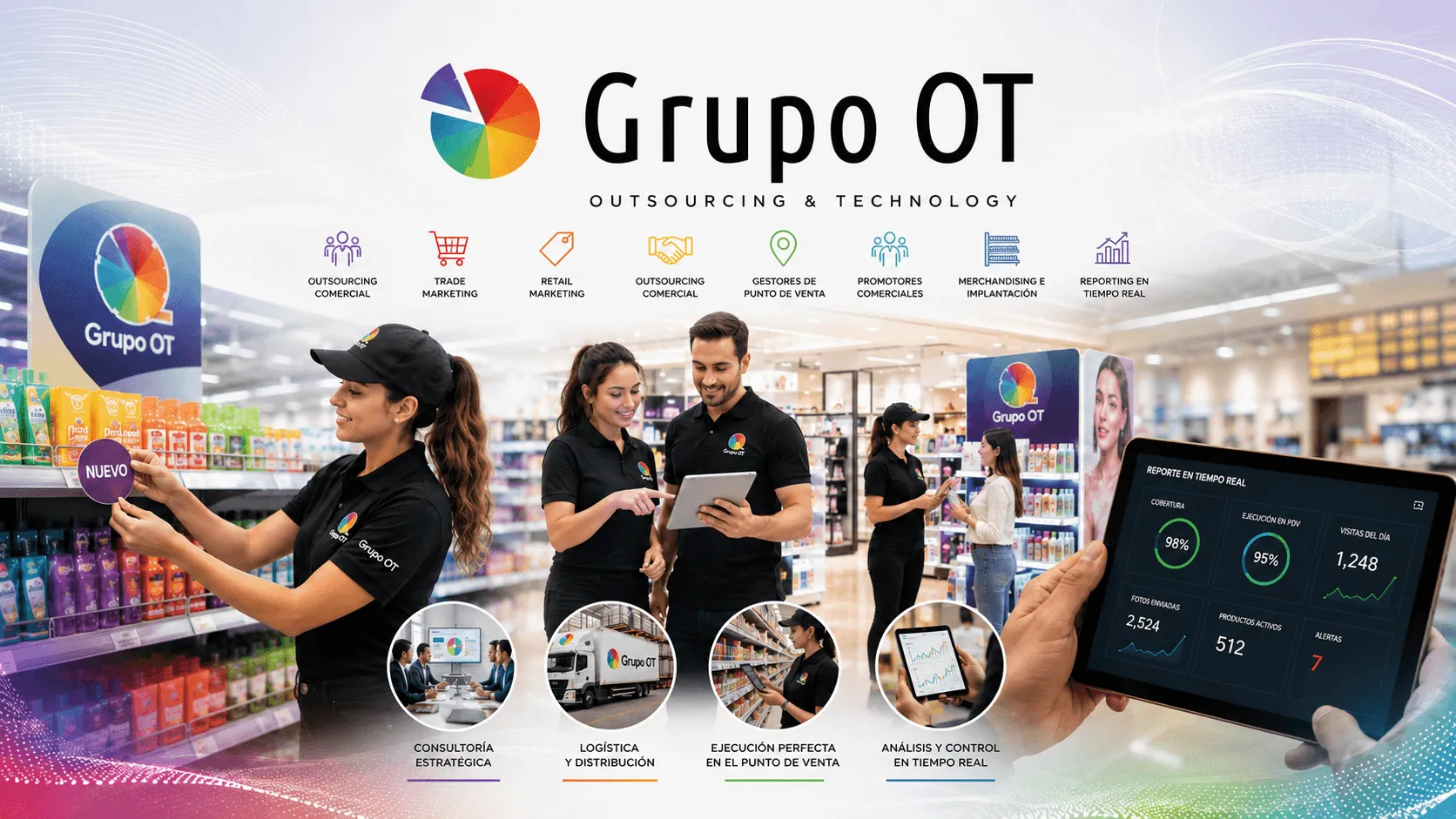 Development+6
Corporate website +7
Industry · Retail and e-commerce
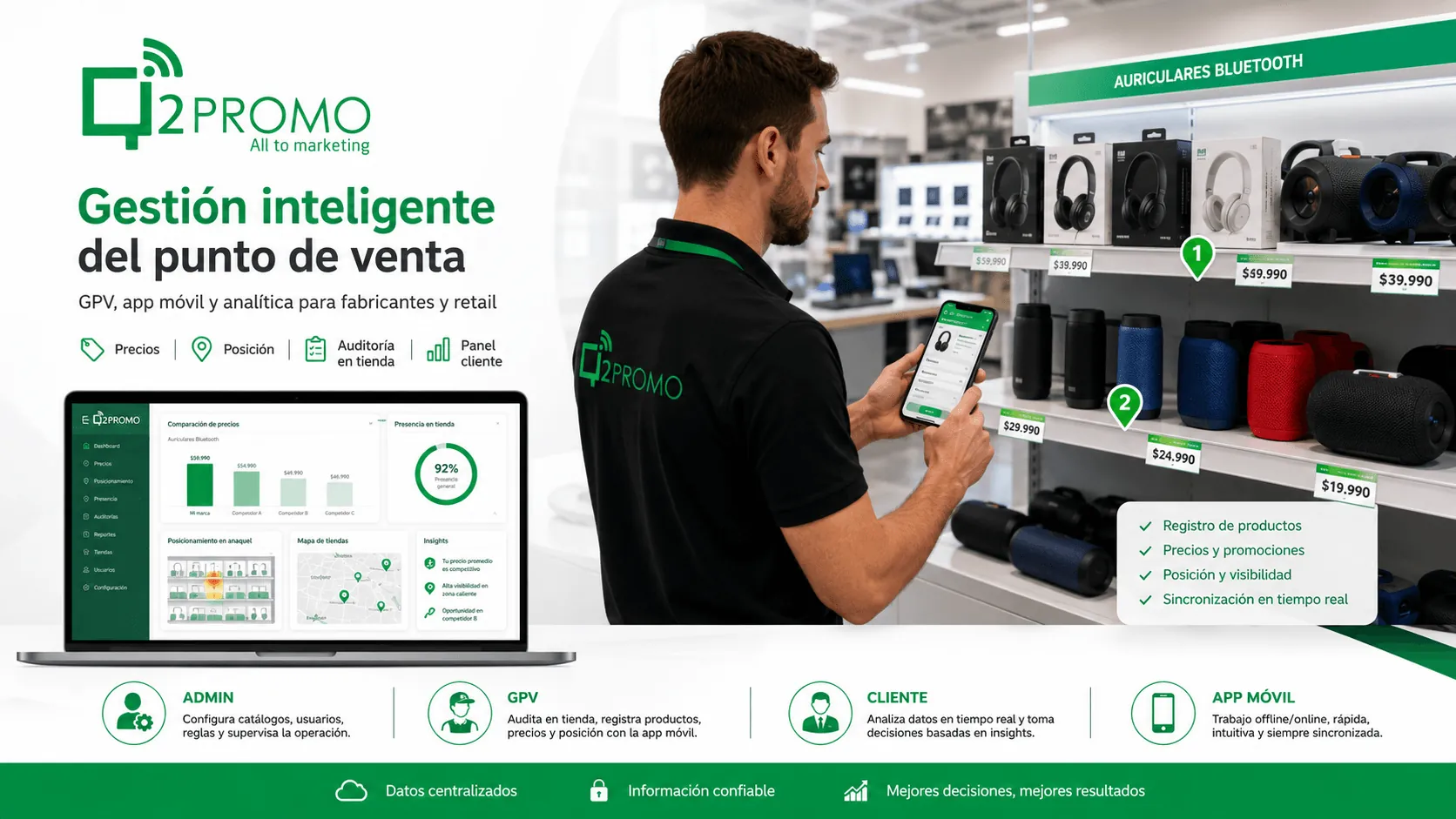 Development+8
Corporate website +8
Industry · Retail and e-commerce
 Development+9
E-commerce / online store +4
Industry · Insurance