
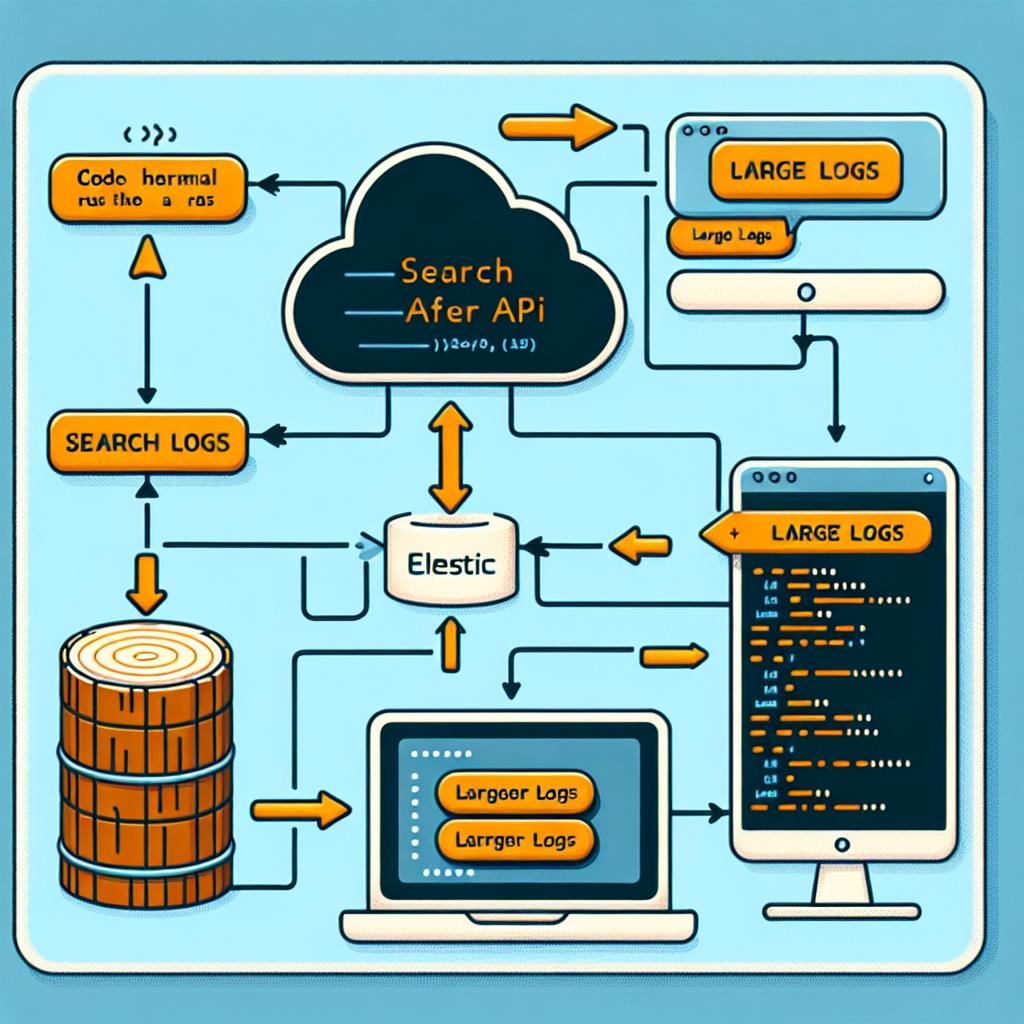
Extracting large volumes of logs from Elastic Cloud using search_after and Point in Time
When you need to download hundreds of millions of records from Elasticsearch, Kibana can fall short due to pagination and timeout limitations. Combining Point in Time (PIT) with search_after pagination allows you to traverse massive indexes consistently and efficiently without losing or duplicating documents.
What PIT and search_after do
Point in Time creates a stable view of the index at a given moment so that paginated searches are not affected by concurrent writes. search_after allows you to advance pagination using the sort values of the last document received, avoiding the penalty of traditional deep pagination.
Step by step for a robust Python script
1 Open a Point in Time on the target index requesting a keep alive sufficient for the massive operation.
2 Choose a stable sort, for example timestamp asc along with a field that acts as a unique tiebreaker, for example an ingestion id or an incremental numeric field to guarantee deterministic order.
3 Define an appropriate batch size, for example between 1000 and 10000 depending on memory and bandwidth, and request results with include source or specific fields to reduce payload.
4 Run the first search with the pit id and the chosen sort, and store the sort values of the last hit.
5 Loop paginating with search_after passing the sort values of the last document; process each batch in streaming by writing to a compressed file or sending to an ETL pipeline to avoid loading everything into memory.
6 Repeat until the response returns fewer documents than the requested size or is empty.
7 Close the PIT with the delete point in time API to free resources in the cluster.
Practical considerations and optimizations
Avoid operations that bring everything into memory and prefer streaming by batches. Handle 429 and 503 codes with exponential retries and backoff. Compress data in transit and in final storage to save I/O and costs. For extremely large datasets, consider parallelizing by time ranges or by logical index prefixes by creating multiple independent PITs and running paginator instances in parallel.
Kibana limitations
Kibana is designed for exploration and visualization rather than massive extraction. Elasticsearch APIs offer greater control and allow techniques such as search_after and PIT that overcome the pagination, timeout, and memory limits of the graphical interface.
Failure management and idempotency
Record the search_after offset after each batch to allow safe resumption. Avoid duplicates by ensuring deterministic order and checking unique keys when storing at the destination. Monitor latency and resource usage in the cluster, and coordinate extraction windows with infrastructure teams to minimize impact.
Python implementation
You can use the official Elasticsearch library or requests to call the REST APIs. The essential logic follows these steps: open PIT, request batch, process and update search_after, repeat, and close PIT. Always process in streaming and handle errors and retries.
Scaling and cloud
For large-scale operations, it is recommended to deploy the extractor close to the cluster in the same region or in cloud infrastructure such as aws or azure cloud services to reduce latencies and transfer costs. Integrating with cloud pipelines and optimized storage solutions or analytical databases facilitates subsequent processing in Power BI or business intelligence solutions.
Q2BSTUDIO services and experience
At Q2BSTUDIO we are specialists in custom software development and custom applications aimed at solving challenges in massive data extraction and processing. We offer comprehensive solutions that combine artificial intelligence (AI) for businesses, AI agents, cybersecurity, and business intelligence services to transform logs into actionable information. We can design scalable pipelines on AWS or Azure, integrate with Power BI, and create custom software that automates the ingestion, processing, and secure visualization of large volumes of logs.
Keywords and services
If you are looking for custom software, custom applications, artificial intelligence, cybersecurity, aws and azure cloud services, business intelligence services, AI for businesses, AI agents, or Power BI, Q2BSTUDIO can help you implement robust and secure solutions tailored to your business.
Summary
Using PIT and search_after is the recommended way to massively extract logs from Elastic Cloud without relying on Kibana. With a careful implementation that includes search_after pagination, deterministic ordering, batching and streaming, plus good retry and range-based parallelization practices, it is possible to reliably process hundreds of millions of records. Contact Q2BSTUDIO for a custom design, data migration, and pipeline development that integrate artificial intelligence, analytics, and cybersecurity.
