
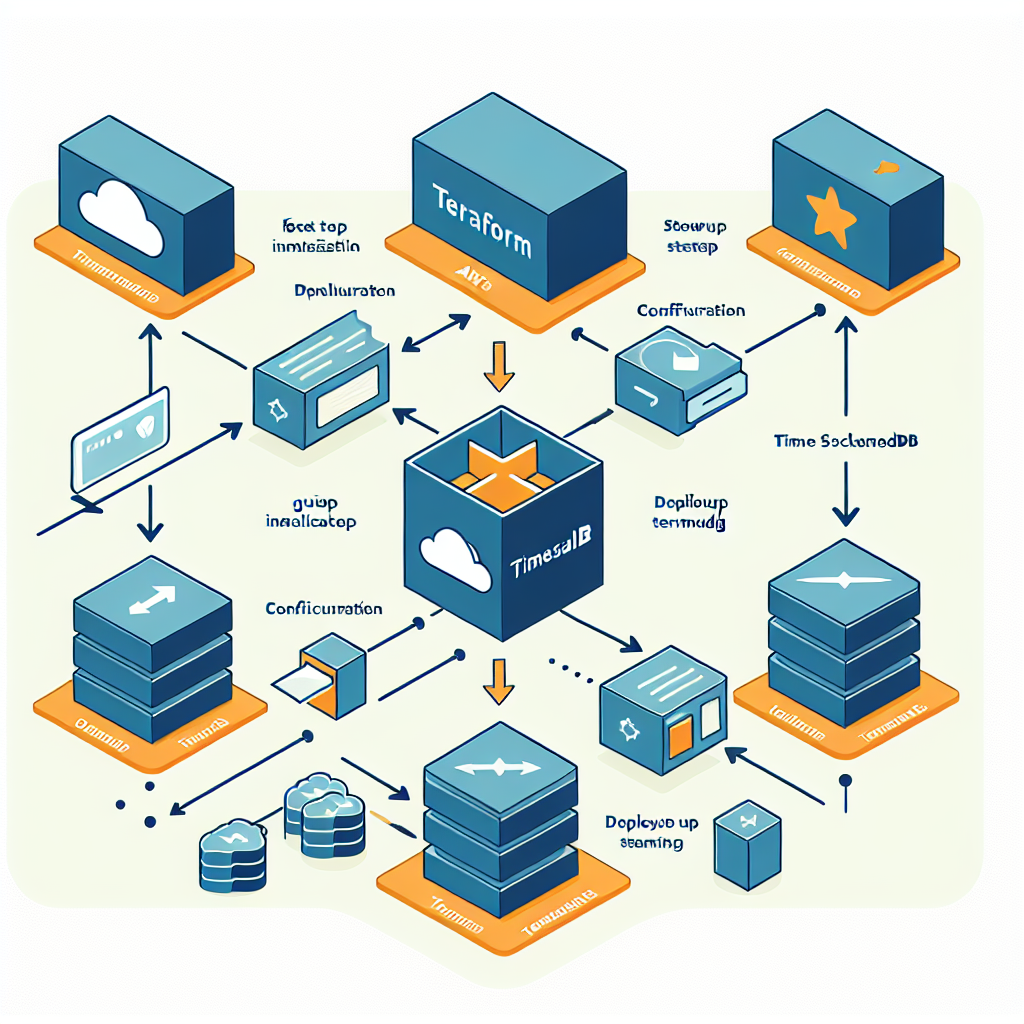
Introduction: this article explains step by step how to deploy TimescaleDB on AWS using Terraform to achieve a high-performance time series storage platform. The guide covers provisioning EC2 instances, EBS volumes, installing PostgreSQL and TimescaleDB, as well as configuration recommendations, security, monitoring, and best practices for production. If you need professional help, Q2BSTUDIO is a custom software and application development company, specialized in artificial intelligence, cybersecurity, and AWS and Azure cloud services, that can accompany the project from design to operation.
Step 0 key concepts and prerequisites: make sure you have an AWS account, configured AWS CLI access, Terraform installed, and an environment to store the Terraform remote state, ideally in an S3 bucket with state locking in DynamoDB. Review appropriate IAM permissions to create VPC, subnets, EC2, EBS, security groups, roles, and policies. Familiarize yourself with PostgreSQL and TimescaleDB concepts such as hypertables, compression, and retention policies.
Step 1 design and sizing: define the EC2 instance type according to the IOPS and CPU needed for your time series volumes. For write-intensive workloads, consider instances with NVMe storage or the use of EBS gp3 configured with custom IOPS and throughput. Plan separate EBS volumes for data and WAL. Define automatic backups with snapshots and a retention strategy. Document scaling and high availability needs, for example replicas in multiple AZs or a managed cluster if greater fault tolerance is required.
Step 2 Terraform structure: organize your code into reusable modules for network, security, compute, and storage. Use remote state in an S3 bucket and locking with a DynamoDB table. Separate sensitive variables in a secrets system or in the secrets manager of your choice. Include modules for:
1 VPC, subnets, and routing
2 Security groups and IAM roles
3 EC2 instance and EBS volumes
4 Resources for backups and automatic snapshots
Step 3 provisioning EC2 and EBS with Terraform: create EC2 resources with a suitable AMI such as Ubuntu LTS or Amazon Linux and attach separate EBS volumes for data and WAL. Configure EBS gp3 to adjust IOPS and throughput and enable encryption if necessary. Define minimal user data to install dependencies or use remote provisioners to run configuration scripts that install PostgreSQL and TimescaleDB.
Step 4 installing PostgreSQL and TimescaleDB: on the instance, install a PostgreSQL version supported by TimescaleDB. Add the official TimescaleDB repository and the corresponding package. Once installed, create the database and enable the timescaledb extension. Configure PostgreSQL parameters for time series workloads: adjust shared_buffers to 25 to 40 percent of available memory, work_mem and maintenance_work_mem according to queries and maintenance, wal_level to replica and WAL parameters such as max_wal_size and checkpoint_timeout to reduce checkpoint rounds. Enable autovacuum and tune heuristics for large hypertable tables.
Step 5 TimescaleDB-specific configuration: create hypertables on time columns and define automatic compression and retention policies according to the granularity of your data. Enable compression to reduce storage costs on historical data. For massive ingestion loads, use COPY or parallel ingestion paths and temporarily adjust checkpoint and commit settings during intensive loads.
Step 6 security and networking: apply security groups limiting access to the PostgreSQL port only to necessary networks or bastion hosts. Use IAM roles with the principle of least privilege for snapshot and administration tasks. Consider deploying a bastion or VPN for secure database access and enable encryption in transit with TLS. Implement regular backups using EBS snapshots or pg_basebackup and periodically validate restores.
Step 7 high availability and recovery: for HA, consider physical replication with instances in different AZs or use managed solutions if you prefer lower operational overhead. Configure health monitoring and automated failover scripts. Maintain regular snapshots and test recovery policies to ensure you meet RTO and RPO objectives.
Step 8 monitoring and observability: integrate PostgreSQL and TimescaleDB metrics with CloudWatch, Prometheus, and Grafana. Monitor key metrics such as write latency, EBS IOPS, CPU usage, memory, autovacuum activity, and WAL size. Configure alerts for latency spikes, replication failures, and disk space to act proactively.
Step 9 performance and optimizations: use appropriate indexes for queries by time range and tags, additional partitioning if applicable, and review queries with EXPLAIN to optimize. Adjust operating system parameters such as swappiness and cache cleaning. For EBS gp3, evaluate increasing IOPS or moving to instances with local NVMe storage when latency is critical. Consider using streaming or ingestion pipelines that batch points to reduce per-transaction overhead.
Step 10 automation and CI CD: integrate your deployments with CI CD pipelines that apply Terraform in controlled environments. Version modules and templates. Add integration tests that validate connectivity and that TimescaleDB accepts sample data.
Final best practices: use automated backups and restore tests, control the cost of EBS and snapshots, periodically review retention policies, and document the architecture. Keep system patches and TimescaleDB updates in planned maintenance windows.
Why choose Q2BSTUDIO: at Q2BSTUDIO we offer custom software and application development, implementation of artificial intelligence and AI solutions for companies, cybersecurity services, and AWS and Azure cloud services. We can design the ideal TimescaleDB deployment, optimize performance, implement AI agents for time series ingestion and enrichment, and build Power BI dashboards for business intelligence that facilitate decision-making. Our specialists in custom software and artificial intelligence work alongside your team to accelerate results and ensure compliance and security.
Conclusion and call to action: deploying TimescaleDB on AWS with Terraform is a powerful solution for temporal data when a well-designed architecture is applied, with adequate EBS volumes, PostgreSQL tuning, and backup and monitoring policies. If you are looking for a partner to implement this solution, optimize queries, integrate artificial intelligence, or secure the platform, contact Q2BSTUDIO for a consultation and practical demonstration. With our capabilities in custom applications, custom software, artificial intelligence, cybersecurity, AI agents, and Power BI, we can take your project from proof of concept to production in record time.
