Home Assistant How to Replace the Explicit Grouping of Devices by Areas
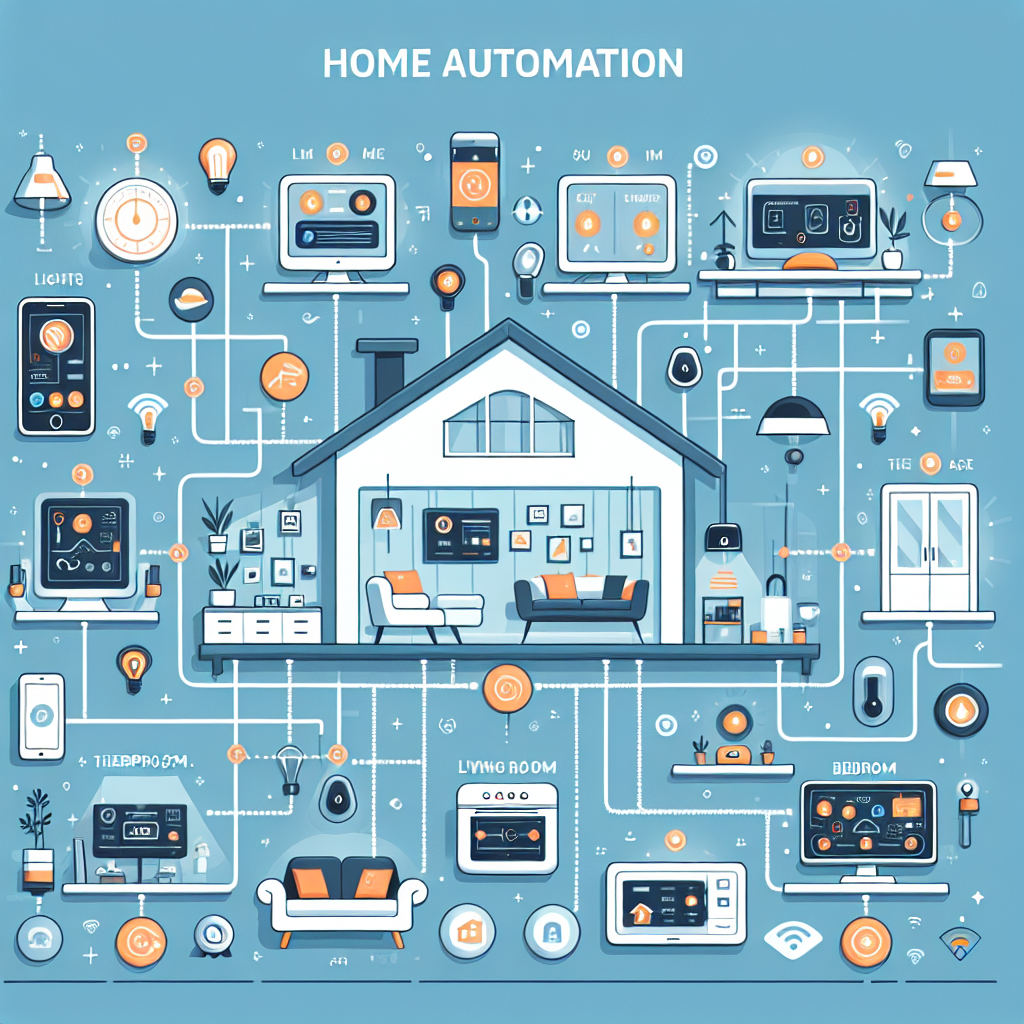
In this article we explain how to replace the explicit grouping of devices with an area-based approach to achieve a more flexible and scalable configuration in Home Assistant. Instead of creating manual groups that group sensors and actuators by name, the proposal is to take advantage of the area registry and the association of devices to each area to obtain dynamic views, automations and sensors without constant maintenance.
Common problem: explicit groups require manual updates every time a device is added or changed. This creates strong coupling between the configuration and the physical topology. Area-based solution: create the areas in Home Assistant, assign devices to the corresponding area and use filters, Lovelace cards and templates to build the logic that automatically consumes the entities of each area.
Recommended practical steps: first define the areas in Configuration Areas and assign each device to the correct area. Second, use interface cards that support filtering by area or entity filter to automatically show the entities of each space. Third, create virtual sensors and binary sensors using templates that go through the set of entities and extract states according to their area_id, allowing aggregations such as counts of active devices, alerts by area or composite states. Fourth, reuse those same virtual entities in automations and scenes without having to modify manual lists.
Benefits: reduced maintenance, easy scaling when new devices are added, consistency between dashboards and automations, and greater clarity for managing permissions and segmentation. In addition, this strategy facilitates integrations with cloud services and analytics systems, since the information is structured by area and can be exported or consumed more easily.
Good technical practices: rely on the Home Assistant device and entity registry, avoid defining static groups in separate files, prefer Lovelace cards with area filters, and apply Jinja templates to create dynamic sensors that filter by area_id. For corporate environments or large-scale installations, it is also recommended to isolate IoT networks and apply cybersecurity controls to protect devices and communications with the cloud.
Q2BSTUDIO and how we can help: at Q2BSTUDIO we are a software development and custom applications company specializing in artificial intelligence, cybersecurity and much more. We offer custom software services and custom applications that integrate Home Assistant with enterprise solutions, we develop AI agents and AI solutions for companies, we implement aws and azure cloud services and we deploy business intelligence services solutions with tools such as power bi. Our team can design custom dashboards, create secure integrations between devices and cloud platforms, automate processes with AI agents and apply advanced analytics to get the maximum value from the data of your areas.
Examples of business use: integration of environmental sensors by area for energy control, power bi dashboards that consume aggregated states by area, intelligent automations based on artificial intelligence models that optimize consumption and security, and cybersecurity audits for IoT environments that guarantee compliance and resilience.
If you want to improve the management of your devices and migrate from explicit groups to an area-based architecture, contact Q2BSTUDIO for personalized consulting in custom software, custom applications, artificial intelligence, cybersecurity, aws and azure cloud services, business intelligence services, AI agents and power bi.