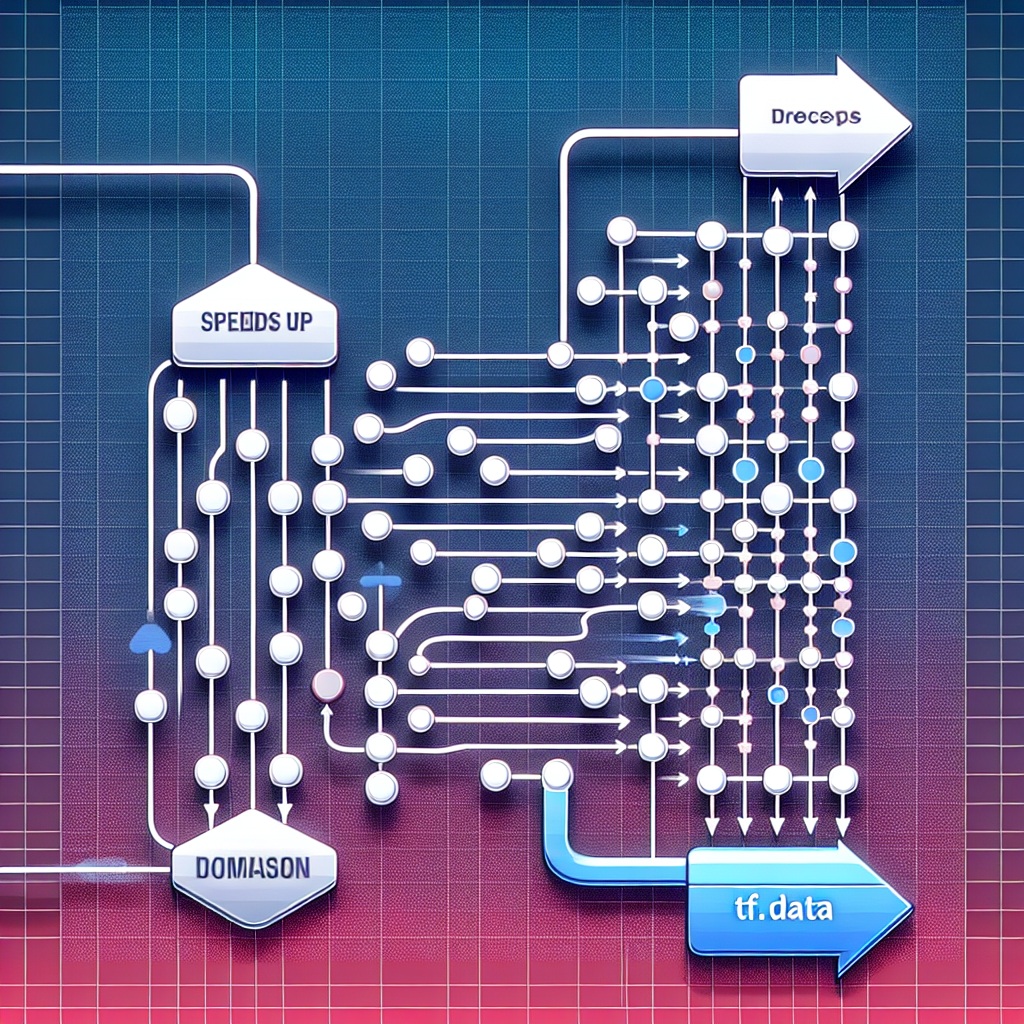
This guide explains how to identify and resolve bottlenecks in your TensorFlow tf.data pipeline using the Profiler's trace viewer. You will learn to diagnose performance issues, analyze CPU utilization, apply best practices such as prefetch and cache, and optimize both source datasets and intermediate transformations.
Diagnosis with the Profiler and trace viewer. Run the TensorFlow profiler while training the model and open TensorBoard to inspect the traces. In the trace viewer, look for sections such as host CPU activity, input pipeline, and device activity. If you observe long periods of inactivity on the compute device while the CPU processes tasks, your data pipeline is likely causing starvation. If the CPU is at 100% and the GPU or TPU is waiting, the bottleneck is in data preparation.
Practical steps to analyze the cause. 1 Identify whether the bottleneck is in file reading, decoding, or transformations. 2 Look for long bands in the input track where waits or sequential reads are visible. 3 Check latencies per Python call inside map or due to the use of Python generators. 4 Review batch granularity and the frequency of I/O operations.
Optimizing the source dataset. Use efficient binary formats such as TFRecord for fast sequential reads. Use TFRecordDataset with multiple files and parallel reading via interleave and num_parallel_calls to take advantage of multiple disks and cores. Avoid from_generator and intensive Python operations in the reading stage whenever possible.
Parallelism and transformation. Use map with num_parallel_calls equal to tf.data.AUTOTUNE to parallelize transformations and reduce latencies, for example dataset = dataset.map(parse_fn, num_parallel_calls=tf.data.AUTOTUNE). Avoid tf.py_function on the critical path and replace operations with TensorFlow equivalents to keep transformations in C++ and in the graph. For expensive operations such as decoding or complex augmentations, consider preprocessing offline or using multiple workers.
Prefetch, cache, and batch. Prefetch decouples data preparation from device training, for example dataset = dataset.prefetch(buffer_size=tf.data.AUTOTUNE). Cache is very useful when the dataset fits in memory or on fast disk, reducing repeated reads and expensive transformations: dataset = dataset.cache(). Adjust the cache position according to your needs; cache before map if you want to store raw inputs, or after map if you want to store already processed transformations. Batch size should balance memory usage and throughput; test several sizes while monitoring GPU and CPU utilization.
Balancing CPU and I/O. If the CPU is saturated, scale num_workers or increase num_parallel_calls. If the pipeline is limited by disk I/O, use faster storage, increase read parallelism, or move data to NVMe disks or optimized cloud services. In distributed environments, use prefetch_to_device or place parts of the pipeline on the appropriate host to minimize data transfer.
Optimization for cloud training. On clouds such as AWS and Azure, take advantage of cloud services aws and azure to store and serve data efficiently. Use instances with high I/O, object services with adequate throughput, and in-memory caching when possible. Q2BSTUDIO can help you design architectures that integrate cloud services aws and azure with tf.data pipelines optimized for production.
Continuous measurement and A B testing. Measure time per epoch and pipeline microbenchmarks. Apply incremental changes and compare Profiler traces. Document improvements in CPU utilization, input latency, and the percentage of time occupied by the training device. Use logging and monitoring tools to detect regressions in production.
Summarized best practices. 1 Use TFRecord and parallel reads. 2 Parallelize map with tf.data.AUTOTUNE. 3 Prefetch to decouple preparation and consumption. 4 Cache when possible. 5 Avoid Python on the critical map path. 6 Adjust batch size and parallelism based on metrics. 7 Preprocess expensive augmentations offline or in specialized pipelines.
How Q2BSTUDIO can help. At Q2BSTUDIO we are a custom software and application development company, specializing in artificial intelligence and cybersecurity. We offer comprehensive services including custom software, custom applications, artificial intelligence solutions and AI for businesses, personalized AI agents, and business intelligence services. We can design and optimize tf.data pipelines for production, integrate cloud solutions with cloud services aws and azure, and deploy monitoring with Power BI to visualize training and performance KPIs.
Additional services. In addition to pipeline optimization, Q2BSTUDIO provides cybersecurity services to protect your data and models, business intelligence services consulting, AI agent development, and power bi solutions for advanced reporting. We work with teams to transform prototypes into robust and scalable systems, all with a focus on custom software and custom applications that respond to real business requirements.
Conclusion. The Profiler and its trace viewer are key tools for locating bottlenecks in tf.data. By applying practices such as TFRecord, num_parallel_calls, prefetch, cache, and avoiding Python operations on the critical path, it is possible to reduce latencies and improve GPU or TPU usage. If you need support optimizing pipelines, cloud architecture, or integrating artificial intelligence into your processes, contact Q2BSTUDIO for consulting and custom solutions in artificial intelligence, cybersecurity, and cloud services aws and azure.