
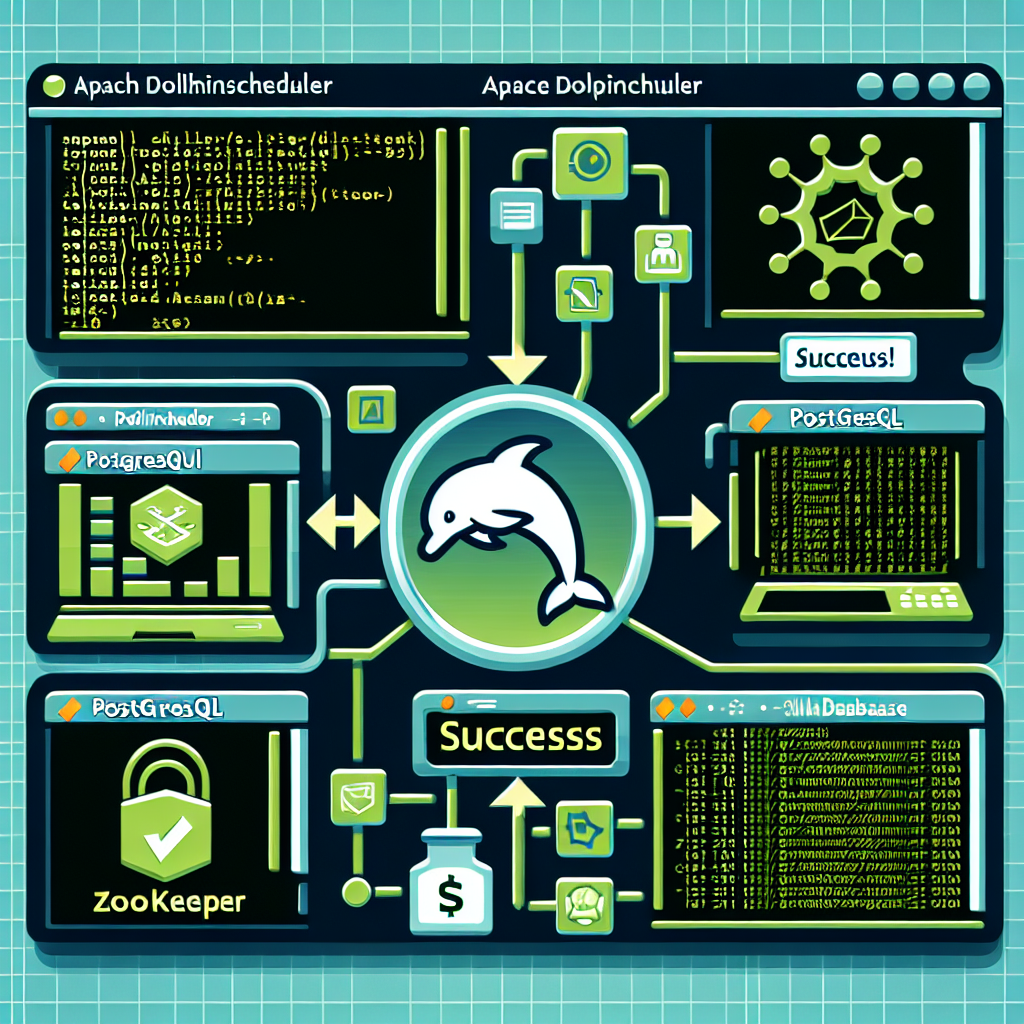
Practical guide to install Apache DolphinScheduler with PostgreSQL and Zookeeper on Linux. This guide explains clear steps for a modular and suitable implementation for first-time users looking for a clean and scalable installation.
Introduction: Apache DolphinScheduler is a distributed workflow orchestrator that manages tasks and dependencies. Combined with PostgreSQL as the metadata database and Zookeeper for coordination, it offers a robust solution for data pipelines and ETL.
Prerequisites: an updated Linux server, Java 8 or higher installed, root or sudo access, and open ports for Zookeeper, PostgreSQL, and DolphinScheduler. Make sure you have at least 4 GB of RAM for a test environment and more resources for production.
Step 1 install PostgreSQL: install the postgresql package from your distro's repositories, create a database and a user for DolphinScheduler, adjust pg_hba.conf to allow secure local connections, and configure basic performance parameters such as shared_buffers and max_connections according to the expected load.
Step 2 install Zookeeper: download the stable version of Zookeeper, unzip and configure the zoo cfg file with dataDir and clientPort. For production environments, an ensemble of 3 or 5 nodes is recommended. Start the service and verify the status with the Zookeeper client.
Step 3 download and configure DolphinScheduler: obtain the official distribution, unzip and edit the configuration files to connect with PostgreSQL and Zookeeper. Configure database parameters such as jdbc url, user and password, and adjust the cluster conf to point to the Zookeeper nodes.
Step 4 initialize the database: run the SQL scripts included in the DolphinScheduler distribution to create the tables and initial data in PostgreSQL. Verify that the tables have been created correctly and that the user has the necessary permissions.
Step 5 start components: start Zookeeper first, then the DolphinScheduler server and the workers. Check the logs to detect errors and use the web interface to access the control panel. Validate communication between servers, Zookeeper and the database through the endpoints and administration consoles.
Step 6 basic tests: create a simple workflow that runs scripts or commands to validate execution and dependency handling. Monitor execution from the web interface and review metrics in the logs to confirm times and resource consumption.
Best practices for production: configure periodic PostgreSQL backups, enable monitoring and alerts, use TLS certificates for secure communications, manage users and roles with access policies, and scale workers according to demand. Consider deploying Zookeeper on separate nodes and using fast disks for the database.
Security and maintenance: apply security patches to all components, implement authentication and authorization in DolphinScheduler, segment networks and apply firewall policies. To protect sensitive data, use encryption in transit and at rest and review audits regularly.
Optimization tips: adjust the JDBC connection pool size, use partitioning and index maintenance in PostgreSQL, and adjust Zookeeper configuration for latency and sessions. Implement load tests before moving to production.
Ecosystem integration: DolphinScheduler integrates with data frameworks, scripts and microservices. You can connect tasks with cloud buckets, messaging queues and business intelligence tools to build complete pipelines.
Professional services: at Q2BSTUDIO we are specialists in software development and custom applications. We offer implementation and support for orchestrators such as DolphinScheduler, database integrations and microservices architecture. Our experience includes projects of custom applications and custom software optimized for production.
Advanced solutions: in addition to installation, Q2BSTUDIO helps design secure and scalable architectures that incorporate artificial intelligence, AI for businesses and AI agents to automate decisions within data pipelines. We implement models and services that accelerate analytics and automation.
Cybersecurity and cloud: we offer cybersecurity services and deployments on aws and azure cloud services to ensure high availability and disaster recovery. Our proposal includes risk assessments, system hardening and continuous vulnerability management.
Business intelligence and visualization: we help connect DolphinScheduler with business intelligence services solutions and platforms such as power bi to deliver reports and dashboards that facilitate decision-making.
Support and maintenance: Q2BSTUDIO provides ongoing support, maintenance plans and training for internal teams, ensuring that orchestration platforms operate with stability and performance.
Summary of advantages: a clean installation of Apache DolphinScheduler with PostgreSQL and Zookeeper offers reliability, scalability and flow control. With Q2BSTUDIO's experience you get a professional implementation that integrates custom applications, artificial intelligence, cybersecurity and deployments on aws and azure cloud services to maximize the value of your data.
Contact Q2BSTUDIO for an initial consultation, architecture design and implementation services tailored to your needs. We transform your challenges into robust and secure technological solutions.
