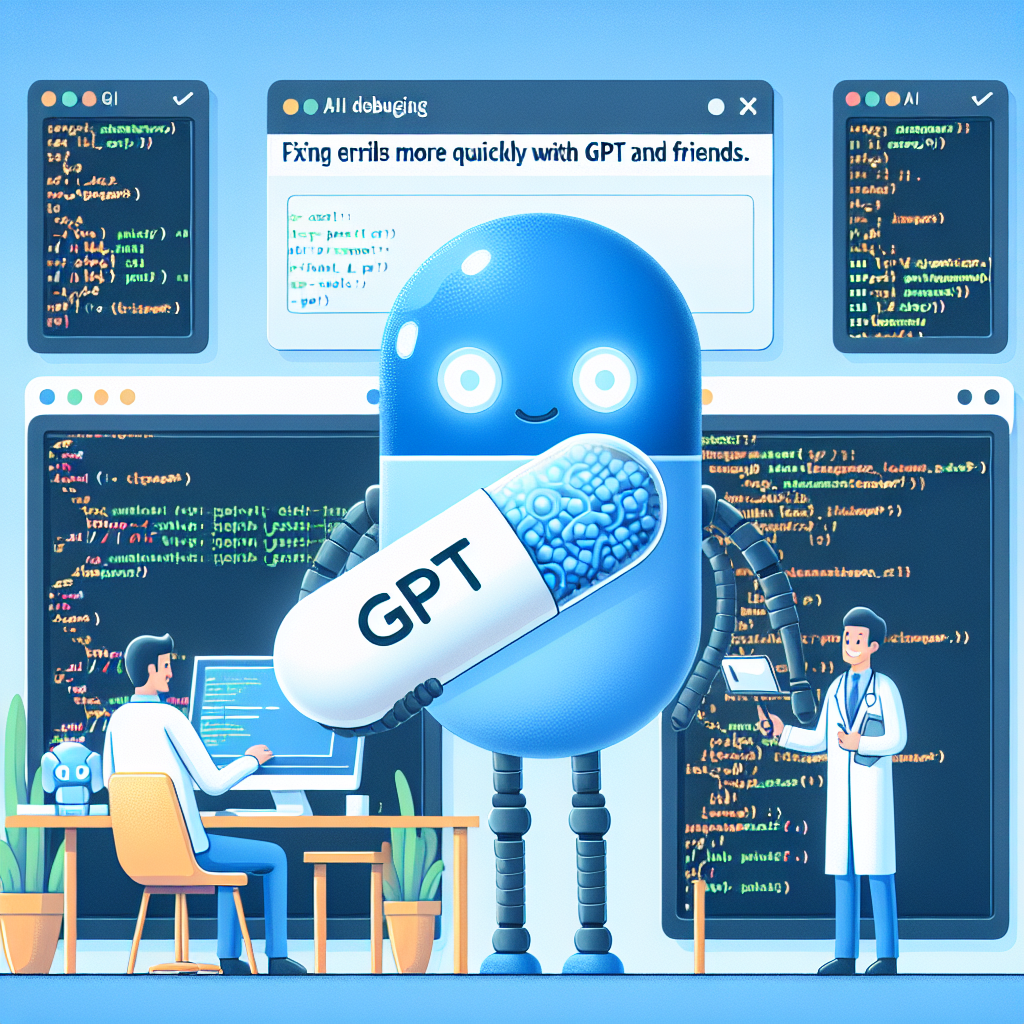
Hello developers, welcome to a practical guide on how to use artificial intelligence to debug faster and with less frustration.
Why use AI for debugging - AI explains complex errors in clear language - Suggests possible solutions instantly - Generates code snippets to apply the solution - Reduces time wasted searching forums and documentation
Practical ways to debug with AI 1 Paste error logs and get clear explanations. Example of suggested prompt: TypeError Cannot read property map of undefined in a React app explain why it happens and how to fix it. AI breaks down the cause and proposes fixes with code examples.
2 Ask for a review of problematic functions. Copy the function and ask why it returns None or why the logic fails. AI detects logic errors, missing returns, or misused variables and proposes specific corrections.
3 Generate unit tests with AI. Request tests that reveal edge cases or hidden failures. This not only helps reproduce bugs but also strengthens the codebase and facilitates long-term maintenance.
4 Combine AI with observability tools. Use logs plus AI to summarize error patterns. Ask AI for optimization suggestions based on performance metrics and traces. Integrating logs with models allows prioritizing and resolving incidents faster.
Recommended tools ChatGPT and OpenAI API for general debugging and code suggestions, GitHub Copilot for real-time corrections in the IDE, Codeium for autocomplete and debugging assistance, LangChain to build automated failure detection bots with memory, Sentry combined with AI to summarize and prioritize errors.
Professional tips Always add context: language, framework, version, and log snippets or stack trace. Iterate with prompts asking for multiple solution alternatives. Always validate AI-suggested corrections in a controlled environment before deploying to production. Use automated tests to confirm the fix does not introduce regressions.
How Q2BSTUDIO enhances AI-powered debugging Q2BSTUDIO is a custom software and application development company specialized in artificial intelligence, cybersecurity, and aws and azure cloud services. We integrate custom software solutions and artificial intelligence for businesses, build custom AI agents and observability pipelines that connect logs, metrics, and language models to accelerate incident resolution. Our business intelligence and power bi services help visualize recurring patterns and prioritize issues critical to the business.
At Q2BSTUDIO we design workflows that combine custom software, aws and azure cloud services, and AI agents for businesses, so debugging tools adapt to each client's architecture and cybersecurity policies. We implement automated tests, CI CD pipelines, and power bi dashboards for continuous software quality monitoring.
Benefits of partnering with Q2BSTUDIO Reduced average error resolution time, fewer production interruptions, continuous code quality improvements, and compliance with cybersecurity standards. Our approach covers everything from artificial intelligence consulting to custom software delivery, integrating business intelligence services and cloud solutions.
Conclusion AI is not here to replace developers but to boost their productivity and save time on tedious tasks. Next time you encounter a bug, avoid endless searches and try combining GPT with your logs and observability tools. If you want to accelerate your debugging processes and modernize your systems with custom software, artificial intelligence, AI agents, and secure cloud solutions, contact Q2BSTUDIO for a personalized consultation.
Have you already tried AI for debugging? Share your favorite tool and your experiences with the community, and if you need help remember that Q2BSTUDIO offers complete solutions in custom software, artificial intelligence, cybersecurity, aws and azure cloud services, business intelligence services, AI agents, and power bi.