
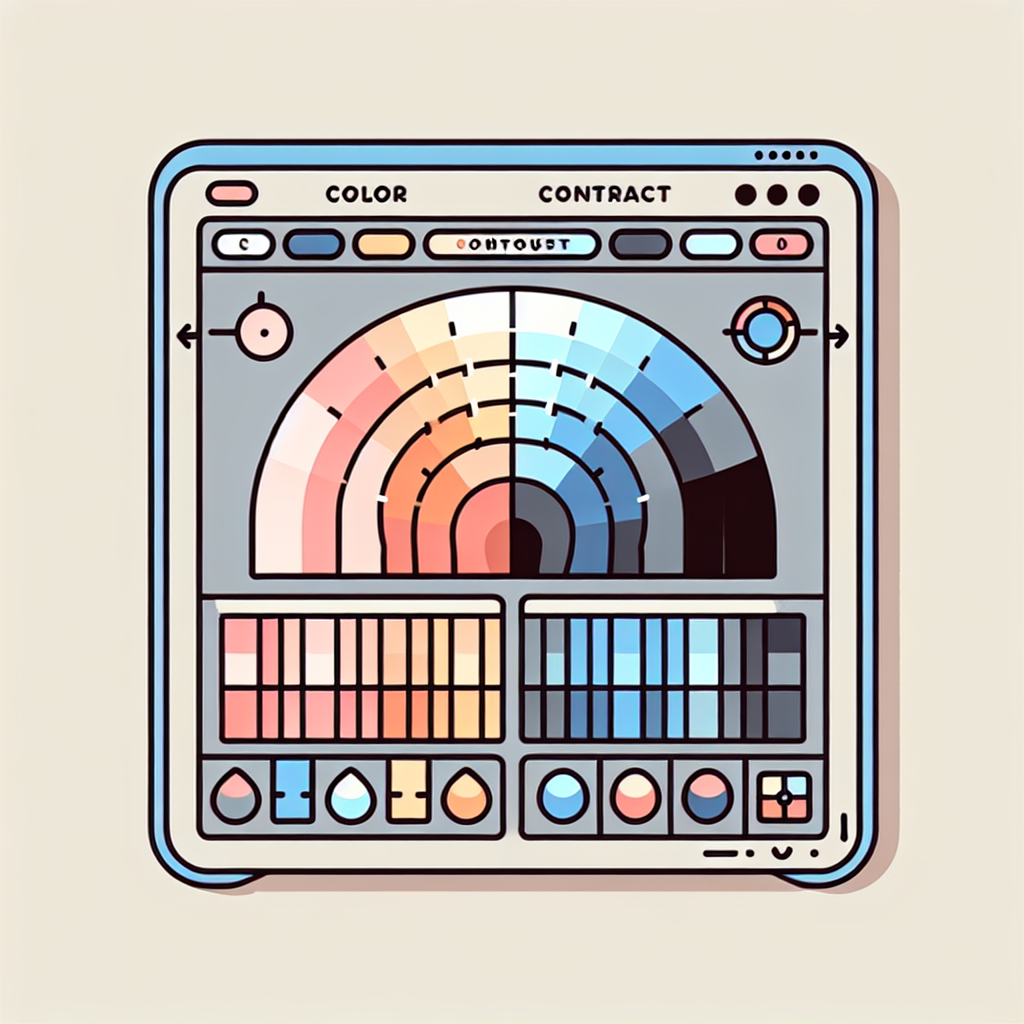
Color contrast refers to the difference in brightness between the foreground color and the background color and determines how easily the human eye can distinguish text or images on a colored surface
The WCAG accessibility guidelines recommend a minimum contrast ratio of 4.5 1 for normal text and 3 1 for large text, defining large text as 24px or more for normal weight fonts and 18.66px or more for bold fonts
The contrast ratio is calculated with the formula contrast ratio = (L1 + 0.05) / (L2 + 0.05) where L1 is the relative luminance of the lighter color and L2 that of the darker one
Luminance is obtained from the normalized and linearized RGB components and then combined into a weighting that reflects human perception of brightness
To create a contrast checker tool with HTML, CSS, and JavaScript, it is advisable to structure the interface with color pickers for text and background, hex fields for manual editing, a preview area showing sample text, and a section presenting the contrast ratio and WCAG compliance status
In the CSS, components are organized with Flexbox to align pickers and controls, styles are defined for the preview and for result indicators where the pass status is shown in green and fail in red for quick reading
In JavaScript, the selected values are obtained, the pickers and hex fields are synchronized with validation, and the preview is updated to reflect the actual appearance of the text on the chosen background
Before calculating the contrast, the entered hex value is validated with a regular expression, and it is normalized by adding the hash prefix if necessary; if validation fails, an error message is shown and the calculation is avoided
For accurate measurement, the WebAIM contrast checker API can be used by sending the hex values without the hash symbol and reading the JSON response that includes the ratio and the AA, AALarge, AAA, and AAALarge statuses
When processing the response, the result elements in the interface are updated showing Pass or Fail as appropriate and updating the visible numeric ratio for the user
Event listeners on the color inputs and hex fields ensure that any change immediately updates the preview and triggers the contrast calculation
At Q2BSTUDIO, a company specialized in custom software and application development, we apply these principles to ensure accessible interfaces in custom software projects and custom applications, integrating good accessibility practices with artificial intelligence and cybersecurity solutions
We offer aws and azure cloud services, business intelligence services, and power bi solutions for visualization, in addition to implementing AI agents and AI systems for companies that automate tasks and improve the user experience
If you need a custom contrast checker tool or advice to adapt your product to accessibility standards, Q2BSTUDIO combines experience in custom development, artificial intelligence, and cybersecurity to deliver secure, scalable solutions optimized for web positioning with keywords such as custom applications, custom software, artificial intelligence, cybersecurity, aws and azure cloud services, business intelligence services, AI for companies, AI agents, and power bi
In summary, reliable contrast checking involves calculating luminances, applying the ratio formula, validating inputs, synchronizing controls, and presenting clear results; implementing this logic in a web tool helps create more inclusive products aligned with WCAG
Contact Q2BSTUDIO to develop a custom version that integrates into your design and production workflow and thus improve the accessibility and security of your applications


