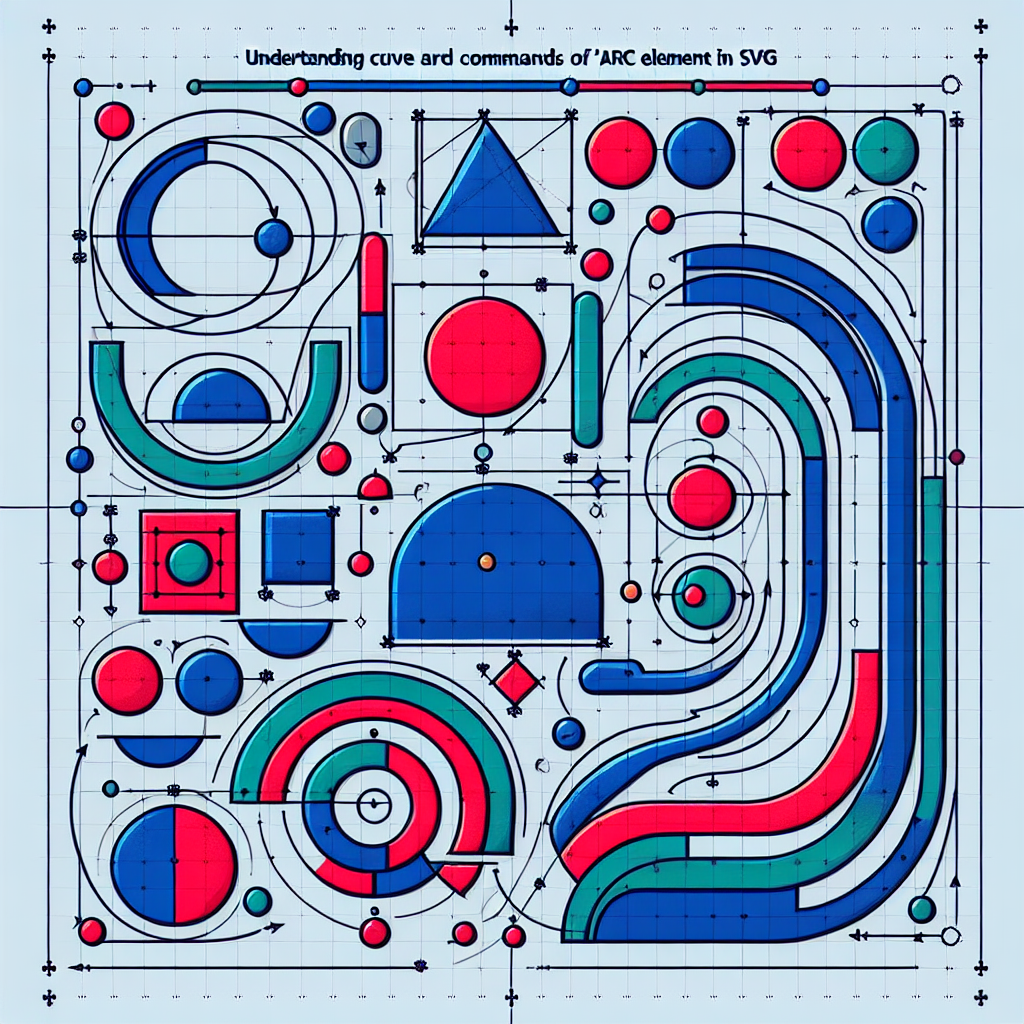
In this second installment of the deep dive into the SVG path element, we explore the most complex parts of its grammar for curves and arcs, teaching how to draw by hand using commands. You will understand the underlying rules that govern how curves and arcs are built, when to use each command, and how to combine absolute and relative instructions to obtain precise and fluid paths.
General concept The path element is SVG's most powerful tool for drawing free-form shapes. A single d attribute contains a sequence of commands that define movements, lines, curves, and arcs. The main commands controlling curves are C c S s Q q T t, and for arcs, A a. Uppercase letters indicate absolute coordinates and lowercase letters indicate relative coordinates.
Cubic Bezier curves Cubic curves are created with the C command for absolute and c for relative. Each cubic segment needs two control points and an endpoint. The first control point defines the initial tangent and the second defines the outgoing tangent toward the endpoint. To link smooth segments, S or s is used, which assumes the reflection of the previous control point relative to the anchor point as the first control point, allowing smooth transitions without repeating coordinates.
Quadratic Bezier curves Quadratic curves use Q and q with a single control point and an endpoint. The T or t command acts as the equivalent of S in quadratics, reflecting the previous control to continue smoothness. Quadratics require fewer parameters and are ideal for simpler strokes or when a lighter representation is desired.
Practical rules for curves 1. Plan anchor points and draw tangents visually before translating them into coordinates. 2. To create smooth transitions, use S or T instead of repeating control points. 3. In complex paths, alternate between absolute and relative commands to simplify local calculations. 4. When converting curves from other tools, normalize control points to avoid unexpected jumps.
Elliptical arcs The A or a command draws elliptical arcs and its syntax requires rx ry xAxisRotation largeArcFlag sweepFlag x y. rx and ry are the radii in x and y, xAxisRotation rotates the ellipse, largeArcFlag selects the major or minor arc, and sweepFlag defines the sweep direction. Constructing an arc requires verifying that the radii are valid for the distance between points; if they are not, they are automatically scaled so that the arc is possible. To connect arcs with curves, use common points and adjust the flags to maintain tangent continuity.
Interpretation of flags The largeArcFlag accepts 0 or 1 to choose the minor or major arc. The sweepFlag indicates clockwise or counterclockwise direction. By combining both, you can obtain any of the four possible arcs between two given points. If you want to reproduce a circle, rx and ry are equal and xAxisRotation is usually 0.
Shortcuts and conversions It is often useful to convert arcs to Bezier curves to have more control over smoothness and mathematical manipulation. There are algorithms that divide an arc into several approximate cubic segments. There are also tools that transform absolute commands into relative ones and vice versa to optimize manual editing of the d attribute.
Tips for drawing with code 1. Start with simple strokes and add controllers one by one. 2. Visualize control points using auxiliary circle and line elements while adjusting. 3. Use relative coordinates for repetitive patterns and absolute ones when synchronizing with a global reference system. 4. Test and correct arc flags until you obtain the desired shape.
Integration in professional applications At Q2BSTUDIO, we apply these principles to create graphical interfaces and vector visualizations within custom applications and custom software. Whether for interactive dashboards with embedded power bi, SVG viewers in web applications, or business intelligence services requiring precise graphics, our team integrates SVG curves and arcs into real data flows supported by aws and azure cloud services and secure implementations in cybersecurity.
Use cases and added value Using well-constructed paths improves the performance and scalability of graphics in mobile and web interfaces. In artificial intelligence and enterprise AI projects, we represent model results with optimized vector visualizations connected to data pipelines. We also develop AI agents that automatically generate or adjust SVG paths according to design requirements, accelerating the production of graphic assets.
Why choose Q2BSTUDIO Q2BSTUDIO is a custom software and application development company specialized in artificial intelligence, cybersecurity, aws and azure cloud services, and business intelligence services. We offer custom software solutions that include AI agent integration, power bi, and personalized visualization platforms. Our approach combines technical expertise and design understanding to deliver results that work in production.
Conclusion Mastering the curves and arcs of the path element allows you to control complex drawings with precision and efficiency. Practice with commands C c S s Q q T t and A a, experiment with radii and arc flags, and take advantage of conversion tools when you need more control. If you want to integrate advanced SVG paths into an enterprise solution or need support in custom software development, artificial intelligence, cybersecurity, or aws and azure cloud services, at Q2BSTUDIO we can help you transform your ideas into real and scalable products.