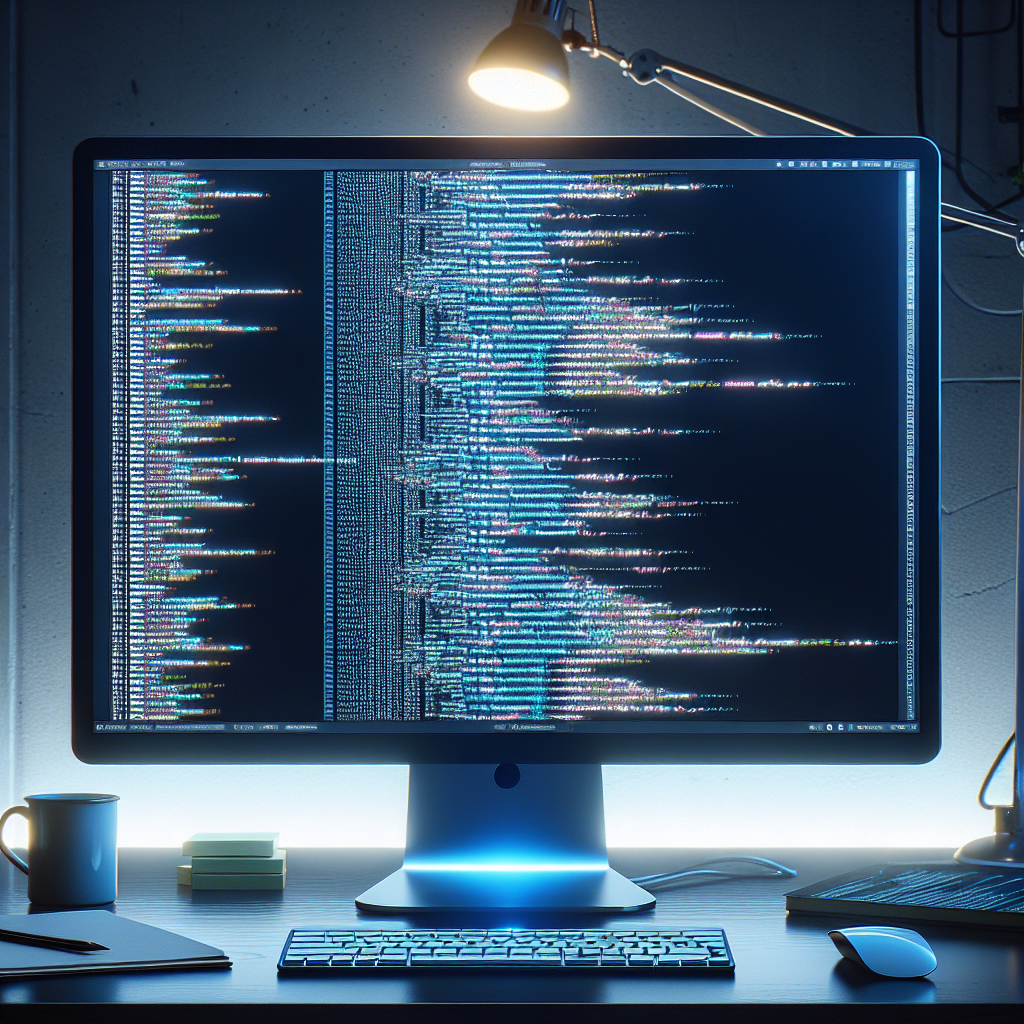
The $600 monitor that solved my 10-hour coding days
As the solo founder of UserJot and the person in charge at Q2BSTUDIO, I spend more than 10 hours a day at my desk switching between code, design, documentation, and marketing. I tried everything, from a 27-inch Dell monitor with terrible typography on macOS to a 34-inch ultrawide and the Apple Studio Display, which had excellent text but a glossy screen that tired my eyes.
A few weeks ago, BenQ contacted me to review their RD280UA monitor. I was skeptical but curious, so I accepted on the condition of giving an honest opinion. After four weeks of daily use, I'm keeping it: the BenQ RD280UA has become my primary monitor for programming.
My current setup is simple: the RD280UA in portrait mode on the left and the Apple Studio Display on the right. My MacBook Pro is under the desk, connected to the BenQ with a single USB-C cable that handles everything: power, video signal, and peripherals. No more adapters everywhere.
My workflow is to keep my Cursor editor and terminal permanently on the vertical monitor for deep-focus sessions. The Studio Display is for Figma, browser tabs, and Slack—everything I need to check and communicate. This separation reduces context switching and helps me stay in the flow when coding.
The 3:2 aspect ratio has been a pleasant surprise. I had never used a 3:2 panel before, and it's ideal for programming: in landscape, it offers more vertical space, and in portrait—which is how I use it—it's still wide enough to be practical, unlike a rotated 16:9 that ends up too narrow. You don't realize how much scrolling you do until you stop doing it.
Quick summary comparing RD280UA and Apple Studio Display
Price Around $600 versus $1,599 for the Studio Display
Resolution RD280UA 3840 x 2560 3:2 versus 5120 x 2880 16:9
Finish RD280UA nano matte versus glossy finish or optional nano texture on the Studio Display
USB-C power RD280UA 90W versus 96W on the Studio Display
Built-in hub RD280UA with USB-A and USB-C ports versus the Studio Display with several USB-C ports
Development focus RD280UA includes modes designed for programming; the Studio Display is not specifically designed for that
Speakers The RD280UA's speakers are poor; the Studio Display has very good speakers
Matte versus glossy finish: if you spend many hours programming, matte is kinder to your eyes. The RD280UA's nano matte finish prioritizes readability over color vibrancy. If you work in color-critical design, the glossy screen may be more vibrant, but for long coding sessions, matte prevents eye strain. After a full day of programming, I don't end up with tired eyes, which did happen with glossy screens.
Features for programmers: the RD280UA has specific display modes for code that improve contrast and text clarity in both light and dark themes. It adjusts contrast separately depending on the theme, and in practice, the text looks optimized without having to fight with settings.
For MacBook users, it's especially interesting because the monitor works as a USB-C dock with a built-in display: 90W charging, video signal, and several USB ports for peripherals. A decent dock costs $150 to $200, and here you have it integrated into the monitor, which compensates for the loss of ports on modern laptops.
Minor drawbacks: the speakers are bad, and the included ergonomic arm didn't fit my dual-monitor setup, so I bought an inexpensive VESA mount. It's 60 Hz, but for programming that's not a problem at all; my Studio Display is also 60 Hz.
Small features that add up: the rear MoonHalo lighting creates a subtle glow that reduces fatigue during nighttime sessions by decreasing the contrast between the bright screen and the dark room. It also has Night Hours Protection, which adjusts behavior in low-light conditions. These are details you appreciate when coding late.
Who is this monitor for? If you program 8 or more hours a day, use a MacBook and want to eliminate adapters, suffer from glossy screen fatigue, or need more vertical space for code, the RD280UA deserves consideration. For around $600, you get a monitor designed with developers in mind, and you could buy two RD280UAs for less than one Studio Display.
At Q2BSTUDIO, we are a custom software and application development company specialized in complete solutions: custom software, custom applications, artificial intelligence, and cybersecurity. We offer AWS and Azure cloud services, business intelligence services, and Power BI consulting to turn data into decisions. We design AI solutions for businesses, AI agents, and platforms that integrate artificial intelligence with cybersecurity and cloud services. Choosing good work tools, like monitors designed for programming, has a direct impact on the productivity of teams that develop custom software and custom applications.
If you need support on projects involving custom development, artificial intelligence integration, deployments on AWS and Azure cloud services, or business intelligence solutions with Power BI, at Q2BSTUDIO we can advise you from prototype to production, including cybersecurity aspects and deployment of AI agents to automate processes.
Where to find the RD280UA: available on BenQ's official site and on Amazon. If you need a VESA mount for dual setups, consider purchasing one separately.
Final thoughts: after a month of daily use, I can't imagine going back to my old setup. The combination of the 3:2 format, the nano matte panel, and the programmer-focused features considerably improves the daily experience and reduces eye strain. For those of us who build software all day, a monitor designed for that purpose makes a difference and is an investment in comfort and performance.
Note BenQ sent me this monitor for review, but these are my honest impressions after a month of daily use.