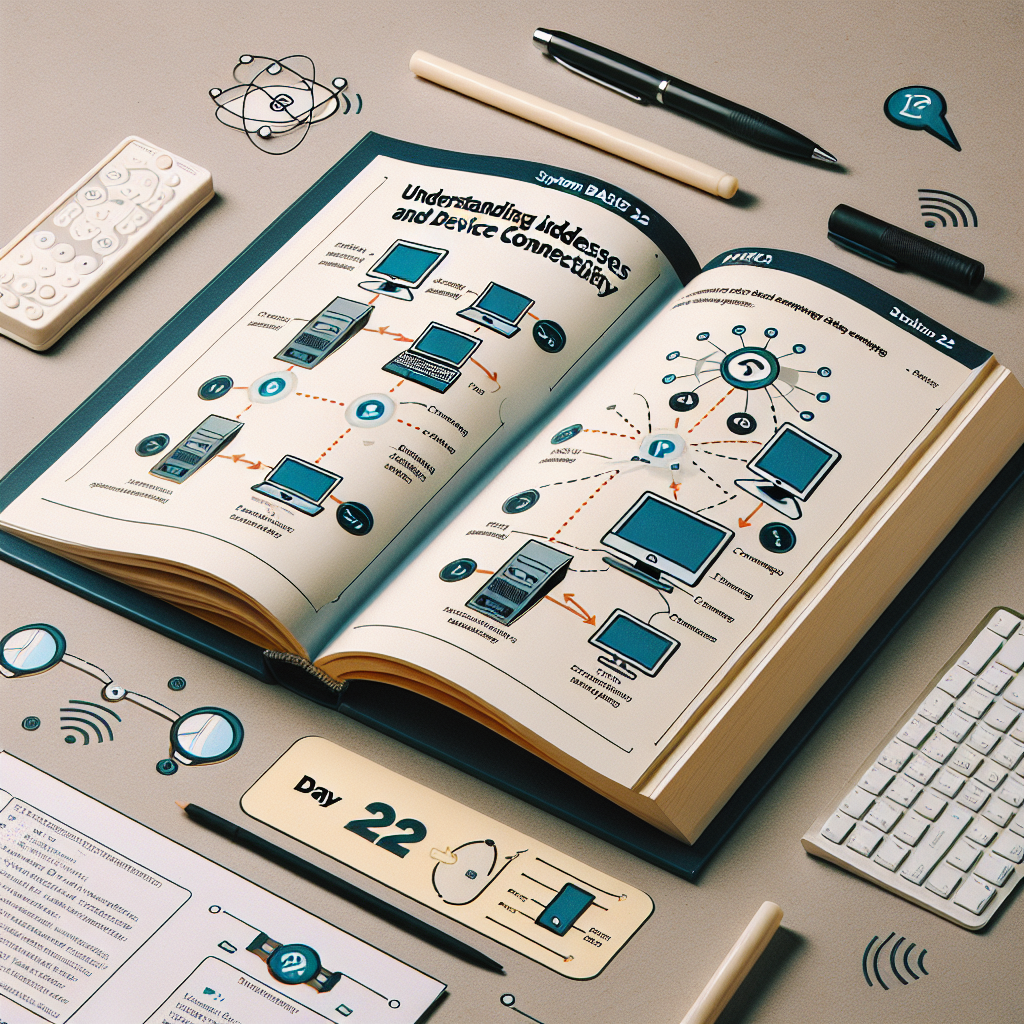
Have you ever wondered how your mobile phone, laptop, or smart appliance communicates with the internet? It all works thanks to something called an IP address, a unique label that allows devices to find each other in the vast digital world. Think of it as your home's postal address, but for devices on a network. In this beginner's guide, we will explain what IP addresses are, why they are important, and how they work, in clear and practical language.
What is an IP address
An IP address, or Internet Protocol address, is a unique number assigned to each device connected to a network that uses the IP protocol. It serves as an identifier and as a guide for data to reach the correct destination. If you are watching a video or sending an email, IP addresses ensure that data packets move between the appropriate source and destination.
IP addresses serve two main functions:
Identification: they indicate who each device is on the network.
Location: they show where the device is within the network.
IPv4 vs. IPv6
Today, there are two versions of IP addresses in use: IPv4 and IPv6.
IPv4: the original. Introduced in 1983, it uses 32-bit addresses written as four numbers separated by dots, for example 192.0.2.1. Each number ranges from 0 to 255, allowing around 4.3 billion unique addresses. That seems like a lot, but with the explosion of connected devices, available IPv4 addresses have been exhausted.
IPv6: the long-term solution. IPv6 uses 128-bit addresses and offers approximately 340 undecillion addresses, which equals 340 followed by 36 zeros. An example of an IPv6 address is 2001:0db8:85a3:0000:0000:8a2e:0370:7334. IPv6 is being deployed globally and will coexist with IPv4 during the transition, ensuring enough space for the massive arrival of IoT devices and smart homes.
How IP addresses are structured
IPv4 uses dotted decimal notation, for example 192.0.2.1. Each address has two parts:
Network ID: identifies the network to which the device belongs, for example your home Wi-Fi.
Host ID: identifies the specific device within that network, for example your laptop.
The boundary between the two parts is defined with a subnet mask or CIDR notation, for example /24 in 192.0.2.1/24, which indicates how many bits are used for the network ID. This makes it easier to divide networks into smaller subnets and better organize infrastructure.
Public vs. private
Not all IP addresses are the same. There are public addresses, which are unique and accessible from the internet, and private addresses, which are used on internal networks and are not routable on the internet. Your internet provider assigns a public address to your router so you can communicate with the rest of the world. Typical private addresses include the ranges 10.0.0.0/8, 172.16.0.0/12, and 192.168.0.0/16. Private IPs save public space and allow many devices to share a single public IP through NAT on the router.
Static or dynamic
An IP address can be static or dynamic. Static means it is assigned manually and does not change, useful for servers or services that require a constant address. Dynamic means a DHCP server assigns the IP automatically and it can change over time; it is the most common way for devices like mobile phones and personal computers.
Who manages IP addresses
The central authority responsible for the global distribution of addresses is IANA, the Internet Assigned Numbers Authority, which works with five regional registries known as RIRs. These organizations distribute addresses to service providers and organizations, and providers in turn assign IPs to users and businesses.
Why it matters to you as a beginner
Understanding IP addresses is a key step in understanding how networks work. It helps you set up Wi-Fi, troubleshoot connection issues, prepare cloud services, or develop applications that communicate over a network. Knowing how to identify whether your IP is public or private and understanding concepts like NAT, DHCP, and subnets will give you confidence to tackle basic technology projects.
How to check your IP address
To see your local IP on Windows, you can run the ipconfig command in the terminal. On Linux and Mac, you can use ifconfig or ip addr in the terminal. To find out your public IP, you can search online for "what is my IP" or use a public IP detection service.
About Q2BSTUDIO
At Q2BSTUDIO, we are a software development company focused on offering complete and customized solutions. We develop custom applications and custom software for businesses of all sizes. We are specialists in artificial intelligence and implement AI solutions for businesses, AI agents, and intelligent automation that drive productivity. We also offer cybersecurity services to protect infrastructures and data, and AWS and Azure cloud services to deploy applications with scalability and security. We also provide business intelligence services and solutions with Power BI to transform data into actionable decisions.
If you need to design an app from scratch, integrate artificial intelligence models, secure systems, or migrate workloads to the cloud, at Q2BSTUDIO we accompany you throughout the entire development cycle. Our keywords and experience include custom applications, custom software, artificial intelligence, cybersecurity, AWS and Azure cloud services, business intelligence services, AI for businesses, AI agents, and Power BI.
Conclusion and next step
IP addresses are the invisible pillar that allows your devices to connect and data to travel across the network. Understanding concepts like IPv4, IPv6, subnets, NAT, and DHCP prepares you to manage home and professional networks, and to work with cloud services and connected applications. Do you want to go deeper into networking or need help with a technology project? Contact Q2BSTUDIO and we can help you design a custom solution. System basics day 22