
What is a Task in Swift
A Task in Swift is a container for code that runs asynchronously without blocking the user interface. While one Task downloads data from the internet, another can update the screen simultaneously, keeping the application responsive. Tasks allow multiple operations to occur concurrently instead of waiting for each one to finish in sequence.
What are Structured Tasks
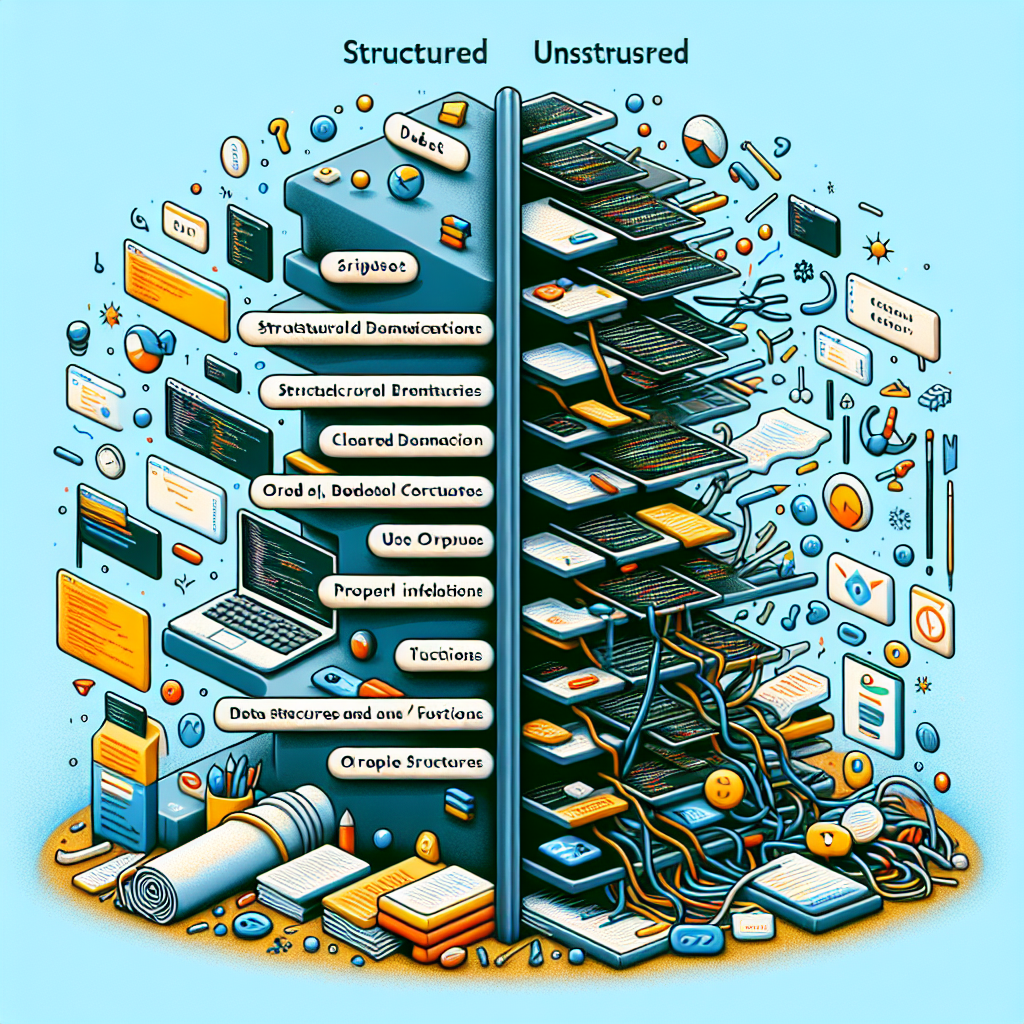
Structured Tasks work like a family tree: parent tasks automatically manage their child tasks. They are created using async let or TaskGroup, inherit context from the parent, and must finish before the parent can complete. When a parent task finishes or is cancelled, all its children also terminate, preventing orphaned processes from accidentally running.
What are Unstructured Tasks
Unstructured Tasks run independently, like separate applications on a device. They are created with Task { } or Task.detached { } and manage their own lifecycle, being able to continue even when the code that started them has finished. This independence is ideal for background operations that must outlive the creation scope, for example saving user data after pressing a button.
Key differences: lifecycle management
Structured Tasks automatically finish when the parent scope ends, ensuring no orphaned tasks exist. In contrast, Unstructured Tasks require explicit management for cancellation and completion tracking if necessary.
Key differences: context inheritance
Structured Tasks inherit local task values, priority, and cancellation state from the parent. Unstructured Tasks created with Task { } can inherit part of the context such as actor isolation, while Task.detached { } starts without inheriting any context.
Key differences: cancellation propagation
When a structured parent task is cancelled, all child tasks are automatically cancelled. Unstructured tasks must check cancellation manually and handle it appropriately to release resources.
Key differences: scope boundaries
Structured Tasks cannot escape their defining scope: the parent waits for all children to complete their work. Unstructured Tasks can outlive the scope that created them, offering flexibility for long-running background operations.
Practical example with TaskGroup
Imagine a fetchMultipleUserProfiles function that uses withThrowingTaskGroup to launch several child tasks that fetch user profiles simultaneously. The TaskGroup creates a structured environment where all child tasks are automatically managed: if the parent function is cancelled, the profile fetching operations are also cancelled. The function cannot return until all child tasks complete or one throws an error, simplifying error and resource management in parallel loads.
Practical example of an unstructured task
In an interface, pressing a button can create a Task that logs the interaction and then uploads analytics to the server. Being an unstructured task, it continues running even though the button handler has returned control, and requires manual cancellation in the controller's deinit to ensure cleanup if the view is destroyed. This pattern is useful for independent tasks such as sending logs, synchronizations, or telemetry jobs.
When to use each pattern
Use Structured Tasks when the work has clear boundaries and parent-child relationships: parallel processing of elements, pipelines with dependencies, and operations that must be cancelled together. Use Unstructured Tasks for work that must outlive the scope that creates it, such as background synchronizations, analytics uploads, or maintenance tasks outside the main flow.
How Q2BSTUDIO can help you
Q2BSTUDIO is a custom software and application development company specialized in creating robust and secure solutions. We implement appropriate concurrency patterns to ensure custom applications and custom software that are responsive and scalable. Our services include artificial intelligence, AI for businesses, AI agents, and business intelligence services integrated with tools like power bi. We also offer comprehensive cybersecurity and secure cloud architectures with aws and azure cloud services to deploy custom applications with high availability and regulatory compliance.
Benefits of working with Q2BSTUDIO
By choosing Q2BSTUDIO you gain experience in custom application development and custom software, integration of artificial intelligence to optimize processes, secure deployments on aws and azure cloud services, and business intelligence solutions that leverage power bi to transform data into decisions. Additionally, our cybersecurity practices protect your product and your users, and we develop AI agents that automate tasks and improve productivity.
Conclusion
Understanding the differences between Structured and Unstructured Tasks in Swift allows you to make informed decisions about concurrency in your projects. Q2BSTUDIO can advise and implement the right strategy for your application, combining expertise in custom applications, artificial intelligence, cybersecurity, aws and azure cloud services, business intelligence services, AI agents, and power bi to maximize value and security in every project.


