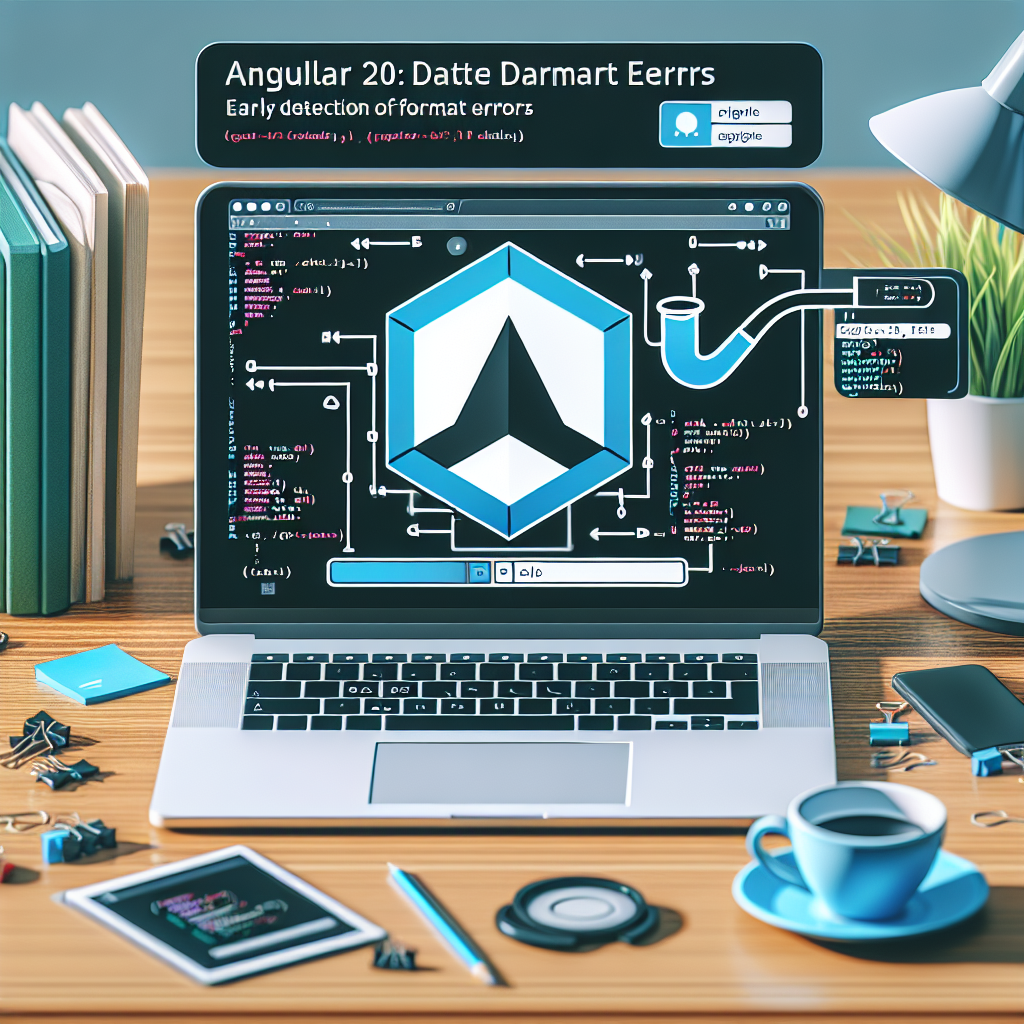
Angular 20 DatePipe Error Handling: Detect Formatting Issues Early
In Angular 20, DatePipe remains a useful tool for formatting dates, but in real-world environments inputs come from multiple sources and often do not meet the expected format. Detecting and handling formatting errors from the start prevents UI failures, confusing logs, and errors in business processes.
Main causes of formatting errors include null or undefined values, strings with non-ISO formats, malformed timestamps, and discrepancies due to regional settings. To minimize impact, validate the input before applying DatePipe using simple checks such as typeof, instanceof Date, and validity checks with isNaN on getTime. If the input is a string, use Date.parse with additional validation or convert with robust libraries when necessary.
Recommended best practices: first, validate or sanitize the data; second, use a transformation layer that encapsulates DatePipe and handles exceptions; third, provide a default value or visual indicator when the date is not reliable. Implementing a wrapper or a custom pipe that wraps DatePipe.transform and captures errors allows returning a consistent placeholder and logs the incident for auditing.
In reactive flows with RxJS, it is recommended to sanitize at the source using operators like map and handle errors with catchError to return a safe value or retry the transformation. In services that receive external data, normalizing the format in the backend or in a central adapter reduces the error surface in the frontend.
It is also important to correctly configure Angular localization to avoid discrepancies between dd MM yyyy and MM dd yyyy formats. Registering locales with registerLocaleData and adjusting LOCALE_ID helps DatePipe interpret and display consistent dates for the end user.
Testing and monitoring: create unit tests that cover null inputs, invalid strings, timestamps, and timezone changes. Add logs and telemetry to identify patterns of problematic inputs and apply fixes at the source.
If you are looking for a complete strategy to handle date formats in Angular 20, Q2BSTUDIO can help you. At Q2BSTUDIO we are a custom software and application development company specializing in artificial intelligence and cybersecurity. We design tailored solutions that include integration with AWS and Azure cloud services, business intelligence services, and Power BI projects for visualization and analytics.
Our services include custom software, custom applications, implementation of artificial intelligence and AI for businesses, development of AI agents, and secure architectures that meet cybersecurity requirements. We can create custom pipes, data adapters, and validation pipelines that prevent formatting errors and scale with your business.
Typical use cases we solve: date normalization in APIs, Power BI dashboards fed by sanitized data, integration of artificial intelligence models for anomaly detection, secure deployments on AWS and Azure cloud services, and cybersecurity consulting. If you need a robust solution for DatePipe in Angular 20 or a complete custom software project, contact Q2BSTUDIO for an evaluation and tailored proposal.
Keywords for better positioning: custom applications, custom software, artificial intelligence, cybersecurity, AWS and Azure cloud services, business intelligence services, AI for businesses, AI agents, Power BI.