
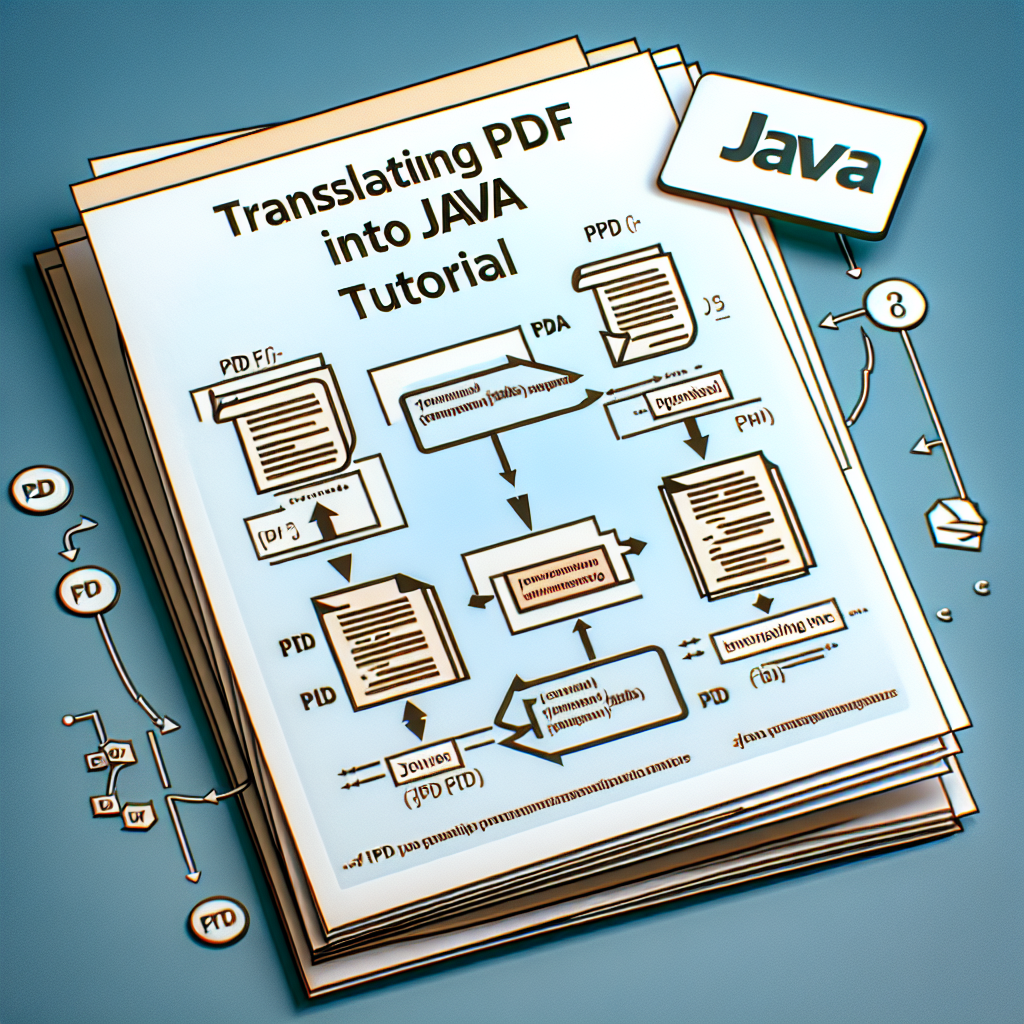
In this reviewed article I explain how to create a PDF file translator in Java using the JPedal library and the Translator library to convert a document from one language to another, for example from English to Chinese.
First, it is necessary to extract the text from the PDF to send it to a translation API or library. With JPedal you can decode the page with PdfDecoderServer and estimate paragraphs using getParagraphAreasAs2dArray to process one paragraph at a time. Then you need to convert the coordinates of each paragraph's rectangle from the X,Y,Width,Height format to X0,Y0,X1,Y1 for text grouping.
Once the paragraph rectangles are defined, the PdfGroupingAlgorithms grouping object is used to extract the words and rebuild the paragraph into clean text, applying transformations such as Strip.convertToText to remove unnecessary characters.
The next step is to translate the extracted text. The Translator library facilitates this process by allowing synchronous calls such as translateBlocking and obtaining the translated text with getTranslatedText. You can also connect any other translation API depending on the project's needs.
Finally, to display the translation on the PDF, free text annotations are added using JPedal's PdfManipulator. With addAnnotation, FreeText is placed over the areas of each paragraph, defining appearance, color, and alignment. After adding all annotations in batch, the changes are applied with apply and the document is saved with writeDocument.
This workflow allows you to keep the original PDF and overlay the translation without altering the base content, ideal for quick reviews, localization testing, and multilingual viewing. For examples and full code, see the repository https://github.com/idrsolutions/translate-pdf and to obtain JPedal visit https://www.idrsolutions.com/jpedal/.
Typical results show the original document and the annotated version with the translations overlaid, preserving the design and position of the paragraphs. This method works well with PDFs with extractable text; for scanned PDFs, it is recommended to combine prior OCR with engines such as Tesseract or other cloud optical recognition services.
At Q2BSTUDIO we are a custom software development and custom applications company specialized in enterprise solutions that integrate artificial intelligence and AI for businesses, cybersecurity, and AWS and Azure cloud services. We offer custom software services, custom applications, and business intelligence services that include Power BI integration for advanced reporting and AI agents for process automation.
Our services include artificial intelligence consulting, implementation of models for AI agents, security and data protection, deployment on AWS and Azure cloud platforms, and development of business intelligence solutions. If your project requires automatic document translation, integration with existing workflows, or creation of custom tools for multilingual content management, Q2BSTUDIO can help design the tailored solution.
Keywords for SEO positioning: custom applications custom software artificial intelligence cybersecurity AWS and Azure cloud services business intelligence services AI for businesses AI agents Power BI.
If you want us to develop a custom PDF translator for your company or integrate the functionality into your existing application, contact Q2BSTUDIO and we will propose a scalable, secure architecture optimized for your workflow.

