
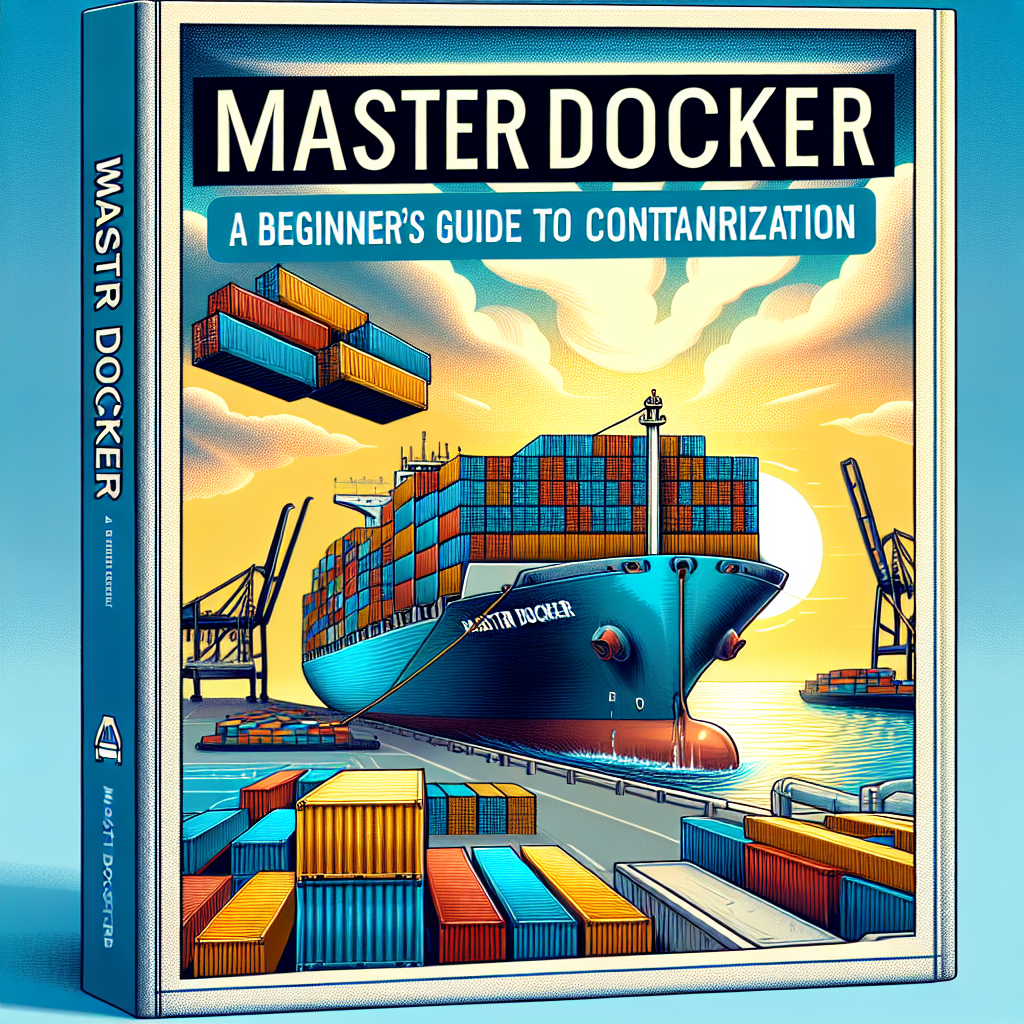
Master Docker from scratch and learn to containerize applications to deploy them quickly and scale on demand. In this practical article you'll find key concepts, applicable examples, and production-oriented best practices, ideal for both junior developers and founders and product teams.
Docker is a container platform that packages an application along with its dependencies into portable, lightweight units. Just as shipping containers standardized the transport of goods, Docker standardizes how software is packaged and deployed, eliminating dependency issues and discrepancies between environments.
Main advantages Docker solves: environment consistency avoiding the classic 'works on my machine' problem, resource efficiency by sharing the operating system kernel, scalability by creating container instances in seconds, and faster development by allowing new members to spin up the environment with a single command.
Practical example for a Node.js application: basic structure my-app with package.json, app.js, and Dockerfile. In the Dockerfile, it's recommended to use a lightweight base image like node:18-alpine, define WORKDIR, copy package*.json first to leverage caching, run npm ci, and then copy the code. To build and run, use docker build -t my-node-app . and docker run -p 3000:3000 my-node-app or docker run -d -p 3000:3000 --name my-app my-node-app. These instructions speed up local testing and ensure the same artifact behaves identically in staging and production.
Fundamental concepts: an image is the immutable template containing code, runtime, and libraries; a container is the running instance of that image. Think of the image as the class and the container as the instantiated object.
Essential commands: list images docker images, download image docker pull nginx:alpine, remove image docker rmi image-name, list containers docker ps and docker ps -a, stop docker stop container-name, remove docker rm container-name, run interactively docker exec -it container-name bash. For logs docker logs container-name and docker logs -f container-name for real-time tracking.
Docker Compose simplifies multi-service applications like web, database, cache. A docker-compose.yml file can define services web, database, redis with environment variables, volumes, and dependencies. To bring everything up docker-compose up or docker-compose up -d and to stop docker-compose down. To rebuild docker-compose up --build.
Best practices for production: optimize size and security using Alpine images and multi-stage builds to separate compilation from the final artifact; never include secrets in the Dockerfile, use environment variables or Docker secrets or vault solutions; maintain a .dockerignore file to reduce build context and speed up builds; add HEALTHCHECK to validate the service is ready before receiving traffic.
Real-world strategies: in microservices architectures, each service should have its own container and its own deployment cycle. Keeping separate compose files for development and production allows mounting volumes in development and using production-oriented builds with restart policies in real deployments.
Performance optimization: order Dockerfile instructions from least to most changing to leverage layer caching, exclude unnecessary files in .dockerignore, use multi-stage builds to reduce the final image. For large-scale deployment, consider orchestrators like Kubernetes that facilitate replicas, autoscaling, and controlled deployments with health probes and readiness checks.
Security: run processes as a non-root user inside the container, scan images for vulnerabilities with tools like docker scout cves, prefer specific image tags instead of using latest, and apply least privilege principles in permissions and volume access.
Persistence and volumes: for databases use managed volumes and backups mounted from the host or cloud storage, for example docker volumes for /var/lib/postgresql/data and backup folders to export dumps.
CI/CD integration: example with GitHub Actions where the image is built, tests run inside the container, and the tag is published to the registry. Automating these stages enables reproducible deployments and fast rollback.
Monitoring and logs: use docker stats to see resource consumption and limit memory and CPUs at runtime with docker run -m 512m --cpus=1.0. Configure logging drivers and rotation to centralize logs and avoid full disks. In production, integrate Prometheus, Grafana, and centralized log systems like ELK or managed services.
Troubleshooting common issues: if a container doesn't start, check docker logs and enter interactively with docker run -it image sh for debugging; if there are port conflicts, verify the port isn't in use on the host and map to another port; if the build context is too large, use .dockerignore and check that node_modules or other unnecessary files aren't being sent.
Orchestration and scaling: Docker Compose is ideal for development and modest deployments. For production and complex scaling, consider Kubernetes or Docker Swarm. In Kubernetes, deploying with deployments, services, and config maps allows managing replicas, self-healing, and rolling updates.
At Q2BSTUDIO, a custom software and application development company, we offer comprehensive services to help your team adopt containers and modern practices. We are specialists in custom software, artificial intelligence, cybersecurity, and cloud services AWS and Azure. We can design business intelligence solutions integrating Power BI with data pipelines and AI agents to automate workflows and improve decision-making.
Services we highlight: custom application consulting, custom software development, implementation of artificial intelligence and AI solutions for businesses, security and cybersecurity auditing, deployments on AWS and Azure cloud services, migration to containers, orchestration with Kubernetes, Power BI integration and business intelligence services, and building custom AI agents.
Practical recommendations for teams: start with a simple application, containerize it, and then add complexity; set up CI/CD pipelines that build, test, and publish images; define security policies and secret rotation; and monitor resources and logs from the start.
Next step: practice containerizing applications in different languages like Python, Go, or Java; explore Docker Hub to see Dockerfile examples; learn Kubernetes for large-scale orchestration; and dive deeper into security with tools like Docker Bench and CVE scans. Integrate monitoring and visualization tools to keep your services healthy.
Conclusion: mastering Docker changes the way you think about development and infrastructure. It allows you to deliver features faster, reduce deployment friction, and enable scalable architectures from day one. At Q2BSTUDIO, we help you turn that advantage into a reproducible and secure process for your company using custom applications, custom software, artificial intelligence, cybersecurity, AWS and Azure cloud services, business intelligence services, AI for businesses, AI agents, and Power BI.
Ready to containerize your next project? Contact Q2BSTUDIO and start with an initial proof of concept. Learn by doing and you'll see how your deployments become reliable and scalable.
Share your experience with Docker and tell us about challenges and achievements so we can learn together and improve our practices.
