Excel HOY 24x7

Aprende a usar la función HOY en Excel con ejemplos prácticos para obtener la fecha actual, calcular edades, programar eventos y aplicar formatos personalizados de fecha y hora.

3 abr 2025 • 2 min read • Q2BSTUDIO Team

Inteligencia-Artificial-IA-PowerBI-Automatizacion-procesos

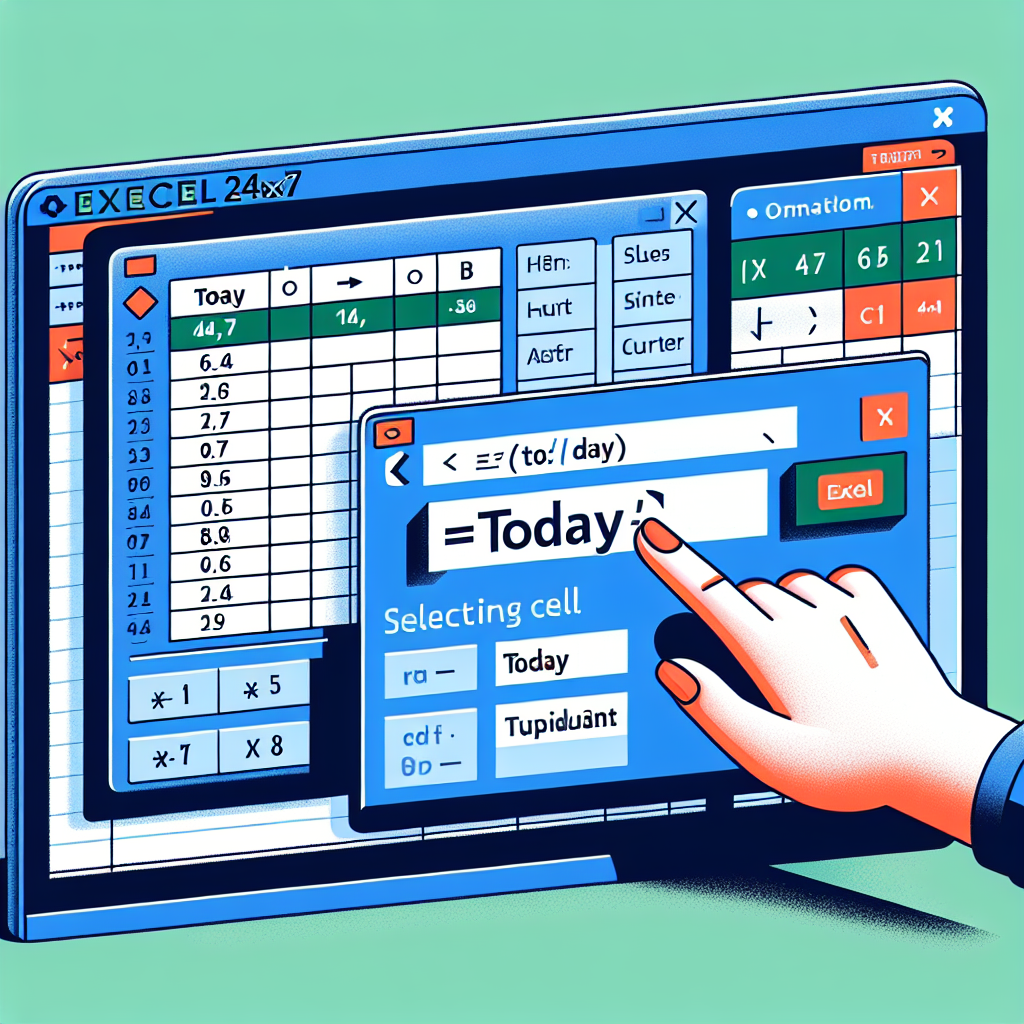
La función TODAY en Excel es una herramienta poderosa y sencilla que permite obtener la fecha actual de forma automática. Cada vez que se abre o se actualiza una hoja de cálculo, la función devuelve la fecha del día en curso, sin necesidad de ingresar ningún argumento. Si además de la fecha necesitas la hora actual, es recomendable usar la función NOW.

La sintaxis de TODAY es muy simple:

=TODAY()

Al usar esta función, Excel presenta la fecha en formato serial, por lo que es recomendable aplicar un formato de fecha para que el valor se visualice correctamente. Este formato puede personalizarse según tus necesidades.

En Q2BSTUDIO, empresa dedicada al desarrollo y servicios tecnológicos, utilizamos funciones como TODAY en soluciones corporativas que automatizan procesos en hojas de cálculo y sistemas de gestión interna, ofreciendo herramientas eficientes y adaptadas a las necesidades del cliente.

Algunos ejemplos prácticos del uso de la función TODAY incluyen:

  • =TEXT(TODAY(),'DDDD') para obtener el día actual de la semana
  • =TEXT(TODAY(),'MMMM') para mostrar el mes actual en texto
  • ='Q'&ROUNDUP(MONTH(TODAY())/3,0)&'-'&YEAR(TODAY()) para mostrar el trimestre actual
  • =TODAY()+5*365 para calcular una fecha cinco años a futuro
  • =IF(MOD(YEAR(TODAY()),4)=0,'Yes','No') para saber si el año actual es bisiesto
  • =EOMONTH(TODAY(),0) para obtener el último día del mes
  • =DATE(YEAR(TODAY()),12,31) para mostrar el último día del año

También es posible encontrar el próximo día de la semana utilizando la función MOD junto con WEEKDAY. Por ejemplo, para encontrar el siguiente viernes:

=TODAY()+MOD(6-WEEKDAY(TODAY()),7)

De forma similar, puedes ajustar el número para cualquier otro día (1=domingo, 2=lunes, ..., 7=sábado).

Para calcular la edad a partir de una fecha de nacimiento ubicada en la celda C4, puedes usar:

=YEAR(TODAY())-YEAR(C4)
=DATEDIF(C4,TODAY(),'Y')
=IF(ISNUMBER(C4), DATEDIF(C4,TODAY(),'Y'), 'Invalid Date')

Si necesitas mostrar también la hora actual junto con la fecha, puedes combinar la función TODAY con la función NOW:

=TEXT(NOW(), 'DD-MMM-YYYY HH:MM AM/PM')

Además, existen múltiples formatos personalizables para presentar la fecha:

  • =TEXT(TODAY(), 'DD-MMM-YYYY') ? 13-Mar-2025
  • =TEXT(TODAY(), 'DDDD, DD-MMM-YYYY') ? Jueves, 13-Mar-2025
  • =TEXT(TODAY(), 'MMMM YYYY') ? Marzo 2025
  • =TEXT(TODAY()+1, 'DD-MMM-YYYY') ? Fecha de mañana
  • =TEXT(TODAY()-1, 'DD-MMM-YYYY') ? Fecha de ayer

En Q2BSTUDIO implementamos este tipo de automatizaciones en sistemas personalizados que facilitan la toma de decisiones para nuestros clientes, optimizando procesos administrativos con herramientas avanzadas en Microsoft Excel y otras tecnologías integradas a indicadores de gestión e informes automatizados.

En definitiva, la función TODAY es ideal para cualquier operación donde se necesite la fecha actual de forma dinámica y es una de las funciones más utilizadas en entornos empresariales, especialmente cuando se combina con otras funciones avanzadas que maximizan su utilidad.

A BREAK?

Play for a moment before you go

OUR SERVICES

How we can help you

Artificial intelligence

AI agents, chatbots, and intelligent assistants that automate tasks and serve your customers 24/7 to improve the efficiency of your business.

More info

Software Development

Web, mobile, and desktop applications, intranets, e-commerce, SaaS, and management platforms designed for your company's specific needs.

More info

Cloud services

Migration, infrastructure, managed hosting, high availability, and security on Microsoft Azure and Amazon Web Services to help your business scale without limits.

More info

Cybersecurity and pentesting

Security audits, penetration testing and protection of applications, data and infrastructure on-premise and cloud, with ethical hacking and regulatory compliance.

More info

Business Intelligence

Dashboards and data analysis with Power BI: we integrate your sources, design dashboards and KPIs and turn your data into decisions.

More info

Process automation

We automate repetitive tasks and connect your applications with n8n, Power Automate, Make, and RPA, eliminating manual work and increasing productivity.

More info

Training for Companies

We train your teams in technology with criteria: web development, databases, Git, best practices and security, automation with n8n, artificial intelligence for companies and creation of AI solutions with Azure AI Foundry.

More info

Code Auditing

We audit the code that you, your team or an AI create: we tell you what is good and what to improve, we secure it and make it ready for production, web or app.

More info

AI Image Generation

We create for you the images that your business needs with artificial intelligence: product, networks, advertising, illustration and avatars. You tell us what you want and we deliver it ready to use.

More info

AI Video Generation

We create videos with artificial intelligence for you: promotional, networking, virtual presenters, dubbing and animations. You tell us the idea and we will deliver it assembled and ready to publish.

More info

AI Conversational Avatars

We create conversational avatars with AI – digital humans with a face and voice – that serve your customers and teams with the knowledge of your company, on your website, interactive monitors, WhatsApp or Teams.

More info

Online Marketing and AI

Google Ads, Meta Ads, LinkedIn Ads and AI Engine Positioning (GEO/AEO): we attract customers and make your brand appear where they search for you, also on ChatGPT, Gemini and Perplexity.

More info

Do you have a project in mind?

Tell us your vision and we'll turn it into a software solution. Whatever the scope, we make your idea real.

Live Chat