
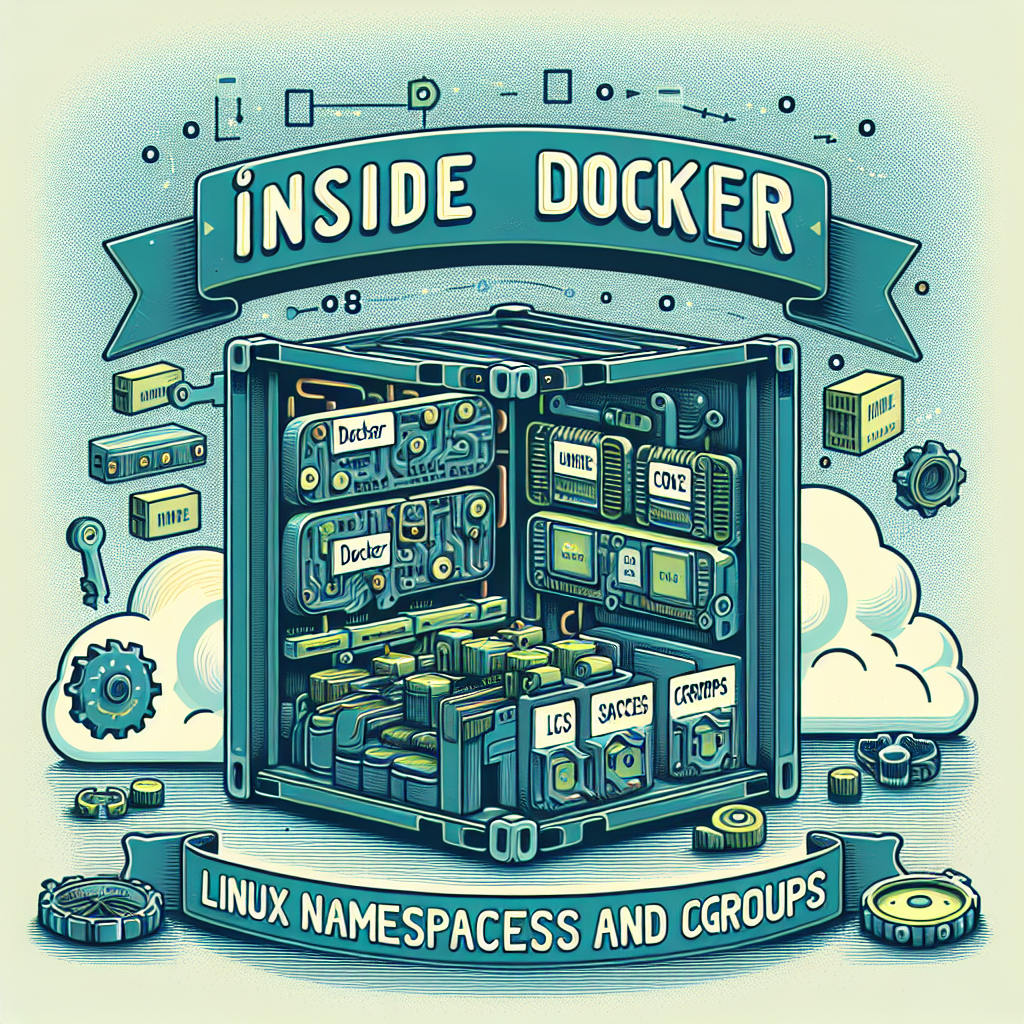
Inside Docker Linux Namespaces and cgroups
What is a container A container is a running application along with everything it needs—libraries, configurations, and tools—packaged in a lightweight bundle that can run on any machine with Docker installed. It is not a full virtual machine since it shares the host kernel and keeps processes isolated to provide consistency and portability.
Key concepts Docker relies on Linux kernel features that isolate processes and control resources. Namespaces give each container its own isolated view of the system—processes, network, and mount points. Control groups (cgroups) limit and monitor CPU, memory, and I/O usage. The layered filesystem OverlayFS combines read-only image layers with a writable layer for container changes.
How a Docker container runs Step 1 Build or pull an image: you can create a Dockerfile and build the image with docker build, or download an image from Docker Hub. An image is a stack of read-only layers; each layer adds files or configurations. Step 2 Container startup: when you run docker run myimage, Docker creates new namespaces, isolates process IDs, network, and filesystem, creates a cgroup to apply limits, and mounts the layers using OverlayFS. Step 3 Process execution: the container runs the command defined in the image (CMD or ENTRYPOINT), and inside the container it looks like a small operating system, but they are host processes. Step 4 Default network: containers get a virtual Ethernet interface that Docker bridges to the host network via docker0, unless configured otherwise. Step 5 Data persistence: by default, containers are ephemeral; use volumes or bind mounts to keep data outside the writable layer. Step 6 Stop and removal: stopping a container ends its process; removing it deletes its writable layer while the original image remains intact.
Differences from a virtual machine Containers share the host kernel and are lightweight and fast to start, while a virtual machine includes its own kernel and requires a hypervisor, consuming more resources and boot time. Containers are designed for scalability and rapid deployment, while VMs are for complete operating-system-level isolation.
Creating a container-like process in Linux without Docker This exercise demonstrates how namespaces and cgroups work at a low level. Requirements: a Linux system with root or sudo privileges and basic knowledge of namespaces, cgroups, and chroot. Step 1 Create a root filesystem: mkdir container, cd container, and download a lightweight minirootfs, for example wget https://dl-cdn.alpinelinux.org/alpine/v3.18/releases/x86_64/alpine-minirootfs-3.18.4-x86_64.tar.gz, then extract with tar -xzf alpine-minirootfs-3.18.4-x86_64.tar.gz -C . This creates an Alpine environment in the container folder. Step 2 Create an isolated namespace: use unshare --pid --mount --uts --ipc --net --fork chroot /container /bin/sh. This creates new PID, mount, UTS, IPC, and network namespaces and runs a shell inside the isolated environment. Inside, you can set the hostname with hostname container. Step 3 Add limits with cgroups: mount cgroup v2 if applicable with mkdir -p /sys/fs/cgroup and mount -t cgroup2 none /sys/fs/cgroup, create a group with mkdir /sys/fs/cgroup/container, and set limits, for example echo 50000 100000 > /sys/fs/cgroup/container/cpu.max and echo 104857600 > /sys/fs/cgroup/container/memory.max; add processes by writing their PID to cgroup.procs. Step 4 Run a process inside the cgroup: you can launch an intensive task to test the limits with sh -c echo $$ > /sys/fs/cgroup/container/cgroup.procs; exec yes > /dev/null, and monitor with cat /sys/fs/cgroup/container/cpu.stat and cat /sys/fs/cgroup/container/memory.current
High-level lifecycle The Docker CLI client sends requests to dockerd, which delegates to containerd. containerd invokes an OCI runtime like runc, which calls unshare to create namespaces, mounts the root filesystem with overlayfs and bind mounts, configures the network with veth pairs and bridge, applies cgroup limits, and finally executes the container's PID1 process with execve inside the isolated environment.
About Q2BSTUDIO Q2BSTUDIO is a custom software and application development company specializing in custom software, artificial intelligence, and cybersecurity solution implementation. We offer AWS and Azure cloud services, business intelligence services, and AI consulting for businesses. We create custom AI agents, Power BI integrations, and complete custom application solutions that accelerate digital transformation. Our teams combine expertise in custom development, cloud architectures, and security to deliver robust, scalable, and secure products.
Keywords and positioning Custom applications, custom software, artificial intelligence, cybersecurity, AWS and Azure cloud services, business intelligence services, AI for businesses, AI agents, Power BI are concepts we apply in real projects to improve efficiency and generate competitive advantage.
Conclusion and references Understanding namespaces, cgroups, and overlayfs helps you understand how Docker builds lightweight, isolated containers. This article summarizes these concepts and shows how to reproduce an isolated process manually in Linux. Parts of this content were assisted by language models and by our technical team at Q2BSTUDIO, which integrates artificial intelligence and cybersecurity into custom developments and cloud services.
