
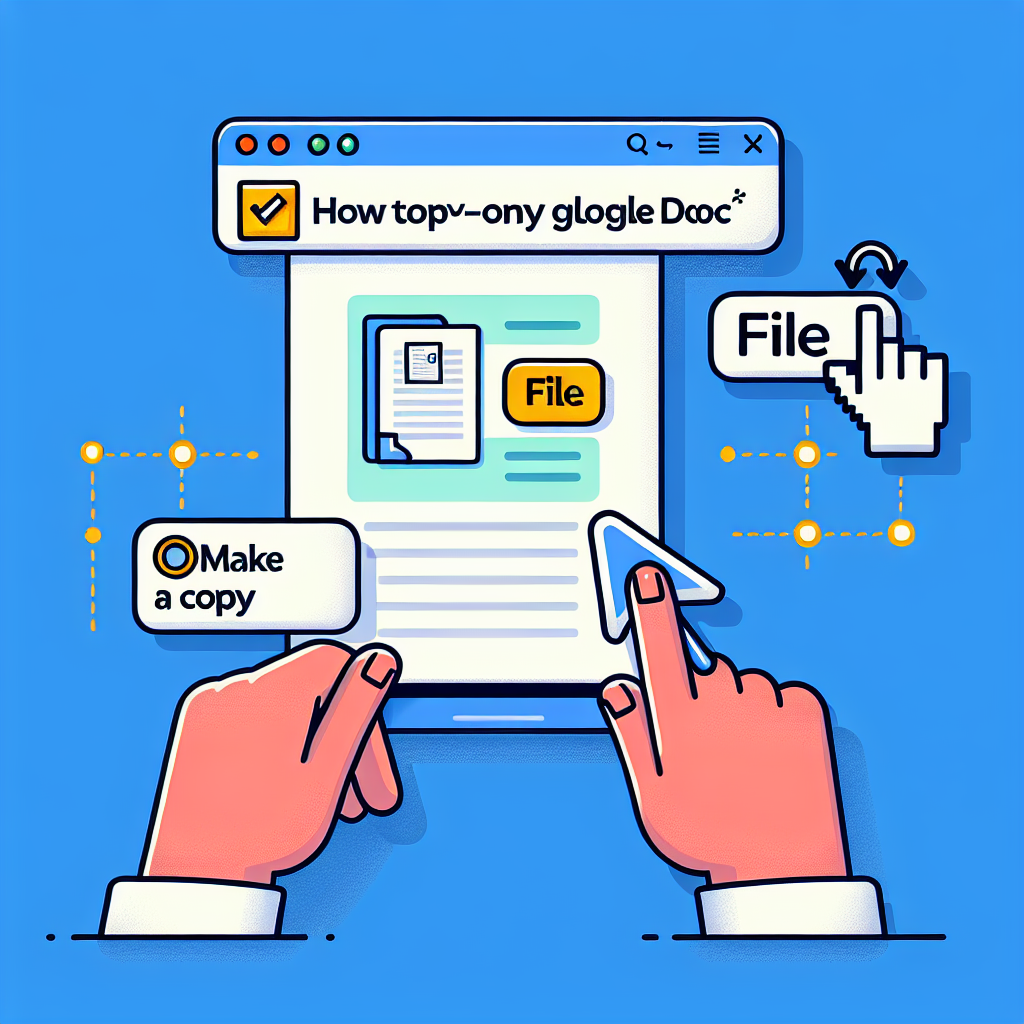
How to copy a Google Doc in read-only mode
Have you come across a file that you can only view and wondered if it is possible to copy a Google Doc in read-only mode? In this article, we explain simple and ethical methods to copy text from a document shared as view only and what to do if you are the owner and want to protect your content.
Why Google Docs restricts copying
When someone shares a document as view only, they do so to prevent others from modifying, downloading, or redistributing the content. These restrictions protect intellectual property and maintain control over versions and permissions. If you only need a copy for personal reference, you must act responsibly and respect the owner's intentions.
Step 1: Modify the URL for the mobilebasic view
This quick trick works in many cases: 1. Open the Google Doc. 2. In the address bar, locate the part that says edit and replace it with mobilebasic. 3. Press Enter. 4. The page will load in a simpler format where you can usually select and copy the text easily.
Step 2: Temporarily disable JavaScript
If the first method does not work, you can try this: 1. Open the browser's developer tools with Ctrl + Shift + I on Windows or Cmd + Opt + I on Mac. 2. In the tools settings, temporarily disable JavaScript. 3. Refresh the page with JavaScript disabled. 4. In this mode, it is often possible to select and copy the text. Keep in mind that disabling JavaScript may alter the document's presentation and some elements may not display correctly.
Step 3: Use Make a copy if allowed
Google Docs offers the File > Make a copy option when the owner has not disabled that feature. 1. Go to File. 2. Select Make a copy. 3. Save it to your Google Drive. If this option does not appear, it means the owner has disabled the ability to copy the document.
How to protect your documents from being copied
If you are the owner and want to share without allowing copies, follow these steps: 1. Share as read-only. 2. In the sharing settings, disable the option that allows viewers and commenters to download, print, and copy. 3. Avoid sharing links that point to mobile versions that could bypass restrictions. These measures help maintain confidentiality and control over the content.
Legal and ethical considerations
Although there are techniques to copy text from view-only documents, you should always consider the author's intent and the legality of the use you will give the content. Copying without permission may violate copyright or privacy agreements. Use these solutions only for legitimate purposes, such as taking personal notes or for work with explicit permission.
About Q2BSTUDIO and how we can help you
At Q2BSTUDIO, we are a custom software and application development company specialized in enterprise solutions that integrate artificial intelligence and cybersecurity. We design custom software and custom applications for clients who need to automate processes, optimize operations, and transform their data into actionable decisions through business intelligence and Power BI services. Our offering includes AWS and Azure cloud services to deploy secure and scalable infrastructures, as well as AI agents and AI implementations for companies that improve productivity and customer experience.
Featured services
Custom software development, custom applications, artificial intelligence solutions, AI agent integration, cybersecurity and compliance services, migration and management in AWS and Azure cloud services, and business intelligence service projects and reports with Power BI to obtain accurate and actionable insights.
Why choose us
Q2BSTUDIO combines technical expertise and a strategic approach to deliver custom software that truly solves business problems. We are specialists in artificial intelligence, cybersecurity, and AWS and Azure cloud services, and we offer ongoing support to ensure your solution evolves with your needs.
Conclusion and resources
Copying a Google Doc in read-only mode is possible in certain scenarios by modifying the URL, temporarily disabling JavaScript, or using Make a copy when the owner allows it. However, it is essential to respect rights and permissions. If you need to develop an internal tool to manage documents or implement advanced access controls in your organization, Q2BSTUDIO can help you with custom software, artificial intelligence solutions, and cybersecurity measures. See the full guide at https://youtu.be/6c9i1zIYWa0

