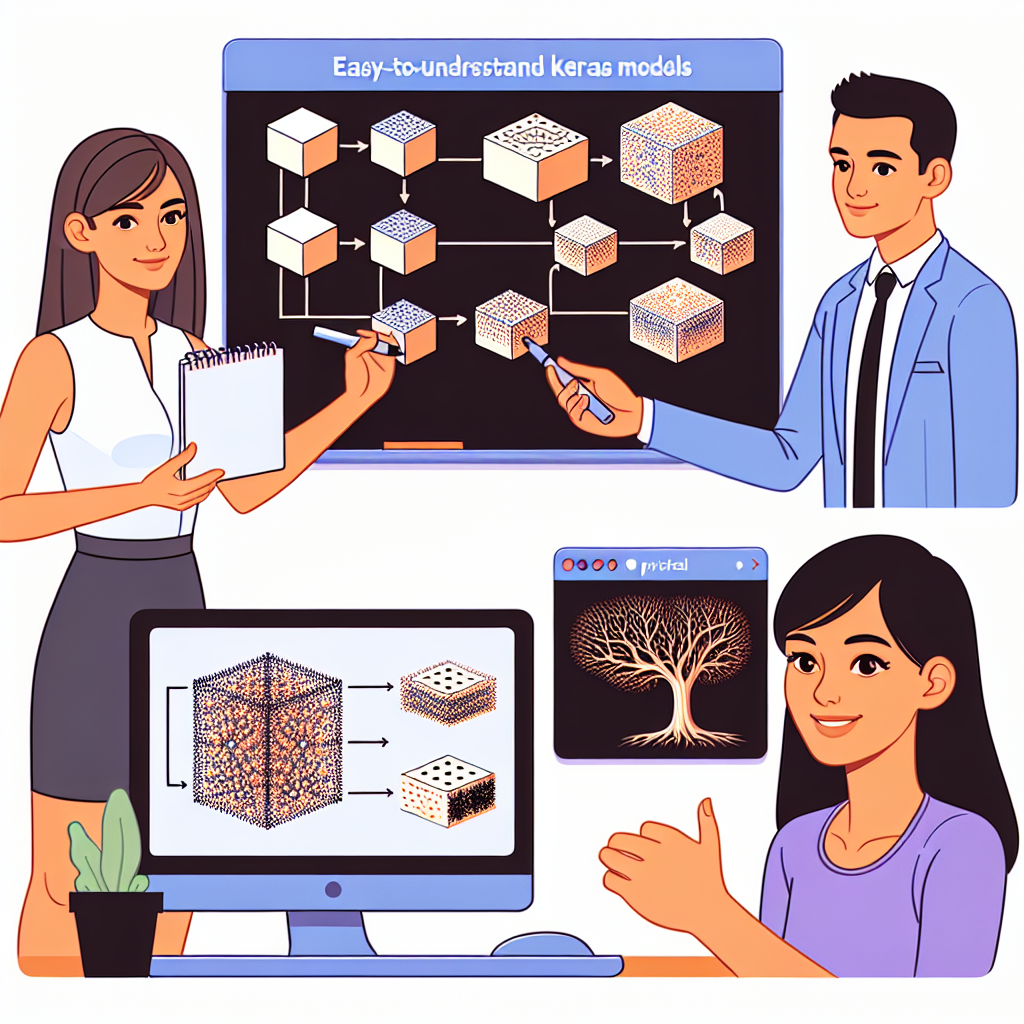
3 easy ways to visualize Keras models and why it matters
Visualizing a model's architecture helps understand the structure, detect errors, and explain the design to clients or teams. Below are three practical tools for visualizing Keras models, with quick instructions and usage tips.
Netron: model file viewer. Netron is a desktop and web application that opens model files such as h5, SavedModel, ONNX, and others to display the layer topology and details of each tensor. Quick usage: install with pip install netron and open a file with netron modelo.h5 or drag the file into the web interface. Ideal for reviewing the static architecture and quickly sharing a diagram with clients or colleagues.
visualkeras: aesthetic diagrams in Python. visualkeras allows you to generate images that show layers, shapes, and connections in a clear and visual way. To use it, import visualkeras in your script and call functions like layered_view or plot model. visualkeras works with untrained models, making it useful when designing prototypes. Basic example: integrate it into a notebook to get an immediate view and export it as an image for documentation.
TensorBoard: comprehensive visualization of graphs and metrics. TensorBoard not only shows the model graph structure but also training metrics, histograms, and weight distributions. To use TensorBoard with Keras, add the TensorBoard callback to fit, save logs in a directory, and start tensorboard --logdir=logs_path to open the interface in the browser. TensorBoard can also display the model graph even if the model has not been trained, helping to validate the architecture before running long training sessions.
Quick comparison and recommendations. For a quick and shareable view, choose Netron. For more visual diagrams that can be exported as images, use visualkeras. For deep analysis of training, metrics, and comparisons, use TensorBoard. Combining these tools is often the best practice: visualize the architecture with Netron or visualkeras and monitor training with TensorBoard.
Best practices when visualizing models. Keep descriptive layer names, document inputs and outputs, export images for project documentation, and store logs in versioned paths. When working with data science and development teams, including diagrams in documentation speeds up reviews and facilitates model audits, something relevant for projects requiring compliance and security.
About Q2BSTUDIO. At Q2BSTUDIO, we are a custom software and application development company that combines expertise in artificial intelligence and cybersecurity to offer comprehensive solutions. We offer custom software services, custom applications, artificial intelligence solutions and AI for businesses, AI agents, and cybersecurity services. We also implement AWS and Azure cloud services and provide business intelligence services using tools like Power BI to turn data into decisions.
How we can help. If you need to create interpretable AI models, integrate model visualization into your workflows, deploy cloud solutions, or secure your applications, Q2BSTUDIO provides consulting, development, and support. Our services range from custom software to artificial intelligence and Power BI projects for reporting, as well as secure architectures on AWS and Azure.
Summary and next step. Visualizing Keras models improves communication and reduces errors. Use Netron for quick inspections, visualkeras for aesthetic diagrams, and TensorBoard for training tracking and analysis. For custom AI, cybersecurity, custom application, or cloud services projects, contact Q2BSTUDIO and turn your idea into a scalable and secure solution.