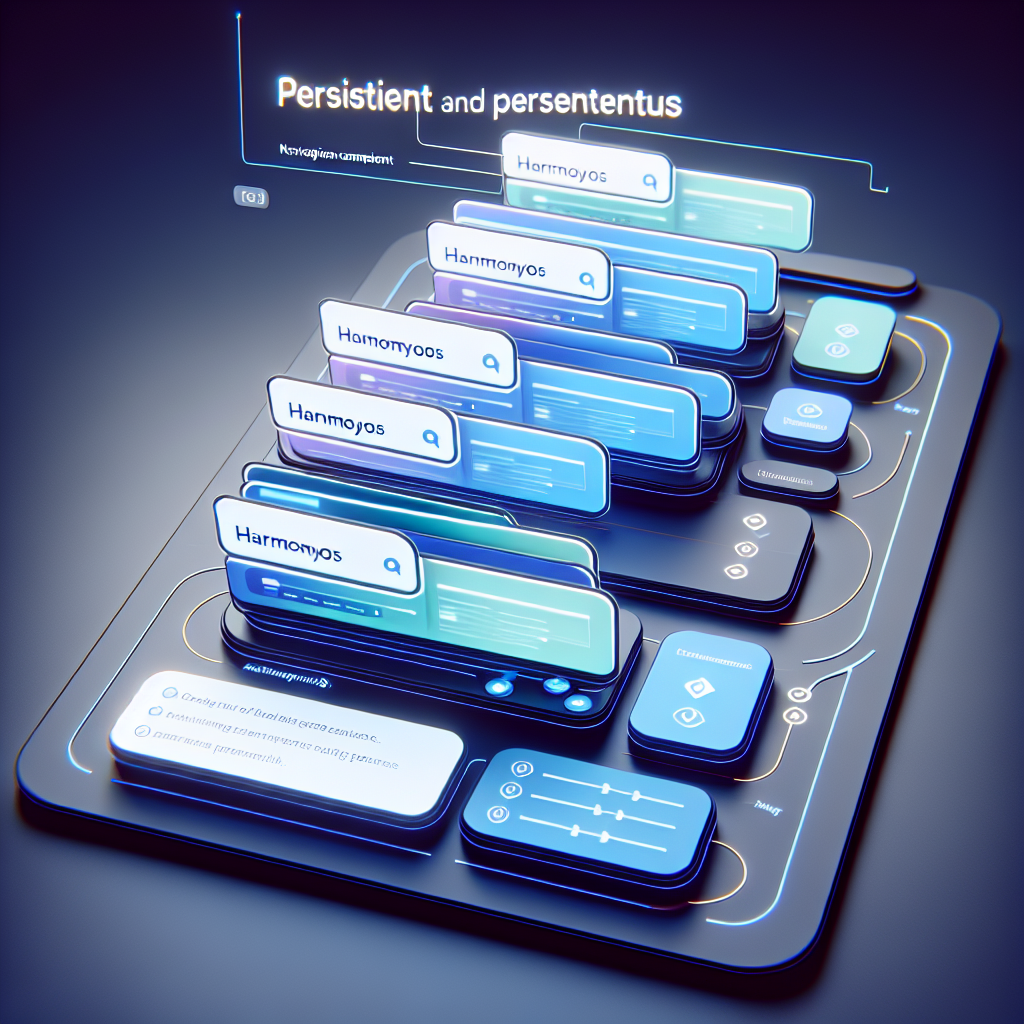
Introduction: If you develop applications with HarmonyOS Next and ArkUI ArkTS, you know how important it is to offer a fluid user experience. A common problem is that the tab bar stops being visible when users navigate between screens; in this article, we explain how to solve this by keeping persistent tabs using the Tabs and Navigation components.
The problem: tabs that disappear when navigating. In ArkUI, it is common to use a Tabs component for main sections like Home, Profile, Settings, etc. When navigating within a tab using the router, the page containing the tabs is left behind and the bar disappears. This causes loss of context and frustrates the user.
The solution: combine Tabs with Navigation. HarmonyOS Next recommends using Navigation for component-level routing. By embedding a Navigation component within the content of a Tab, we can keep the tab bar fixed at the bottom while each Tab has its own independent navigation stack. This way, when opening a detailed screen within a tab, the tabs remain visible.
Why choose Navigation over Router: Router is used to switch between complete pages. Navigation is designed for component-level routing within the same page. To keep the Tabs structure on screen and manage deep navigation within each section, Navigation is the most suitable option since you don't take the user out of the main page but rather change the content of a specific area while preserving the tab bar.
Building the persistent tabs interface step by step: Step 1 Main Tabs structure. Define the application's entry point and include Tabs with barPosition at the end to place the bar at the bottom. Each TabContent represents a tab. In tab A, include a custom component that will contain the Navigation logic, while tabs B, C, and D can show simple example content or their own implementations.
Conceptual example of the main Index component (without literal code) Entry Component Index creates Tabs with barPosition End and four TabContents labeled A, B, C, D. In Tab A, the NavigationExample component is inserted, responsible for managing internal navigation and the route stack. The tab bar receives a background color to adjust the visual style.
Step 2 Implementing Navigation within a Tab. Create the NavigationExample component that will contain a NavPathStack to handle that tab's history. Define a destination mapping pageMap that indicates what content to show for each route and a Navigation that uses pageInfos to push new routes when the user selects an item from the list.
Concept of the NavigationExample component (explained) Define an array of example items. Provide pageInfos as NavPathStack so that Navigation manages the stack. Implement pageMap as a Builder function that returns NavDestination with different content depending on the route name and onShown onHidden events for debugging. In the build, include a Navigation that uses pageInfos and initially shows a list of buttons. Each button, when clicked, executes pageInfos.pushPathByName passing the item identifier to navigate to the detailed view without leaving the tab.
Result and behavior: With this architecture, when pressing Go to Child X, the content of the region controlled by Navigation changes showing the detail view and the tab bar A B C D remains visible at the bottom. The user can go back in the tab's own stack or switch to another tab without losing the state of the internal navigation.
Advantages of this approach: always-visible tabs that improve navigation consistency; independent navigation with stacks per tab facilitating the management of complex flows; better user experience when exploring deep content without losing context; cleaner and more organized code by separating navigation logic per tab.
Best practices and recommendations: Keep the routing responsibility of each Tab encapsulated within its Navigation component. Use onShown onHidden events for metrics and debugging. Avoid using router for navigation within Tabs when you want to preserve persistent UI elements. Leverage the nature of NavPathStack to implement state restoration and custom transitions.
About Q2BSTUDIO: We are Q2BSTUDIO, a custom software and application development company specializing in artificial intelligence, cybersecurity, and cloud services aws and azure. We develop custom software and custom applications for companies that need scalable and secure solutions. We offer business intelligence services, Power BI integration, AI agents, and AI developments for companies to improve processes, decisions, and operational efficiency. Our teams combine cybersecurity expertise to protect cloud environments and custom solutions that incorporate artificial intelligence models and personalized AI agents.
Featured services from Q2BSTUDIO: custom application development and custom software, implementation of artificial intelligence solutions and AI for companies, secure deployment on cloud services aws and azure, cybersecurity consulting, business intelligence services, integration with power bi, and creation of AI agents for automation and customer service.
Conclusion: By combining the Tabs and Navigation components of HarmonyOS Next, you can create interfaces with persistent tabs and deep navigation without losing the main bar. This technique improves the user experience and facilitates code maintenance. If you need to develop a corporate app with persistent tabs, integration of artificial intelligence, AI agents, or a project that requires cybersecurity and deployment on cloud services aws and azure, contact Q2BSTUDIO for a professional and custom solution.
Integrated SEO keywords custom applications custom software artificial intelligence cybersecurity cloud services aws and azure business intelligence services AI for companies AI agents power bi Q2BSTUDIO HarmonyOS Next Tabs Navigation