Project summary: deploy a Python Flask application that greets users using Kubernetes on Google Kubernetes Engine GKE. Tech stack: Flask, Docker, Kubernetes, Google Kubernetes Engine. Objective: put into production a simple app that responds Hello my name is Gerald and allows sending a name so the app responds with a personalized greeting.
About Q2BSTUDIO: Q2BSTUDIO is a software development company specialized in custom applications and custom software. We offer artificial intelligence solutions, cybersecurity, AWS and Azure cloud services, business intelligence services, AI for businesses, AI agents and Power BI. We design enterprise applications, secure integrations and consulting to accelerate digital transformation.
Step 1 Flask Application Summary: the app defines a root route that returns Hello, my name is Gerald. What is your name and a POST endpoint to receive the name field from a form and return Hello followed by the name. In production mode the app must run on 0.0.0.0 and port 80 so Kubernetes can route traffic correctly.
Step 2 Dockerize the app Essential Dockerfile: FROM python:3.12-slim WORKDIR /app COPY requirements.txt requirements.txt RUN pip install --no-cache-dir -r requirements.txt COPY . . EXPOSE 80 CMD python app.py
Commands to build and push the image to Artifact Registry: docker build -t africa-south1-docker.pkg.dev/k8s-project-468723/my-docker-repo/my-python-app:v1 . docker push africa-south1-docker.pkg.dev/k8s-project-468723/my-docker-repo/my-python-app:v1
Step 3 Kubernetes Deployment Basic deployment: create a Deployment with 2 replicas that uses the image stored in Artifact Registry and exposes container port 80. Apply the manifest with kubectl apply -f deployment.yaml and create a LoadBalancer Service with kubectl expose deployment my-python-app --type=LoadBalancer --port 80 --target-port 80
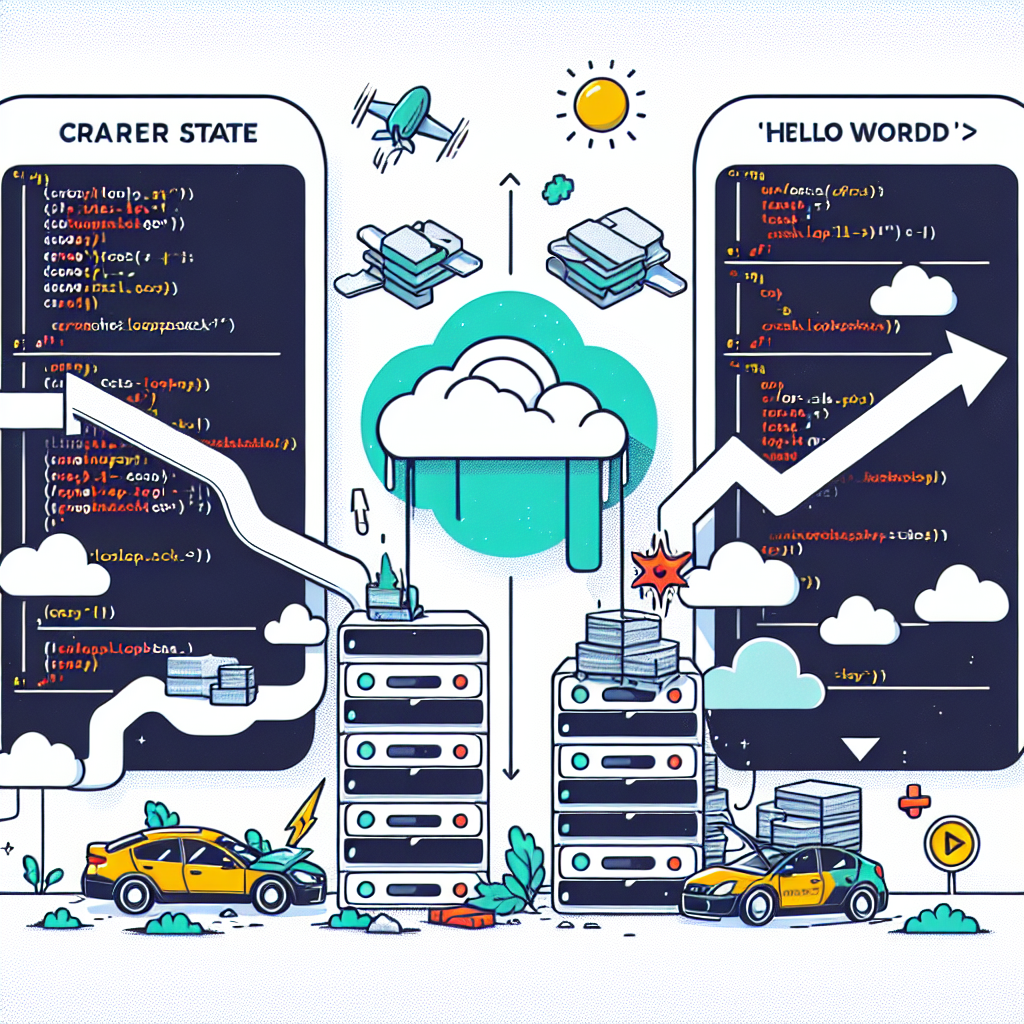
CrashLoopBackOff Debugging First symptom: pods entered CrashLoopBackOff state when starting up. Quick check: kubectl get pods -l app=my-python-app and review logs with kubectl logs pod-name In this case the log indicated that the app.py file was not found in /app and also the application was running on port 5000 while the Service expected responses on port 80.
Corrections applied 1 Rename file or adjust CMD If the main file was called gerald.py the solution was to rename it to app.py or change the CMD instruction in the Dockerfile to start the correct file. 2 Align ports Change Flask to listen on port 80 or adjust the container exposure. In this project we chose to run Flask on port 80 and keep EXPOSE 80 in the Dockerfile.
Final result After correcting the file name and the port the application responded correctly. Opening the LoadBalancer external IP in the browser showed the greeting Hello, my name is Gerald. What is your name and the POST /greet endpoint responded Hello followed by the name sent from the form.
Lessons learned Matching the container port and the Service targetPort is critical. Reviewing pod logs with kubectl logs is the fastest way to identify errors such as missing files or exceptions. Keeping consistency between file names in the repository and startup commands in the Dockerfile avoids CrashLoopBackOff errors. Testing locally before deploying to Kubernetes allows faster iteration and reduces debugging cycles in the cloud.
Additional best practices For enterprise projects and for AWS and Azure cloud services we recommend integrating CI CD pipelines that verify the image before deploying, applying security policies and vulnerability scanning for cybersecurity, and monitoring with observability tools. Integrating artificial intelligence and business intelligence solutions adds value to custom applications; for example AI agents for automated support and Power BI dashboards for analytics.
Resources and link to the full code The complete project is available on GitHub at the following URL https://github.com/gerald475/simple-python-app
Invitation If you have ever struggled with CrashLoopBackOff share your experience in the comments and help the community debug faster.
About Q2BSTUDIO Q2BSTUDIO develops custom software, custom applications and artificial intelligence solutions for businesses. We are specialists in cybersecurity, AWS and Azure cloud services, business intelligence services, AI for businesses, AI agents and Power BI. Contact Q2BSTUDIO to accelerate your projects with quality software, built-in security and artificial intelligence capabilities.