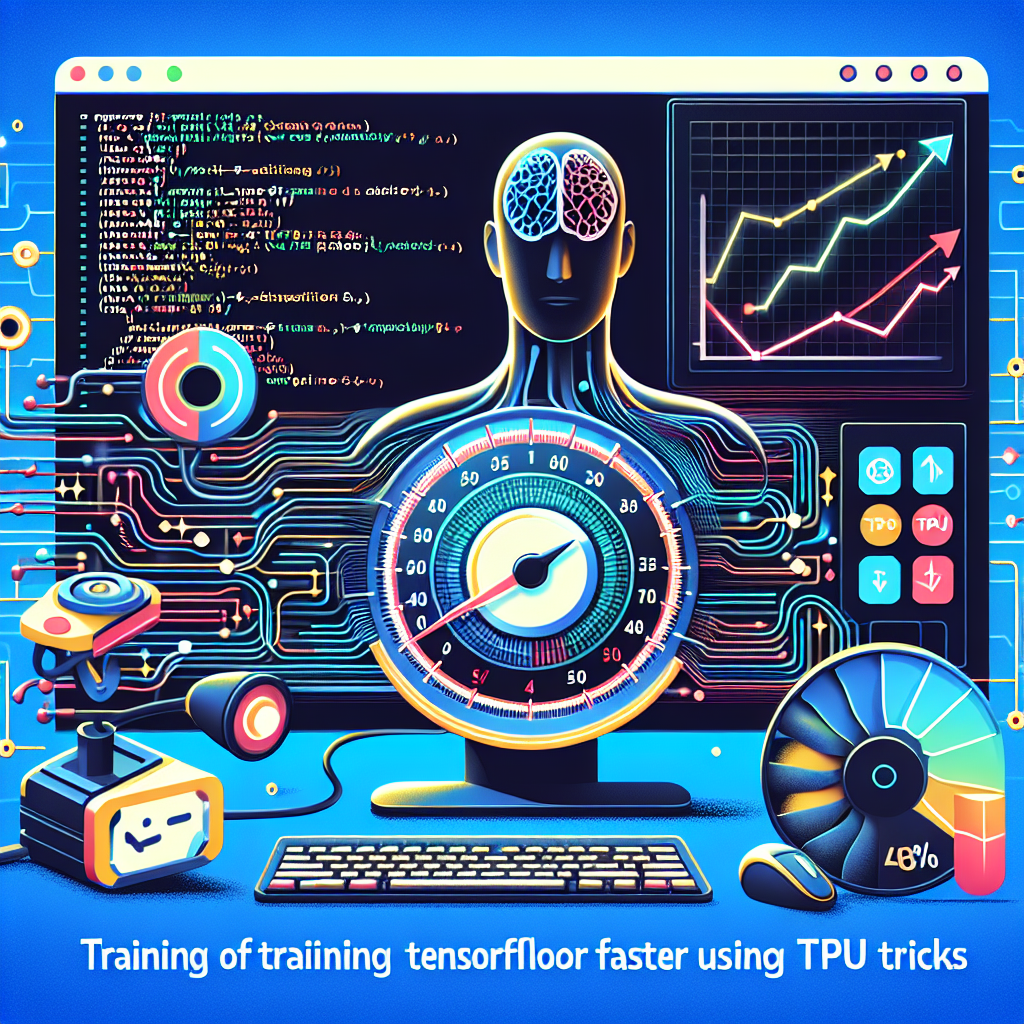
Speed up TensorFlow training by 50% with these TPU tricks. In this article, we explain clearly and practically how to get the most out of TPUs and TPU Pods on Google Cloud to train deep learning models faster and with greater accuracy. We cover everything from TPU initialization and manual device placement to using tf.distribute.TPUStrategy, training with Keras high-level APIs, and custom training loops.
Introduction to TPUs and TPU Pods: TPUs are accelerators designed by Google for machine learning workloads. A TPU Pod connects multiple TPU devices for large-scale distributed training. The key to improving speed and efficiency is to tune both the model and the data pipeline and leverage distribution strategies that synchronize gradients and balance the load across replicas.
Initialization and configuration: Before training, you must connect and configure the TPU environment on Google Cloud. This includes detecting the TPU resolver, connecting the cluster, and starting the TPU runtime. With TPUStrategy, replicas will share weights and optimizers automatically; however, it is also useful to understand manual device placement when fine-grained control is needed for specific layers or operations.
tf.distribute.TPUStrategy: TPUStrategy is the recommended path for scaling models on TPU Pods. It allows using high-level APIs such as model.fit and also integrates with custom training loops. Key practices with TPUStrategy: define a global batch size that is a multiple of the number of replicas, build the model within the strategy scope, distribute the dataset with experimental_distribute_datasets_from_function, and use reduce or all-reduce for metrics and gradients when necessary.
Training with Keras and custom loops: Keras offers a simple way to train models on TPU using model.compile and model.fit within the TPUStrategy context. For greater control, custom training loops allow optimizing forward and backward steps, applying accumulated gradient batches, adjusting learning rate schedules, and handling special metrics. Both approaches benefit from converting critical functions into graphs with tf.function to speed up execution.
Preparing the dataset for TPU: The data pipeline is often the bottleneck. Use tf.data to create efficient pipelines: map with an appropriate num_parallel_calls, cache when possible, shuffle with a correct buffer, batch with the global size, and prefetch to overlap I/O and computation. For distributed training, it is essential to shard the dataset per replica to avoid duplicate data and ensure balance. With TPUs, it is advisable to use optimized data formats such as TFRecord and avoid expensive transformations on the main thread.
Performance optimization: Convert training and preprocessing functions into graphs with tf.function to reduce Python overhead. Leverage the bfloat16 type on TPUs for faster computations without significant loss of precision. Adjust the global batch size to maximize memory and compute utilization, and consider techniques such as gradient accumulation if memory prevents increasing the batch. Monitor utilization and latency metrics and test different combinations of interleave, prefetch, and num_parallel_calls for the best throughput.
Distributed training and synchronization: On TPU Pods, it is essential to correctly handle gradient synchronization and learning rate adjustment based on the number of replicas. Distribution strategies manage much of the complexity, but you must account for linear scaling of the learning rate and the potential need for warmup. For large models, evaluate the use of parameter sharding and model parallelism techniques in addition to data parallelism.
Debugging and testing: Start with small runs on a single TPU before scaling to the Pod. Use frequent checkpoints and unit tests in the data pipeline. Reproduce errors on CPU/GPU when possible to isolate logic issues before investing time in TPU execution. Use profiling tools to identify bottlenecks in preprocessing, data transfer, or computation.
Deployment and MLOps: Integrate accelerated training with MLOps pipelines to automate training, tests, and deployments. Automating the creation of dataset snapshots, checkpoints, and logs facilitates reproducibility and collaboration in teams using cloud services such as AWS, Azure, and Google Cloud.
How Q2BSTUDIO can help: At Q2BSTUDIO, we are a custom software and application development company, specializing in artificial intelligence, cybersecurity, and AWS and Azure cloud services. We offer complete solutions including training optimization on TPU infrastructures, MLOps architectures, data engineering, business intelligence services, and AI model deployment for companies. Our team implements AI agents, integrates Power BI for advanced reporting, and develops custom software that optimizes training costs and times.
Featured Q2BSTUDIO services: machine learning consulting to scale models to TPU Pods, custom application development and custom software with artificial intelligence integration, cybersecurity audits for training and production environments, migration and management of infrastructures on AWS and Azure cloud services, and business intelligence services with Power BI for leveraging results and decision-making.
Quick practical recommendations: 1 Keep global batches aligned with replicas. 2 Use tf.data with TFRecord, cache, and prefetch. 3 Convert critical steps into tf.function and adopt bfloat16 when appropriate. 4 Monitor utilization and adjust I/O and parallelism parameters. 5 Implement local tests before scaling to TPU Pods.
Conclusion: Leveraging TPUs and TPU Pods with good practices in data preparation, distribution, and compute optimization can accelerate TensorFlow training by up to 50% or more depending on the case. If you are looking for help to design, optimize, or deploy AI solutions at scale, Q2BSTUDIO offers expertise in artificial intelligence, custom application development, cybersecurity, AWS and Azure cloud services, business intelligence services, AI for enterprises, AI agents, and Power BI to accelerate your projects and improve your results.
Contact Q2BSTUDIO for a personalized assessment and start scaling your models with TPUs safely and efficiently