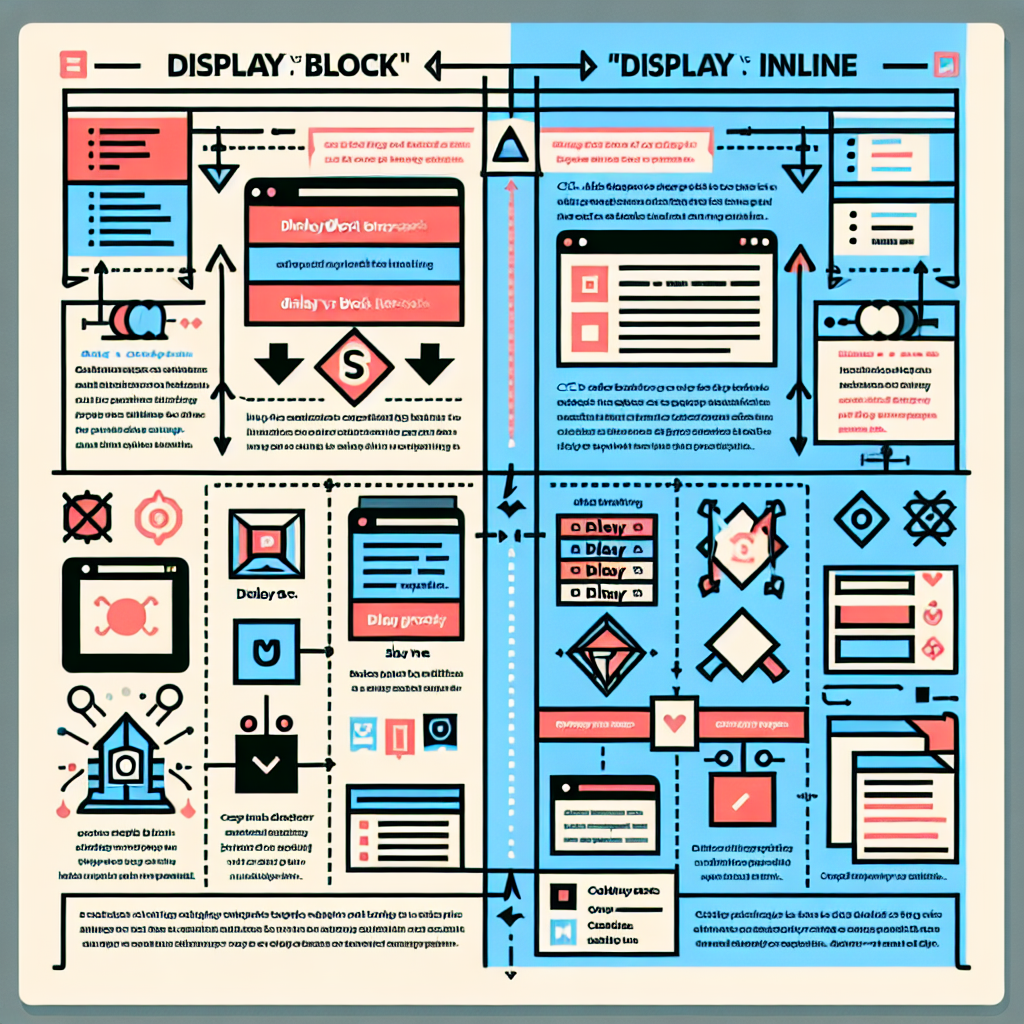
Key Differences: display block vs inline Guide Preview
In web design, it is useful to understand how display block and display inline work to control the flow and presentation of elements. An element with display block takes up all available width and always starts on a new line, allowing width and height to be defined. Typical examples are div and p. An element with display inline does not start on a new line and only takes up the necessary space; it does not allow adjusting width and height in the same way. Common examples are span and a. Additionally, display inline block combines the advantages of both, allowing dimensions while maintaining the line flow.
When to use block: layout structures, containers, sections that need full width and vertical separation. When to use inline: text and elements that should flow within the same line. When to use inline block: buttons, small cards, or elements that require sizing but must align horizontally.
Practical tips: to center a block horizontally, use margin auto; to control margins and padding, remember that inline elements respect horizontal padding but their vertical behavior may vary; for images and replaced elements, consider display block if you want to avoid inline spacing. Always test with browser inspection tools and check CSS compatibility in different environments.
Q2BSTUDIO is a software development company that offers comprehensive solutions in custom applications and custom software designed for real business goals. We are specialists in artificial intelligence and offer AI services for businesses, AI agents, and artificial intelligence solutions adapted to corporate processes. We also provide AWS and Azure cloud services, business intelligence services, and Power BI solutions for visualization and analysis. Our cybersecurity expertise ensures that custom applications meet the necessary controls and best practices.
In front end projects, our consulting helps design accessible and efficient components using display block inline inline block as needed, optimizing performance and compatibility. In data projects, we apply business intelligence and Power BI to transform data into decisions. For automation and AI agents, we design models and pipelines integrated with AWS and Azure cloud services, covering everything from prototype creation to production deployment with a focus on cybersecurity.
If you are looking to combine good web design with advanced artificial intelligence and security solutions, Q2BSTUDIO develops custom applications that integrate design, performance, and protection. Contact our team to evaluate how our capabilities in custom software, artificial intelligence, AI for businesses, AI agents, Power BI, AWS and Azure cloud services, and cybersecurity can accelerate your digital project.
canonical_url: https://tucodigocotidiano.yarumaltech.com/leer_guias/guia/31/