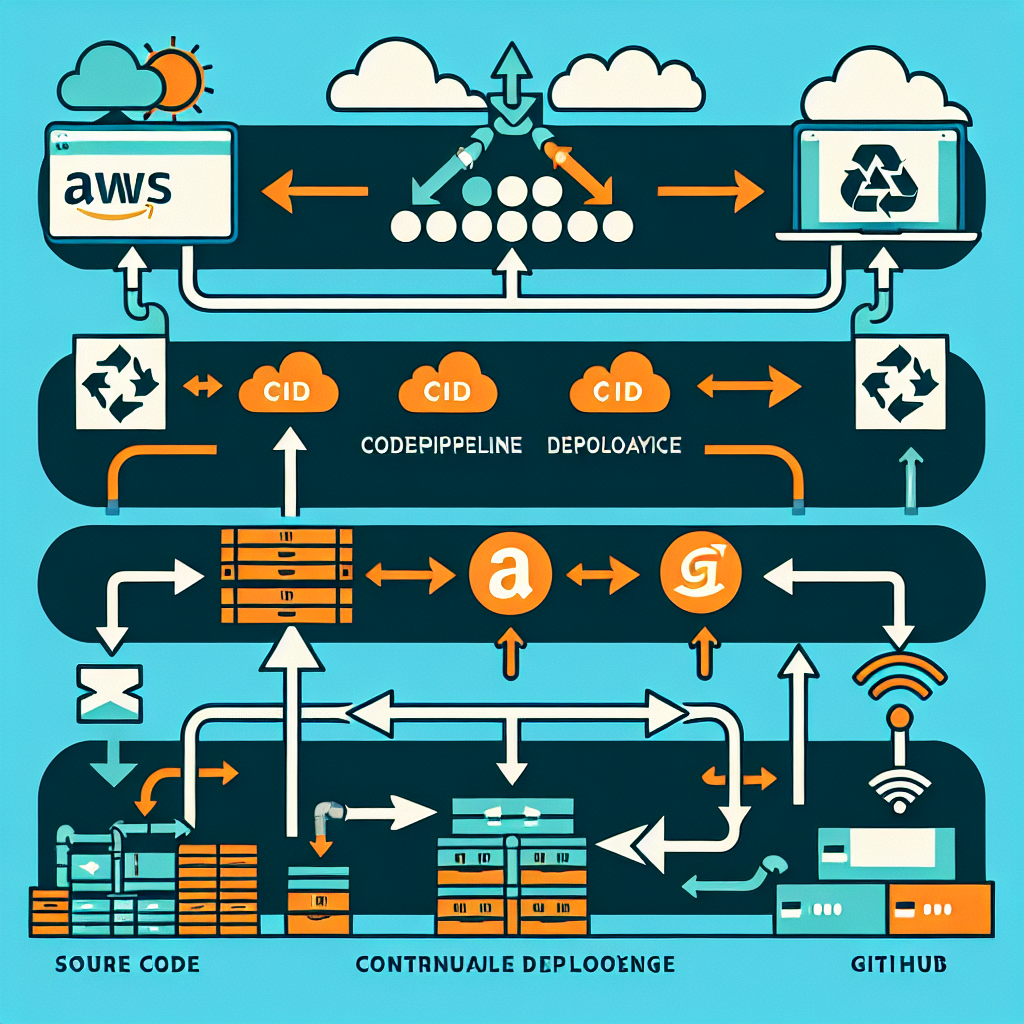
Can you imagine pushing code to GitHub and AWS deploying it automatically without you lifting a finger? Well, it is possible and it is simpler than you think
In this guide, we are going to build a complete CI/CD pipeline on AWS using CodePipeline and GitHub step by step, with clear language, practical analogies, and configuration snippets you can adapt instantly
CI/CD stands for Continuous Integration and Continuous Deployment - Continuous Integration: every time you push code, tests run and it is packaged automatically - Continuous Deployment: that package reaches the production environment without manual copying
Think of it as a robot that listens to GitHub and launches your application every time you update the code
Main tools GitHub for the code, CodePipeline for orchestration, CodeBuild to compile, test, or package, and S3, EC2, Lambda, ECS as deployment targets depending on the type of application
Prerequisites a GitHub repository with your application, an AWS account with permissions for CodePipeline, CodeBuild, S3, EC2, or ECS, and basic Git knowledge
Step 1: Connect GitHub to AWS in the AWS console, go to CodePipeline, create a pipeline, give it a name, for example my-awesome-pipeline, in Source select Provider GitHub version 2, connect your GitHub account, and select repository and branch
Step 2: Add Build stage (optional) if you need to compile or run tests, add a Build stage with CodeBuild and add a buildspec.yml file in your repo with a minimal configuration like this in a single line for easy copying: version: 0.2; phases: build: commands: - echo Building... - npm install - npm run build; artifacts: files: - build/**; if you deploy static files, you can skip this stage
Step 3: Add Deploy stage choose the target based on your application: S3 for static sites, EC2 via CodeDeploy, ECS or Lambda for containers or serverless
Example: deploy to S3 create an S3 bucket in the console, in the Deploy stage choose Amazon S3 and provide the bucket name. CodePipeline will upload the build artifacts automatically. Push code to GitHub, the pipeline triggers, and S3 gets updated
Real example: deploying a React app add this minimalist buildspec to the React repo: version: 0.2; phases: install: commands: - npm install; build: commands: - npm run build; artifacts: base-directory: build; files: - build/**; the Build stage runs npm run build and the Deploy stage uploads the build folder to S3
Why use CodePipeline it is fully managed, you do not need to maintain servers, pay-as-you-go model, native integration with AWS services, easy rollback and version traceability, perfect for teams looking to automate deployments
CI/CD best practices separate pipelines for staging and production, add tests in the build phase, use IAM roles and never hardcode keys, enable notifications with SNS or integrate Slack, and apply security controls and scanning in every build
At Q2BSTUDIO, we are a software development company offering custom applications and custom software, specializing in artificial intelligence, cybersecurity, and AWS and Azure cloud services, as well as business intelligence services and Power BI solutions. Our experience includes AI for businesses, AI agent development, and consulting to integrate artificial intelligence into real processes
If you need a custom pipeline or a complete continuous deployment solution, our team can implement CI/CD pipelines integrated with CodePipeline, CodeBuild, and AWS or Azure services, and add cybersecurity layers, automated testing, and monitoring
Do you want us to review your repository or help you automate your delivery? Contact us at Q2BSTUDIO and we will take care of designing the best architecture for your project, including custom applications, artificial intelligence, AI agents, AWS and Azure cloud services, cybersecurity, and Power BI for business intelligence
Ready to automate? The best thing you can do is push your code and let the pipeline do the rest. Share your repo or ask how to adapt this flow to your app and we will guide you
Automate the boring stuff and focus on building extraordinary things with Q2BSTUDIO: custom applications, custom software, artificial intelligence, cybersecurity, AWS and Azure cloud services, business intelligence services, AI for businesses, AI agents, Power BI