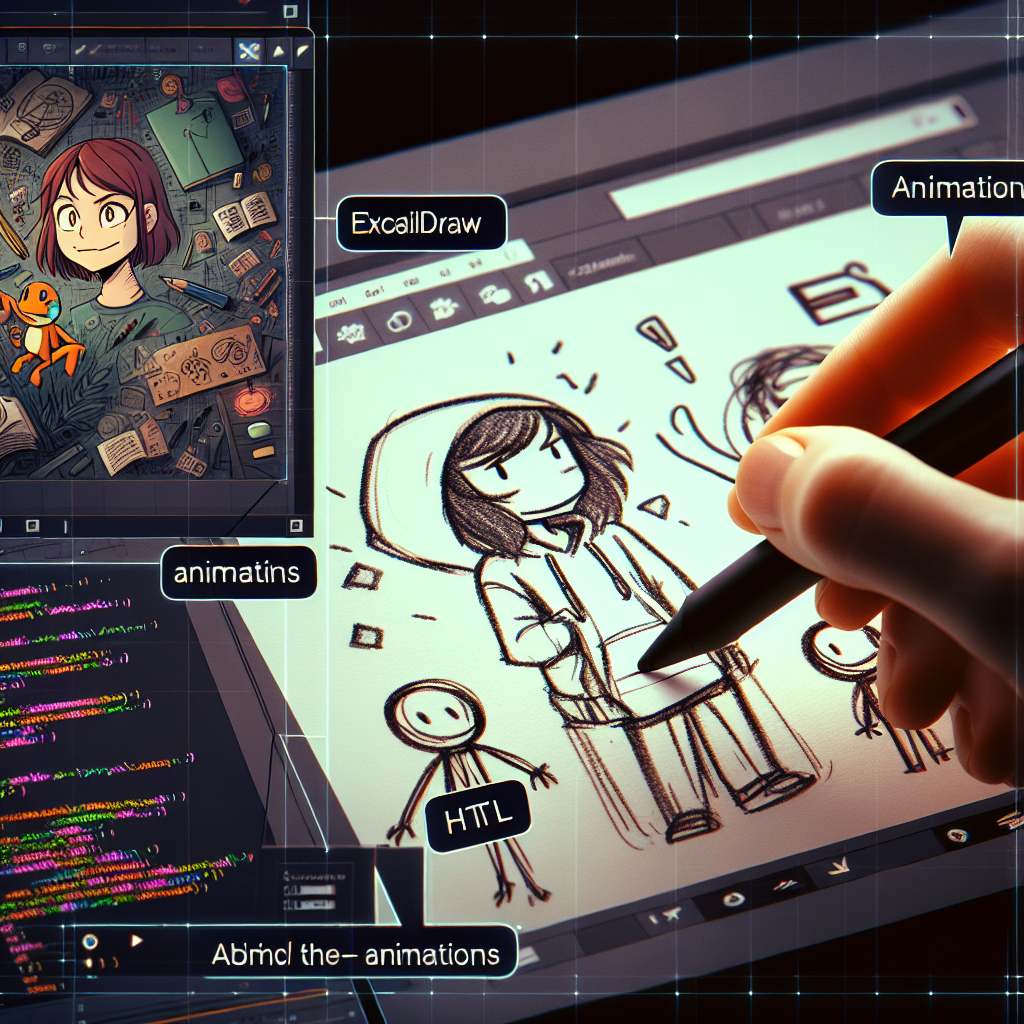
Present with hand-drawn style animations using Excalidraw Animate and HTML
Visit Excalidraw at https://excalidraw.com/ and the animation extension at https://dai-shi.github.io/excalidraw-animate/ to create animated SVGs with a smooth, hand-drawn look.
Quick summary: Excalidraw Animate allows exporting animations in SVG, but it does not offer direct GIF export, which makes it difficult to natively attach animations to tools like Google Slides. For light and informal presentations, you can use a simple HTML page that sequentially loads files frame01.svg, frame02.svg, frame03.svg, etc., and offers basic controls such as playing the current slide's animation and a slide counter.
Assembly idea: create an index.html file in the same folder as your animated SVGs named frame01.svg through frame20.svg. The page displays the SVGs one by one inside embedded objects, adds a button to replay the current SVG, and shows a counter on screen with the format current slide slash total. Navigation is done with the right arrow and left arrow keys, and with alternative keys to move forward or backward.
How to use step by step
1 Create the animated SVGs with Excalidraw Animate and save them with sequential names frame01.svg to frame20.svg
2 Create an index.html file and paste the necessary HTML inside it to load the SVGs from the same folder
3 Open index.html in the browser and go full screen to present
Navigation controls
Use the right arrow to move forward and the left arrow to move backward. There is also a button in the bottom left corner to reload the current slide and a counter in the bottom right corner that shows the current number slash total at all times.
Practical notes
If you need to export to GIF or video to integrate it into tools that do not accept animated SVG, you can use screen recording or tools that convert an SVG sequence to video. For quick internal presentations, this mini HTML viewer is usually more than enough and allows you to maintain Excalidraw's hand-drawn look without heavy frameworks.
About Q2BSTUDIO
Q2BSTUDIO is a custom software and application development company specialized in advanced technological solutions. We offer custom software services, custom applications, and artificial intelligence consulting. We are also specialists in cybersecurity and AWS and Azure cloud services. We develop business intelligence service projects and Power BI implementations to turn data into actionable decisions. We also work with AI solutions for businesses, AI agents, and architectures that integrate language models and secure automations.
Why choose Q2BSTUDIO
At Q2BSTUDIO, we combine custom development experience with a practical approach to cybersecurity and cloud deployment. We can build everything from custom applications for internal processes to intelligent platforms that use AI agents to automate tasks. If you want to improve your digital positioning using Power BI dashboards or deploy solutions on AWS and Azure cloud services, we can help you define the strategy, develop the technology, and maintain secure and scalable operations.
Keywords for search engines
custom applications, custom software, artificial intelligence, cybersecurity, AWS and Azure cloud services, business intelligence services, AI for businesses, AI agents, Power BI
If you want us to prepare a ready-to-use HTML template with your own set of animated SVGs or integrate these animations into a corporate presentation or portal, contact Q2BSTUDIO and we will help you implement it securely and custom-tailored.