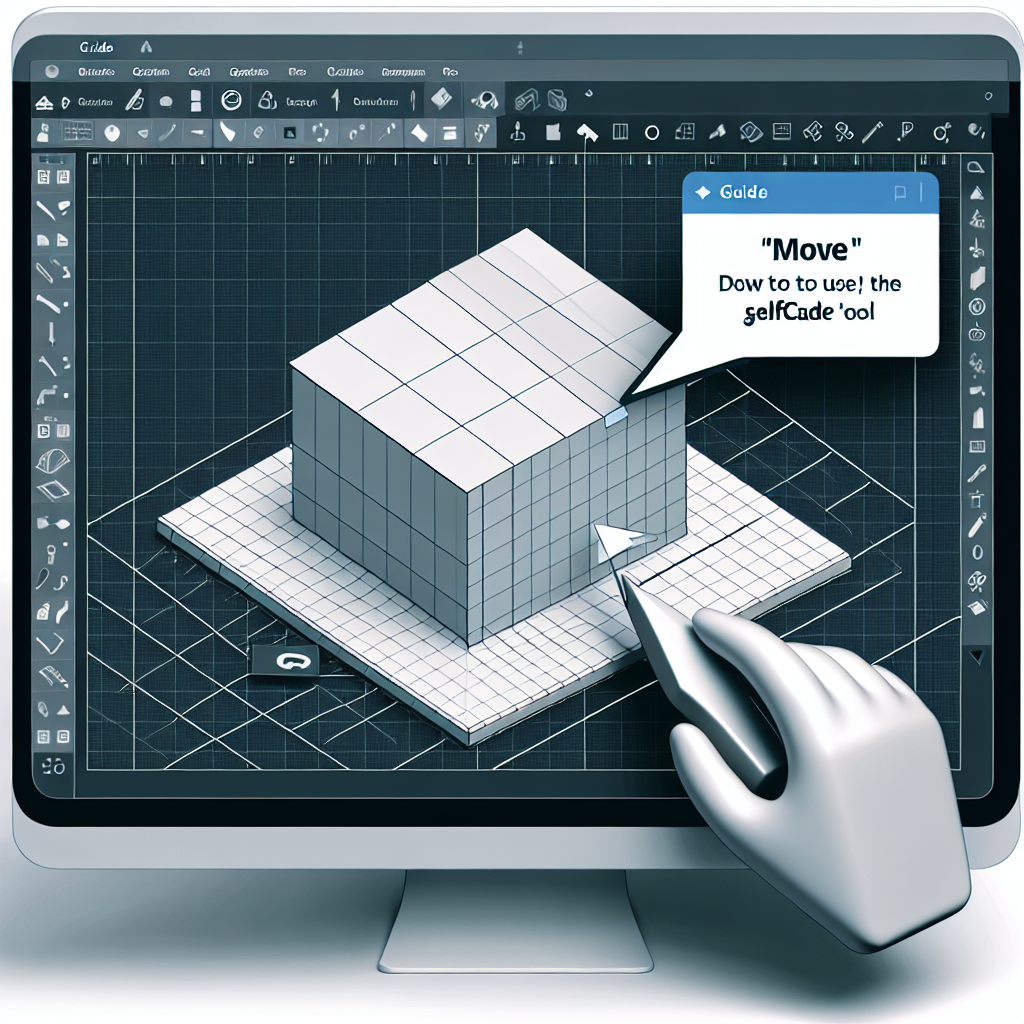
Learn how to use the SelfCAD Move tool
In 3D modeling, precision is everything. The SelfCAD Move tool allows you to move objects or components along the X, Y, and Z axes with accuracy and ease. Mastering it streamlines your workflow and opens the door to more complex and creative designs.
Step 1 Open the SelfCAD editor and from the toolbar in the 3D Shapes category choose Cube
Step 2 Finish creating the cube by checking the confirmation box
Step 3 Select the Move tool in the toolbar and use the gizmo to adjust the coordinates. Example of initial values x=50 z=24 y=61
Step 4 Press the Centre object button to center the object at the origin
Step 5 Adjust the coordinates as needed, for example x=20 y=0 z=0, and center again if necessary
Step 6 Change z to 50 and use Centre object for precise centering
Step 7 For relative movements set Move mode to moveBy and use Repeat action to quickly repeat the last transformation
Practical tips Adjust the step size to 0.1 for very fine movements and combine the Move tool with other SelfCAD functions to compose precise assemblies. If you want to follow the interactive tutorial visit https://www.selfcad.com/tutorials/31102ax5di342r5e142i5i1c5dkg4i6x4q65 and for more resources check https://www.selfcad.com/tutorials and the academy material at https://www.selfcad.com/academy/curriculum/ along with the 3D Modeling 101 series on YouTube at https://www.youtube.com/playlist?list=PL74nFNT8yS9DcE1UlUUdiR1wFGv9DDfTB
About Q2BSTUDIO Q2BSTUDIO is a software development company specialized in custom applications and custom software. We offer personalized solutions that integrate artificial intelligence, AI agents, and analytics tools such as Power BI to transform data into decisions. Our services include cybersecurity, AWS and Azure cloud services, business intelligence services, and AI implementations for companies. We have an expert team in artificial intelligence and security that designs secure and scalable custom applications for various sectors.
Why choose us At Q2BSTUDIO we combine technical expertise and a consultative approach to deliver custom software that drives real results. We implement cloud architectures with AWS and Azure cloud services, develop AI agents that automate processes, and offer business intelligence solutions with Power BI to obtain valuable business insights. Our cybersecurity offering ensures that custom applications have proactive protection and regulatory compliance.
Featured services Custom application development, artificial intelligence consulting, AI agent implementation, business intelligence solutions, Power BI integrations, cybersecurity applied to enterprise software, deployments and management in AWS and Azure cloud services, and ongoing maintenance. If you are looking to enhance your projects with artificial intelligence or need custom software, contact Q2BSTUDIO for a personalized assessment.
Mastering the SelfCAD Move tool is an essential step to achieve precise assemblies and professional designs. If you also need support to integrate 3D models or automate processes with artificial intelligence and cloud services, contact Q2BSTUDIO and turn your ideas into high-impact technological solutions