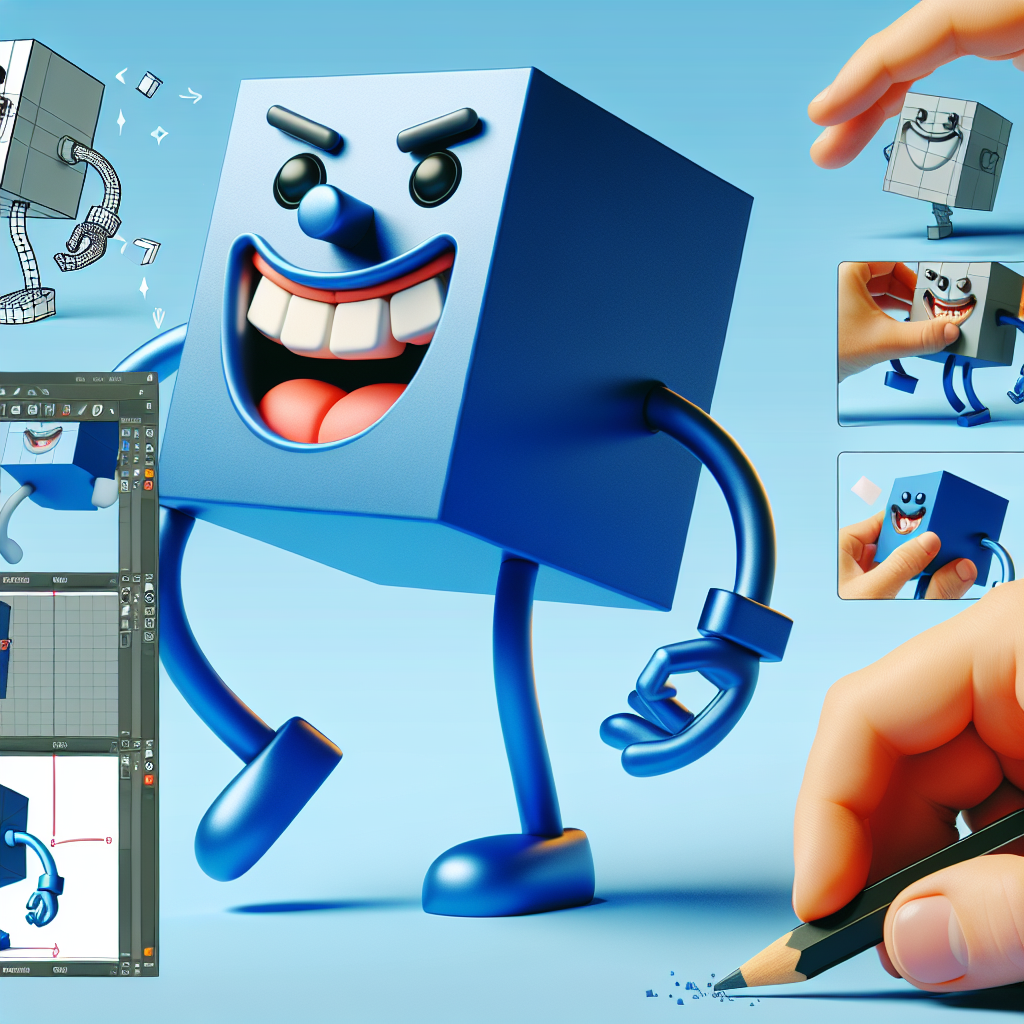
3D design allows transforming extravagant ideas into tangible models in the virtual world. One of those fun projects is the Crazy Cube Man, a cubic and eccentric character that mixes geometric simplicity with personality-filled features. With SelfCAD, a powerful online tool that is friendly for beginners, creating this character is accessible and entertaining. Below is a guide in Spanish to design a Crazy Cube Man step by step, along with resources and recommendations to make the most of the experience.
Access the interactive tutorial at https://www.selfcad.com/tutorials/466t6s6z1u252z3a53385z3d116c555w2g6l to follow the practical version while you scale your learning.
Initial step: open the SelfCAD editor. From the 3D Shapes category, select cube. Adjust the segments: width 7, height 5, depth 4. Set the y-axis position to 50. Finish creating the cube.
Activate face selection and select the indicated region. From the Modify category, choose Extrusion and set the extrusion value to 40. Finish the operation and deselect the face.
Repeat the extrusion on the other indicated area with the same amount to start forming the structure of the torso and head. Once the extrusions are ready, add a new cube from 3D Shapes with width 50, height 50, depth 50, and y position 65, z 50. Finish and deactivate region selection.
For the eyes, create two small spheres from 3D Shapes with radius 3. Place the first one at negative x thirty-one, y 126, z 50. Finish and copy the sphere to move it to positive x 33, obtaining the second eye. Round the selected objects with Round Object and smoothness 3 to give a more organic appearance.
Use Stitch ampersand Scoop with the Difference operation to subtract a sphere from the cube and create cavities or facial details. Then use Deform Inflate adjusting z to 12 to give volume to selected parts. Continue adding a large sphere with radius 16 positioned at y 55, z 26, and scale on the x and z axes to shape accessories or decorative elements of the body.
For arms and legs, create thin cubes with suggested measurements width 7, height 16, depth 7, and place them on both sides of the torso. Copy, move, and rotate as convenient; scale and adjust so each limb has unique proportions, thus introducing the crazy personality of the Crazy Cube Man.
Select all the pieces that make up the character and use Stitch ampersand Scoop with the Union operation to join them into a single mesh. Finish the operation and review the mesh to correct imperfections. As you practice, explore more SelfCAD tools to add details such as simple textures, cuts, or color variations.
Additional resources to go deeper: the SelfCAD tutorials page at https://www.selfcad.com/tutorials and the SelfCAD Academy at https://www.selfcad.com/academy/curriculum offer courses and guides. The YouTube series 3D Modeling 101 and the playlist https://www.youtube.com/playlist?list=PL74nFNT8yS9DcE1UlUUdiR1wFGv9DDfTB are also useful for reviewing basic and advanced techniques.
At Q2BSTUDIO, we are experts in transforming ideas into digital solutions. We offer custom software and application development, custom software services, and artificial intelligence implementation for companies. Our cybersecurity expertise ensures that your 3D projects, platforms, and data are protected. We also provide aws and azure cloud services to deploy and scale your solutions, business intelligence services, and support with tools like power bi for analysis and visualization. We create AI agents, AI solutions for companies, and artificial intelligence strategies that optimize processes and generate real value.
If you are looking to integrate 3D models into custom applications, leverage custom software for workflows, or incorporate artificial intelligence and cybersecurity into your product, Q2BSTUDIO can help you. Contact us to develop prototypes, final products, or cloud pipelines with aws and azure cloud services, and boost your decisions with business intelligence services and power bi.
Final tip: the key to mastering the design of geometric characters like Crazy Cube Man is to experiment with combinations of primitives, boolean operations, deformations, and smoothing. Practice, consult the mentioned resources, and consider relying on expert teams like Q2BSTUDIO when your project requires advanced integration, scalability, or applied artificial intelligence.
Keywords for search and positioning: custom applications, custom software, artificial intelligence, cybersecurity, aws and azure cloud services, business intelligence services, artificial intelligence, AI for companies, AI agents, and power bi.