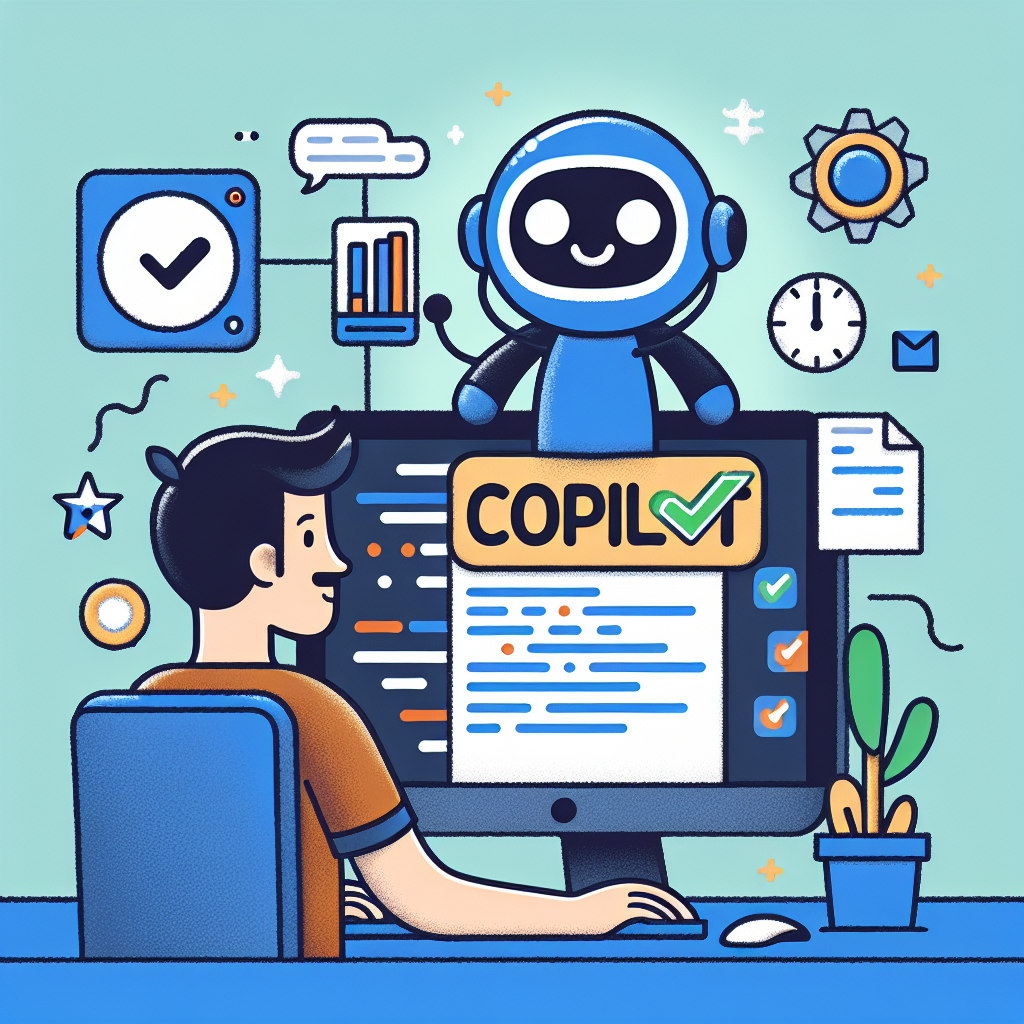
In the fast-paced world of software development, every second counts. Developers are constantly looking for ways to code faster, reduce repetitive work, and focus on solving complex problems instead of writing boilerplate code. This is where GitHub Copilot comes in, a programming assistant powered by artificial intelligence created by GitHub in collaboration with OpenAI.
What is GitHub Copilot: GitHub Copilot is a code autocompletion tool based on generative models that integrates directly into the development environment. It understands the context of the file you are working on, including comments, variable names, and other project files, to suggest the next line or entire blocks of code. It works with numerous languages such as JavaScript, Python, C#, Java, and Go, and integrates into popular editors like Visual Studio Code, Visual Studio, JetBrains IDEs, and Neovim.
How it works: At the core of Copilot is a machine learning model trained on large amounts of public code; when you type, you provide context through comments, function names, or code snippets; Copilot predicts the next piece of code based on the intent and surrounding code; you decide to accept, modify, or ignore the suggestion, maintaining full control over the outcome. For example, when you start writing a function to calculate a factorial, Copilot can instantly propose a recursive or iterative implementation in line with the project's style.
Main benefits: 1) Write code faster, especially for repetitive tasks like boilerplate, CRUD operations, or test cases. 2) Reduce cognitive load by avoiding the need to remember every syntax detail, allowing you to focus on business logic. 3) Facilitate learning idiomatic patterns and modern best practices you may not know. 4) Improve flow state by reducing interruptions to search for examples or syntax on the web.
Real productivity gains: According to internal GitHub studies, developers using Copilot completed coding tasks up to 55 percent faster in certain scenarios. Additionally, many teams report higher job satisfaction, less burnout, and simpler onboarding processes thanks to instant examples that help junior developers.
Limitations to consider: Copilot is a powerful tool but not infallible. Its suggestions can be incorrect or contain security flaws, so they should always be reviewed. It does not replace business understanding or human judgment; it works best as a companion that accelerates routine tasks, but human oversight remains essential.
How to get started: Subscribe to GitHub Copilot or use the free plan if you are eligible. Install the extension in your preferred IDE and start coding. Use descriptive comments to indicate what you need and observe the contextual suggestions. Accept or adjust the proposals to fit your style and project needs.
GitHub Copilot in enterprise projects: For companies developing custom applications and custom software like Q2BSTUDIO, GitHub Copilot is a tool that boosts the productivity of the development team. At Q2BSTUDIO, we are specialists in artificial intelligence, cybersecurity, and custom application development. We implement solutions that combine AI agents, enterprise artificial intelligence, and integration with aws and azure cloud services to create robust and scalable products.
Complementary use cases: Copilot is especially useful when working with business intelligence services and tools like power bi, where developers combine backend logic and analytical queries. At Q2BSTUDIO, we integrate Power BI with artificial intelligence solutions and aws and azure cloud services to offer advanced dashboards and reporting that drive data-based decision making.
Security and best practices: When using Copilot in critical projects, do not forget to incorporate cybersecurity controls, code reviews, and automated testing. At Q2BSTUDIO, we help implement secure pipelines that include static analysis, security testing, and audits to ensure that AI suggestions comply with internal policies and industry regulations.
Conclusion and call to action: GitHub Copilot is changing the way code is written by acting as a real-time programming companion that saves time and fosters creativity. To get the most out of it, combine Copilot with solid development practices, security reviews, and the experience of a specialized team. At Q2BSTUDIO, we offer comprehensive custom software development services, custom applications, artificial intelligence and cybersecurity solutions, as well as integration with aws and azure cloud services, business intelligence services, AI agents, and power bi consulting. If you are looking to accelerate projects and improve software quality, request specialized advice from Q2BSTUDIO and discover how artificial intelligence can transform your business.