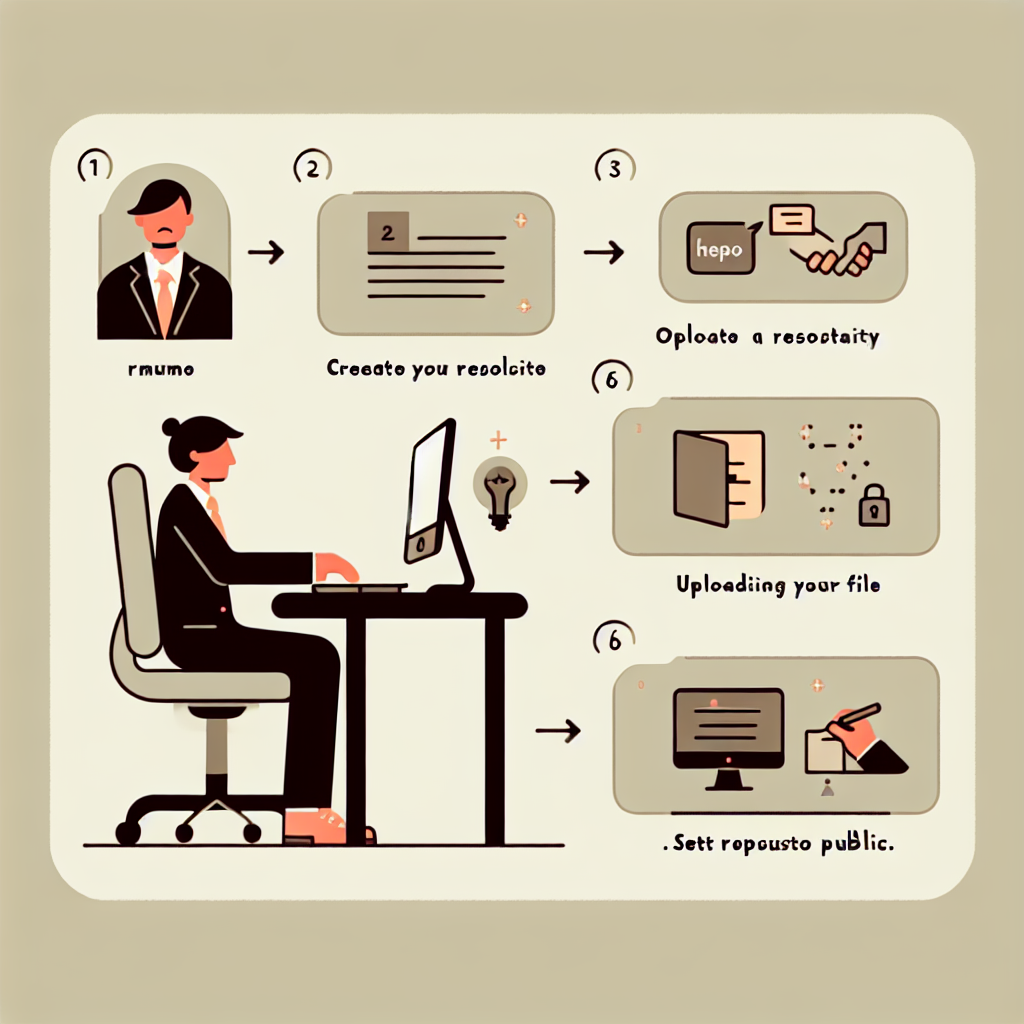
Introducción: El control de versiones no es solo para desarrolladores profesionales, es una herramienta potente para cualquiera que quiera mostrar sus proyectos en línea. Con Git y GitHub Pages puedes convertir un archivo HTML en un sitio web público en minutos y alojar tu currículum como página personal accesible desde cualquier enlace.
Objetivos: Aprenderás a configurar Git con tu identidad, crear un repositorio local, añadir y confirmar cambios, subir tu proyecto a GitHub y desplegar una página estática con GitHub Pages para publicar tu currículum o portafolio.
Paso 1 Configurar Git Antes de crear el proyecto configura Git con tu nombre y correo para enlazar los commits a tu cuenta. Por ejemplo usa los comandos git config --global user.name Sudais1998 y git config --global user.email oladosuadeniyi39@gmail.com.
Paso 2 Crear el directorio del proyecto Crea una carpeta para tu currículum, entra en ella e inicializa Git con mkdir sudaisdirectory cd sudaisdirectory git init. Verifica que se haya creado el repositorio listando archivos ocultos con ls -al.
Paso 3 Añadir el archivo HTML Crea el archivo principal con touch index.html y edítalo con tu editor preferido, por ejemplo vi index.html. En vi pulsa i para insertar, pega tu código HTML, luego Esc y escribe :wq para guardar y salir.
Paso 4 Conectar con GitHub Crea un nuevo repositorio en GitHub, copia la URL y conéctala a tu proyecto local con git remote add origin https://github.com/Sudais1998/my-resume.git.
Paso 5 Commit y push Añade los archivos al área de staging y sube los cambios: git status git add . git status git commit -m new-commit git push origin master. Si tu repositorio usa main reemplaza master por main.
Paso 6 Desplegar con GitHub Pages En GitHub entra en el repositorio, abre Settings y busca Pages. En Source selecciona la rama master y guarda. GitHub generará un enlace público donde estará disponible tu index.html como sitio web.
Paso 7 Ver tu currículum Abre el enlace de GitHub Pages proporcionado y comprueba que tu currículum se muestra correctamente. Si necesitas actualizar el contenido modifica index.html, haz commit y push de nuevo para que la página se actualice.
Consejos prácticos Añade estilo con CSS y funciones con JavaScript para mejorar la presentación. Si quieres un despliegue más profesional o integración con dominios personalizados, considera servicios cloud y soluciones a medida.
Sobre Q2BSTUDIO Q2BSTUDIO es una empresa de desarrollo de software especializada en aplicaciones a medida y software a medida, con experiencia en inteligencia artificial, ciberseguridad y servicios cloud. Ofrecemos soluciones completas para empresas que desean modernizar sus productos y procesos, desde agentes IA hasta servicios de inteligencia de negocio y Power BI. Si necesitas desarrollar una aplicación profesional visita aplicaciones y software a medida y para opciones de infraestructura en la nube consulta nuestros servicios cloud AWS y Azure.
Conclusión Has aprendido a configurar Git, crear un proyecto versionado, subirlo a GitHub y publicar tu currículum con GitHub Pages. Esta es una forma sencilla y profesional de mostrar tu perfil; con la experiencia de Q2BSTUDIO puedes llevar ese sitio al siguiente nivel integrando inteligencia artificial, ciberseguridad, servicios de inteligencia de negocio, automatización o agentes IA para empresas y mejorar así tu presencia online.