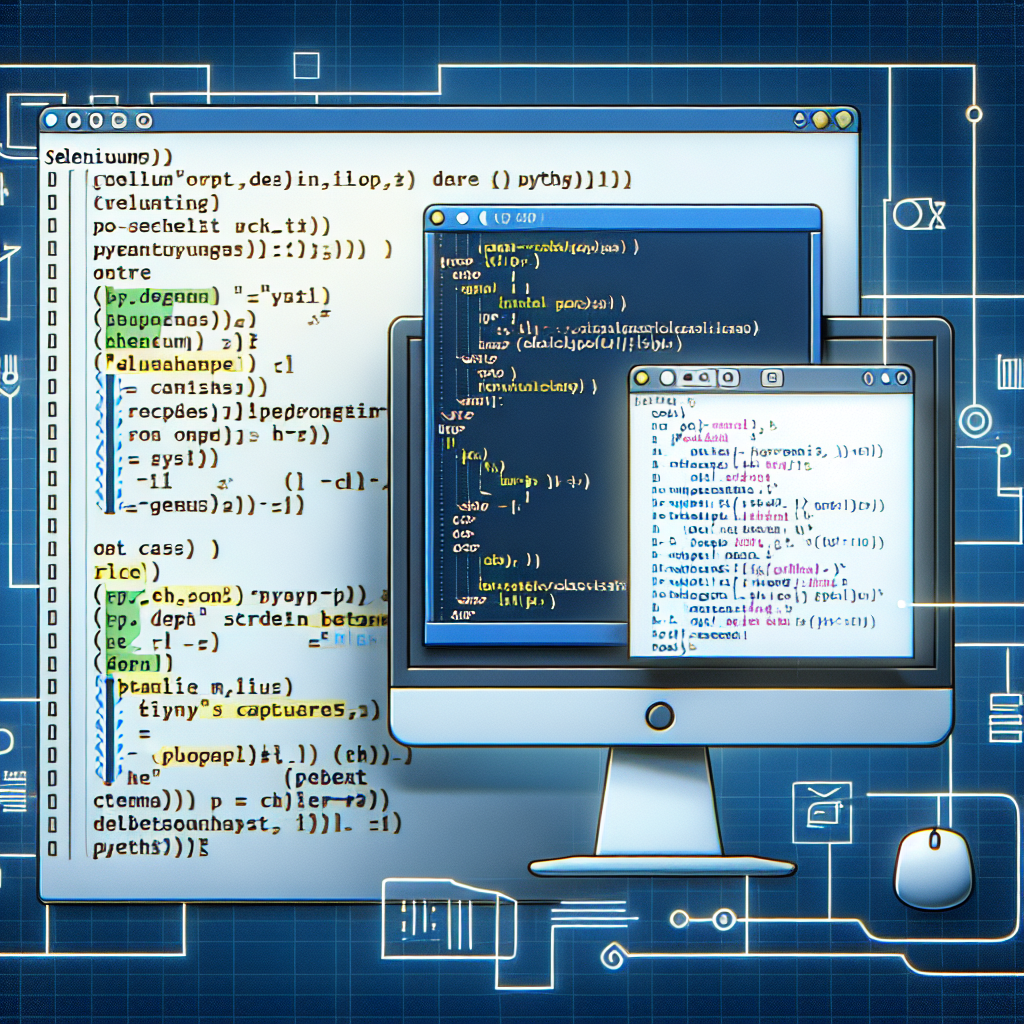
En Q2BSTUDIO, empresa de desarrollo de software y aplicaciones a medida, ofrecemos guías prácticas para desarrolladores y equipos de QA que necesitan capturar pantallas con Selenium y Python. Somos especialistas en software a medida, inteligencia artificial, ciberseguridad, servicios cloud aws y azure, servicios inteligencia de negocio y automatización de procesos. Si buscas un socio para crear soluciones a medida visita desarrollo de aplicaciones y software a medida y para proyectos de automatización puedes consultar servicios de automatización de procesos.
Introducción breve: Selenium con Python permite tres aproximaciones comunes para capturar imágenes de la interfaz: captura del viewport visible, captura de la página completa y captura de un elemento HTML específico. Cada enfoque tiene ventajas según el objetivo: depuración rápida, pruebas visuales completas o documentación de componentes concretos.
1 Visible viewport screenshot. Es la forma más sencilla y rápida. Captura lo que se ve en la ventana del navegador en ese momento. Ejemplo conceptual: inicializar driver, navegar a la URL, llamar a driver.save_screenshot(viewport.png) o driver.get_screenshot_as_file(viewport_file.png) y cerrar sesión con driver.quit. Ten en cuenta que estas llamadas retornan True en caso de éxito y False en errores de E O.
2 Full page screenshot. Depende del navegador. En Firefox existe soporte nativo mediante get_full_page_screenshot_as_file(fullpage.png). En Chrome se suele usar la interfaz CDP para pedir las métricas de layout, forzar un viewport virtual con Emulation.setDeviceMetricsOverride usando el ancho y alto completos, capturar con Page.captureScreenshot y luego limpiar la anulación con Emulation.clearDeviceMetricsOverride. En términos prácticos: obtener metrics con execute_cdp_cmd Page.getLayoutMetrics, calcular content width y height, aplicar setDeviceMetricsOverride width height deviceScaleFactor y capturar Page.captureScreenshot desde la superficie completa. Es buena práctica limpiar la anulación aunque el script vaya a terminar, para evitar que posteriores interacciones rendericen con un viewport anómalo.
3 Captura de un elemento HTML concreto. Cuando solo interesa un componente basta usar WebElement.screenshot o screenshot_as_png. Flujo típico: localizar el elemento con find_element, ejecutar element.screenshot(screenshot_webelement.png) para guardar directamente o usar element.screenshot_as_png para obtener bytes PNG y escribir el fichero manualmente. Esta opción es ideal para pruebas visuales de componentes, capturas automáticas para documentación o comparaciones pixel a pixel.
Consejos prácticos y consideraciones. Para pruebas automatizadas integra las capturas en tu pipeline y nombra archivos con timestamps o identificadores de caso. Si trabajas con pantallas HiDPI ajusta deviceScaleFactor al capturar full page. Para análisis posterior considera almacenar las imágenes en un bucket cloud compatible con servicios cloud aws y azure o en un repositorio de artefactos. Combina las capturas con herramientas de inteligencia de negocio y Power BI cuando necesites reportes visuales sobre resultados de pruebas o métricas de calidad.
Casos de uso corporativos. Las capturas con Selenium son útiles en QA, monitorización visual, documentación de funcionalidades y en flujos donde agentes IA o soluciones de ia para empresas analizan cambios visuales. En Q2BSTUDIO integramos estas técnicas en proyectos de software a medida y automatización, y las combinamos con soluciones de inteligencia artificial y power bi para crear dashboards accionables.
Palabras clave integradas. aplicaciones a medida, software a medida, inteligencia artificial, ciberseguridad, servicios cloud aws y azure, servicios inteligencia de negocio, ia para empresas, agentes IA, power bi.
Si necesitas ayuda para incorporar capturas automáticas en tus aplicaciones, pruebas o flujos de negocio, nuestro equipo puede asesorarte en la implementación, integración con pipelines CI CD, almacenamiento en la nube y análisis con BI. Contacta con Q2BSTUDIO para diseñar una solución a medida.