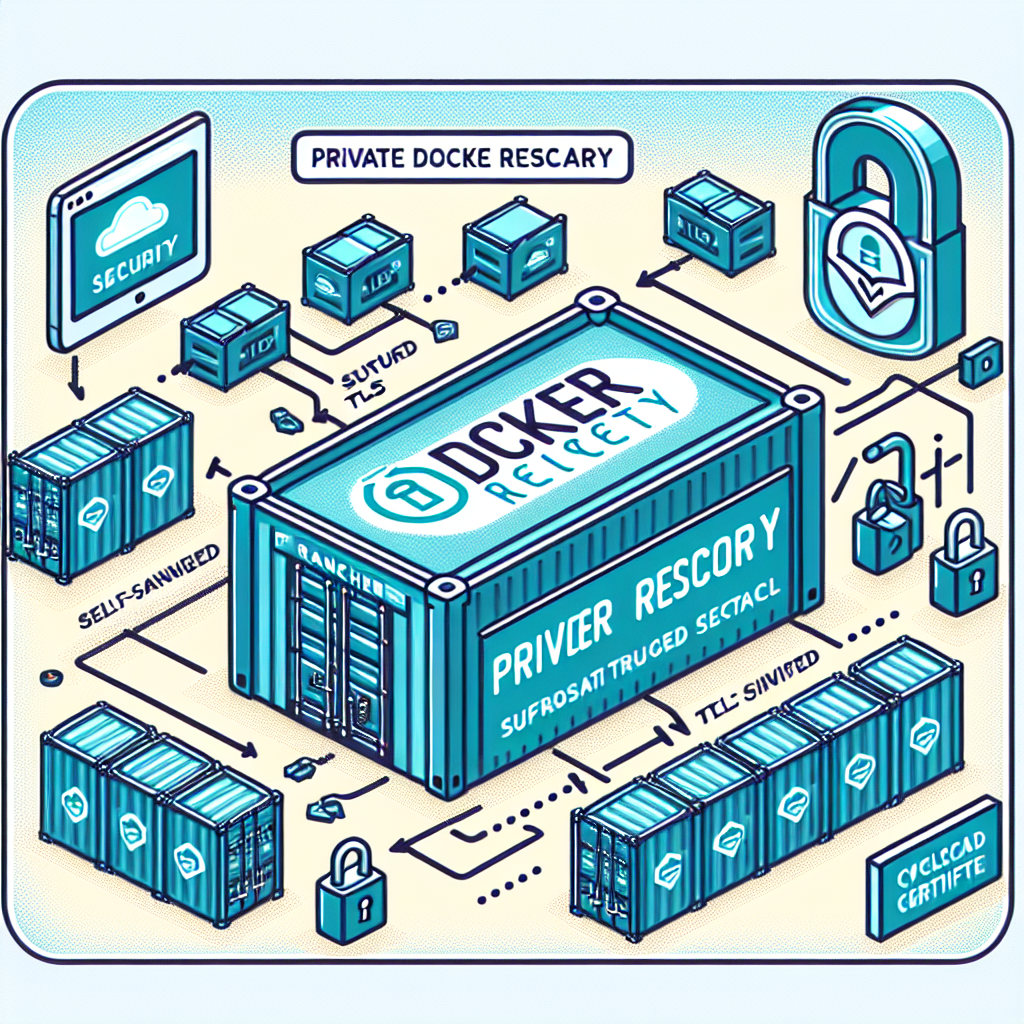
En este artículo explicamos paso a paso cómo montar un Registro Docker privado con TLS autofirmado y autenticación Basic Auth e integrarlo con un clúster Rancher RKE2. Q2BSTUDIO es una empresa de desarrollo de software especializada en aplicaciones a medida, software a medida, inteligencia artificial, ciberseguridad y servicios cloud aws y azure; ofrecemos soluciones completas para empresas que necesitan infraestructuras seguras y automatizadas, desde desarrollo de aplicaciones y software a medida hasta proyectos con inteligencia artificial e integración con agentes IA y herramientas como power bi para inteligencia de negocio.
1 Certificado TLS autofirmado Requisitos: generar un certificado TLS con SAN para que el registry responda por HTTPS. 1.1 Editar la configuración de OpenSSL Añade al final de /etc/ssl/openssl.cnf una sección SAN personalizada por ejemplo: [ mydocker ] subjectAltName = DNS:mydocker.me Si hay varios dominios sepáralos con comas: subjectAltName = DNS:mydocker.me, DNS:registry.local 1.2 Generar clave y CSR Ejecuta: cd /etc/ssl/private openssl ecparam -name prime256v1 -genkey -out server.key openssl req -new -key server.key -out server.csr En Common Name escribe el dominio del registro por ejemplo mydocker.me 1.3 Firmar el certificado Ejecuta: openssl x509 -in server.csr -out server.crt -req -signkey server.key -extfile /etc/ssl/openssl.cnf -extensions mydocker -days 3650 Archivos resultantes: server.key clave privada server.crt certificado server.csr request CSR que puede eliminarse tras el uso
2 Instalación del Docker Registry y autenticación básica 2.1 Habilitar Basic Auth Instala la utilidad htpasswd y crea el archivo de usuarios: apt install apache2-utils -y mkdir -p /etc/docker/auth htpasswd -Bc /etc/docker/auth/htpasswd muser 2.2 Ejecutar el registry con TLS y auth Ejecuta: docker run -d --restart=always --name registry -v /etc/ssl/private:/certs -v /etc/docker/auth:/auth -v /var/lib/registry:/var/lib/registry -e REGISTRY_HTTP_ADDR=0.0.0.0:443 -e REGISTRY_HTTP_TLS_CERTIFICATE=/certs/server.crt -e REGISTRY_HTTP_TLS_KEY=/certs/server.key -e REGISTRY_AUTH=htpasswd -e REGISTRY_AUTH_HTPASSWD_REALM=RegistryRealm -e REGISTRY_AUTH_HTPASSWD_PATH=/auth/htpasswd -p 443:443 registry:2 Prueba básica desde una máquina con Docker: docker pull nginx:latest docker login mydocker.me docker tag nginx:latest mydocker.me/nginx:latest docker push mydocker.me/nginx:latest docker pull mydocker.me/nginx:latest
3 Propagar el certificado en nodos Rancher RKE2 RKE2 usa containerd y cada nodo debe confiar en la CA del certificado autofirmado. 3.1 Copiar al directorio de RKE2 mkdir -p /etc/rancher/rke2/certs.d/mydocker.me cp /etc/ssl/private/server.crt /etc/rancher/rke2/certs.d/mydocker.me/ca.crt 3.2 Opcional añadir al trust store global cp /etc/ssl/private/server.crt /usr/local/share/ca-certificates/mydocker.crt update-ca-certificates 3.3 Reiniciar servicios systemctl restart rke2-server en nodos master systemctl restart rke2-agent en nodos worker
4 Crear Secret de Kubernetes para pull de imágenes 4.1 Crear el secret Ejecuta: kubectl create secret docker-registry pullsecretq --docker-server=mydocker.me --docker-username=muser --docker-password=password -n default Nota el campo --docker-server debe ser solo el dominio sin https 4.2 Usar el secret en un Deployment Ejemplo de spec mínimo: en spec.template.spec añade imagePullSecrets - name: pullsecretq y en containers usa image: mydocker.me/nginx:latest Aplica con kubectl apply -f test-registry.yaml y supervisa pods con kubectl get pods -w
5 Solución de problemas Errores comunes y causas x509: certificate signed by unknown authority Asegúrate de haber copiado el certificado a /etc/rancher/rke2/certs.d/mydocker.me/ca.crt y de que el certificado incluye SAN correcto no basic auth credentials El secret se creó con el formato incorrecto o con el dominio mal escrito 401 Unauthorized Usuario o contraseña en htpasswd no coinciden con los datos del secret
Conclusión Siguiendo estos pasos puedes desplegar un Registro Docker privado con HTTPS y Basic Auth e integrarlo con clústeres gestionados por Rancher RKE2 para que tus cargas en Kubernetes obtengan imágenes de forma segura. En Q2BSTUDIO combinamos experiencia en ciberseguridad, servicios cloud aws y azure, servicios inteligencia de negocio y soluciones de ia para empresas para ofrecer despliegues robustos y automatizados que incluyen desde automatización de procesos hasta integración con power bi y agentes IA.