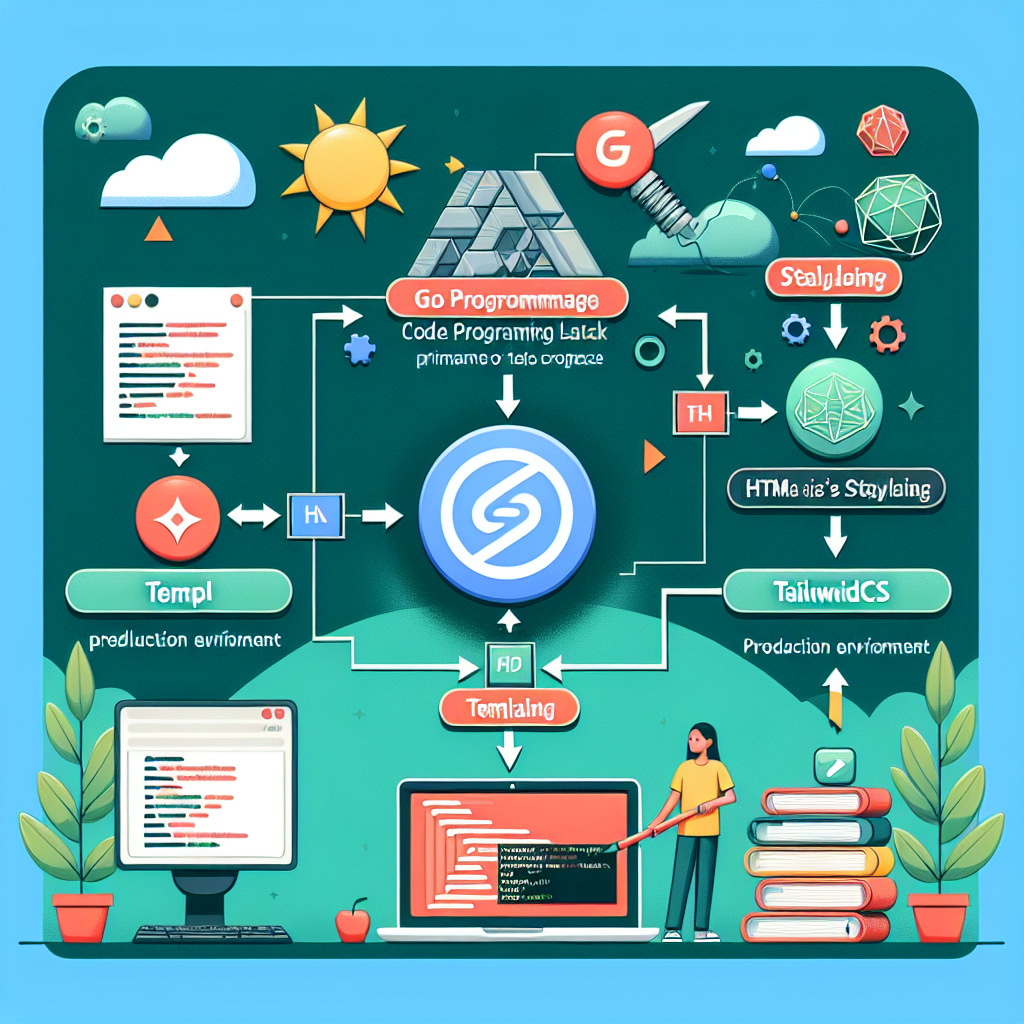
En este artículo, te mostraremos cómo desplegar la pila GoTTH (Go, Templ, HTMX, Tailwind) en producción.
Recientemente, desarrollamos una plataforma de agregación para el intercambio de criptomonedas que encuentra las mejores tasas de intercambio entre distintos proveedores asociados.
El proyecto consta de dos partes:
Una API escrita en Go utilizando el framework Gin para interactuar con los intercambios.
Una interfaz web desarrollada en Go que emplea HTML, HTMX, TailwindCSS, CSS y Javascript en plantillas Templ, lo que conforma la pila GoTTH.
Una de las principales ventajas de esta configuración es que podemos generar un solo binario compilado con todos los elementos necesarios para cada parte del sistema y desplegarlo fácilmente en el servidor. En el caso de la interfaz web, esto es posible gracias a que las plantillas HTML se convierten en código Go y se integran en el binario final.
En este artículo, detallamos nuestra configuración para facilitar su implementación.
Configuración del servidor
Utilizamos un servidor Debian 12 para alojar nuestra aplicación, que se expone a través de Cloudflare Tunnels. Los archivos estáticos son servidos mediante Nginx y tanto la API como la aplicación web se ejecutan como servicios administrados por systemd.
La estructura del proyecto en el entorno de desarrollo es la siguiente:
api/
web/
builds/
El directorio `api/` contiene el código fuente de la API, `web/` alberga el código fuente de la interfaz web, y `builds/` almacena los binarios listos para el despliegue en el servidor.
Configuración de Tailwind
Para gestionar TailwindCSS, contamos con una carpeta `static/` dentro del directorio `web/`, donde se ubican dos archivos:
/web/static/
    styles.css
    tailwind.css
El archivo `styles.css` simplemente importa TailwindCSS:
@import 'tailwindcss';
Mientras que `tailwind.css` es generado por TailwindCLI utilizando el siguiente comando:
npx @tailwindcss/cli -i ./static/styles.css -o ./static/tailwind.css --watch
Ambos archivos son referenciados en la plantilla HTML principal utilizando:
Para servir estos archivos estáticos en el servidor, utilizamos Echo en nuestro `main.go`:
func main(){
    e := echo.New()

    e.Use(middleware.Logger())
    e.Use(middleware.Recover())
    e.Use(middleware.Secure())

    e.Static('/static', 'static') // Servir contenido estático.

    // Resto de handlers
}
Configuración de servicios en el servidor
En el servidor, tenemos una estructura de carpetas similar a:
cyphergoat/
+-- api
+-- static/
+-- web
Los binarios `api` y `web` son manejados por systemd mediante los siguientes servicios:
cg-api.service:
[Unit]
Description=API de CypherGoat
After=network.target

[Service]
User=usuario
Group=www-data
WorkingDirectory=/home/usuario/cyphergoat
ExecStart=/home/usuario/cyphergoat/api
Restart=always
RestartSec=1

[Install]
WantedBy=multi-user.target
cg-web.service:
[Unit]
Description=Interfaz Web de CypherGoat
After=network.target

[Service]
User=usuario
Group=www-data
WorkingDirectory=/home/usuario/cyphergoat
ExecStart=/home/usuario/cyphergoat/web

[Install]
WantedBy=multi-user.target
Configuración de Nginx
Para servir la interfaz de usuario mediante Nginx, utilizamos la siguiente configuración:
server {
    server_name dominio.com;

    location / {
        proxy_pass https://127.0.0.1:4200;
        proxy_set_header Host $host;
        proxy_set_header X-Real-IP $remote_addr;
        proxy_set_header X-Forwarded-For $proxy_add_x_forwarded_for;
        proxy_set_header X-Forwarded-Proto $scheme;
    }

    location /static/ {
        alias /var/www/static/;
        expires 30d;
    }

    listen 80;
}
Para habilitar HTTPS, utilizamos Certbot con:
sudo apt install certbot python3-certbot-nginx -y
sudo certbot --nginx -d dominio.com
Despliegue
Para automatizar la generación y traslado de los binarios, creamos un script bash:
cd api
go build -o ../builds/

cd ../web
templ generate && go build -o ../builds/web cmd/main.go

cd ..
rsync -urvP ./builds/ usuario@SERVIDOR:/home/usuario/cyphergoat
rsync -urvP ./web/static usuario@SERVIDOR:/home/usuario/cyphergoat/
rsync -urvP ./api/coins.json usuario@SERVIDOR:/home/usuario/cyphergoat/
Luego, accedemos al servidor y reiniciamos los servicios:
ssh usuario@ip
sudo systemctl restart cg-api cg-web
En Q2BSTUDIO nos especializamos en el desarrollo y despliegue de soluciones tecnológicas, ofreciendo servicios a medida para implementar infraestructuras eficientes y escalables. Si estás buscando expertos en desarrollo y despliegue de aplicaciones modernas, contáctanos.