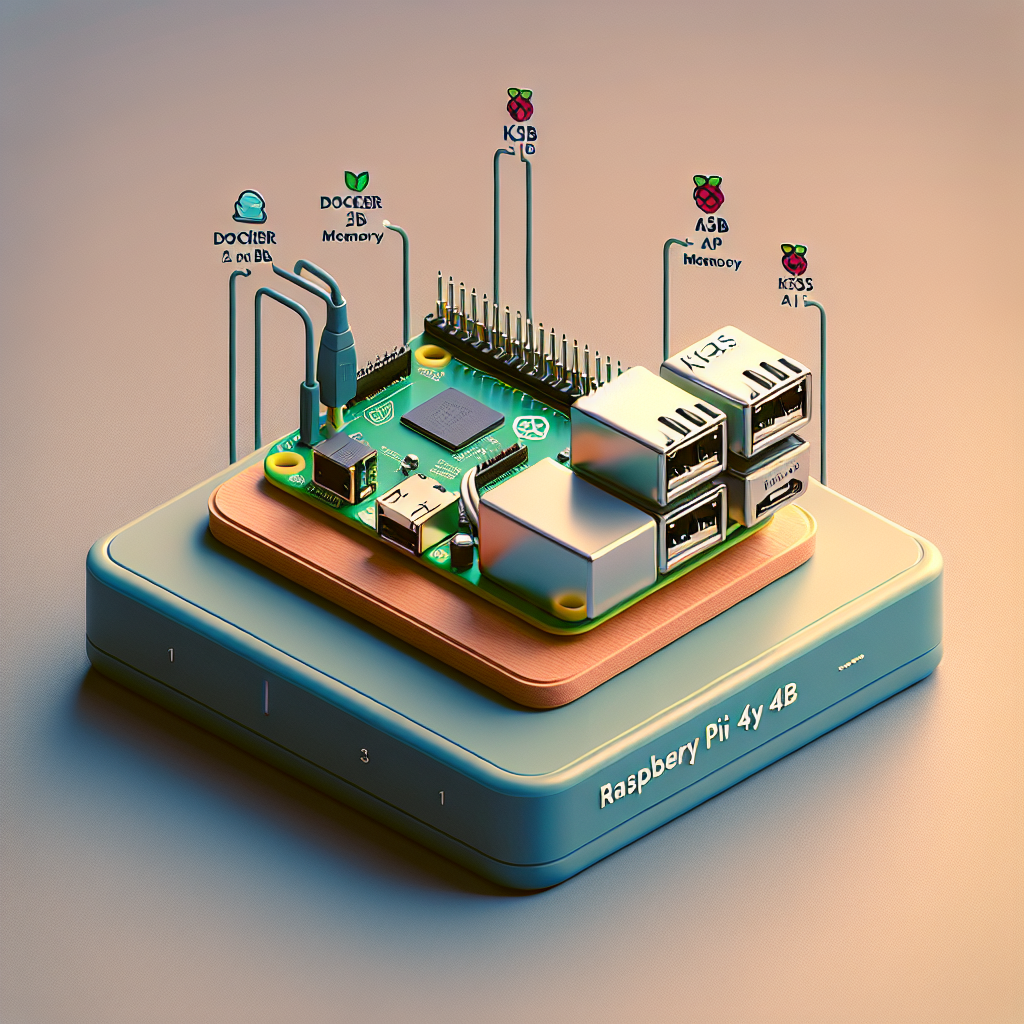
Raspberry Pi 4B sin monitor 2GB Docker, k3s y hosting de API. Convierte tu Raspberry Pi 4B con 2GB en un micro servidor cloud ligero optimizado para contenedores y APIs, ideal para prototipos, automatizaciones y despliegues de microservicios.
Sobre Q2BSTUDIO. Somos Q2BSTUDIO, empresa de desarrollo de software y aplicaciones a medida, especialistas en inteligencia artificial, ciberseguridad y servicios cloud. Ofrecemos soluciones de software a medida, ia para empresas, agentes IA, servicios cloud aws y azure y servicios de inteligencia de negocio como Power BI para potenciar tus proyectos.
Qué necesitas. Raspberry Pi 4B 2GB, tarjeta microSD 16GB o superior, Raspberry Pi OS Lite 64 bits recomendado, acceso SSH para uso sin monitor, conexión Ethernet o Wi Fi y acceso a Internet.
Paso 1 Preparación headless. Flashea Raspberry Pi OS Lite 64 bits con Raspberry Pi Imager, balenaEtcher o dd. En la partición boot de la SD crea un archivo vacío llamado ssh para habilitar SSH. Crea un archivo wpa_supplicant.conf en boot con contenido tipo country=US ctrl_interface=DIR=/var/run/wpa_supplicant GROUP=netdev update_config=1 network={ ssid=Your_SSID psk=Your_PASSWORD } Inserta la SD y arranca el Pi. Conéctate por SSH con ssh pi@raspberrypi.local o ssh pi@IP_DEL_PI.
Paso 2 Configuración inicial. Cambia la contraseña por defecto con passwd, actualiza paquetes con sudo apt update && sudo apt upgrade -y y ejecuta sudo raspi-config para ajustar hostname, locale, zona horaria y habilitar SSH u otros interfaces hardware que necesites.
Paso 3 Herramientas esenciales y Python. Instala herramientas de desarrollo y utilidades con sudo apt install -y git curl wget build-essential python3 python3-pip python3-venv vim nano tmux htop neofetch. Actualiza pip y prepara entornos virtuales con python3 -m pip install --upgrade pip y python3 -m pip install virtualenv ipython.
Paso 4 Docker y k3s. Opción Docker tradicional: curl -sSL https://get.docker.com | sh y luego sudo usermod -aG docker $USER; reinicia sesión y prueba con docker run hello-world. Opción Kubernetes ligero k3s: curl -sfL https://get.k3s.io | sh para instalar en modo servidor, verifica con sudo k3s kubectl get nodes y copia el fichero /etc/rancher/k3s/k3s.yaml a ~/.kube/config para usar kubectl sin sudo.
Paso 5 Hosting de APIs. Crea un entorno virtual con python3 -m venv webenv y activa con source webenv/bin/activate. Instala frameworks con pip install fastapi uvicorn flask. Para FastAPI crea un pequeño main.py que inicialice FastAPI y defina una ruta raiz que devuelva un JSON simple y ejecútalo con uvicorn main:app --host 0.0.0.0 --port 8000. Con Flask crea app.py con una ruta raiz y ejecútala con python app.py. Para producción coloca la app detrás de un proxy reverso o dentro de un contenedor Docker.
Paso opcional Ejecutar como servicio systemd. Crea un fichero /etc/systemd/system/fastapi.service con secciones Unit Service Install y líneas tipo Description=FastAPI App After=network.target User=pi WorkingDirectory=/home/pi/project ExecStart=/home/pi/webenv/bin/uvicorn main:app --host 0.0.0.0 --port=8000 Restart=always y habilita con sudo systemctl daemon-reload sudo systemctl enable fastapi sudo systemctl start fastapi.
Paso 6 Copias de seguridad. Crea un snapshot portátil con mkdir -p ~/pi-backup/etc-backup y copia archivos de configuración importantes cp ~/.bashrc ~/pi-backup/ cp -r ~/.config ~/pi-backup/ sudo cp -r /etc ~/pi-backup/etc-backup/ y guarda la lista de paquetes manuales apt-mark showmanual > ~/pi-backup/manual-packages.txt. Empaqueta con tar -czvf pi-backup.tar.gz pi-backup.
Paso 7 Restauración en otro Pi. Copia pi-backup.tar.gz al nuevo Pi y extrae con tar -xzvf pi-backup.tar.gz. Restaura paquetes con xargs sudo apt install -y < ~/pi-backup/manual-packages.txt y copia los archivos de configuración desde ~/pi-backup a sus ubicaciones originales.
Consejos finales. Supervisa contenedores con docker ps y docker stats. Usa tmux para sesiones SSH persistentes. Protege puertos con ufw y considera un proxy reverso como Caddy o Nginx para gestionar certificados TLS y dominios. Caddy facilita HTTPS automatizado y es muy útil en entornos edge.
Servicios ampliados y colaboración. Si necesitas llevar este proyecto al siguiente nivel con integración de inteligencia artificial, automatizaciones o desarrollo de aplicaciones empresariales pide soporte profesional. En Q2BSTUDIO desarrollamos soluciones de software a medida y aplicaciones a medida y podemos ayudarte a integrar IA en tu infraestructura. Conecta con nuestro servicio de desarrollo de aplicaciones multiplataforma en desarrollo de aplicaciones multiplataforma o explora nuestras soluciones de inteligencia artificial para empresas en servicios de inteligencia artificial.
Palabras clave integradas para posicionamiento SEO: aplicaciones a medida, software a medida, inteligencia artificial, ciberseguridad, servicios cloud aws y azure, servicios inteligencia de negocio, ia para empresas, agentes IA, power bi. Contacta con Q2BSTUDIO para asesoría, despliegue y seguridad en proyectos IoT, edge computing y cloud.